

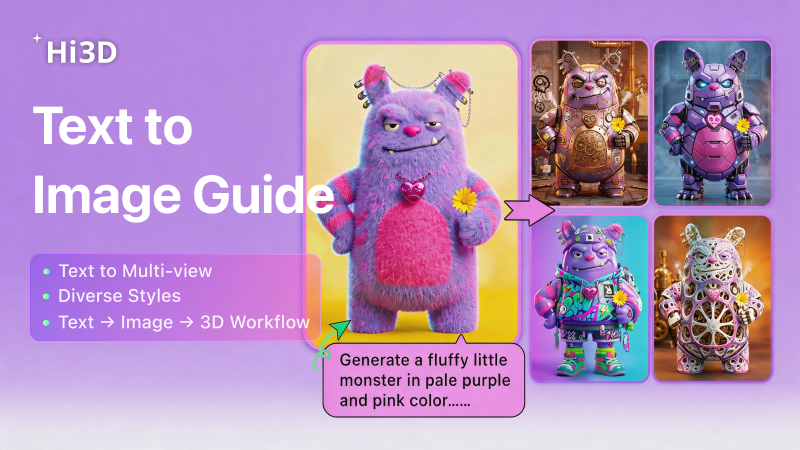
For 3D printing creators | Text → Image → One‑click 3D model | No complex modeling software required
Struggling with no reference blueprints, slow manual modeling, or hard‑to‑print designs for action figures, art toys, miniatures, or cultural collectibles?
Hi3D now offers a built‑in text‑to‑image feature – no need to jump between external AI image tools.
Enter your creative prompt → generate a clean reference image → convert it directly into a 3D printable model – ready for resin (SLA/DLP) and FDM printers.
Perfect for makers who want fast, print‑ready 3D models without switching platforms.
Below is the complete step‑by‑step tutorial for hardcore 3D printing enthusiasts.
Step 1 – Open Text‑to‑Image & Pick the Right Model
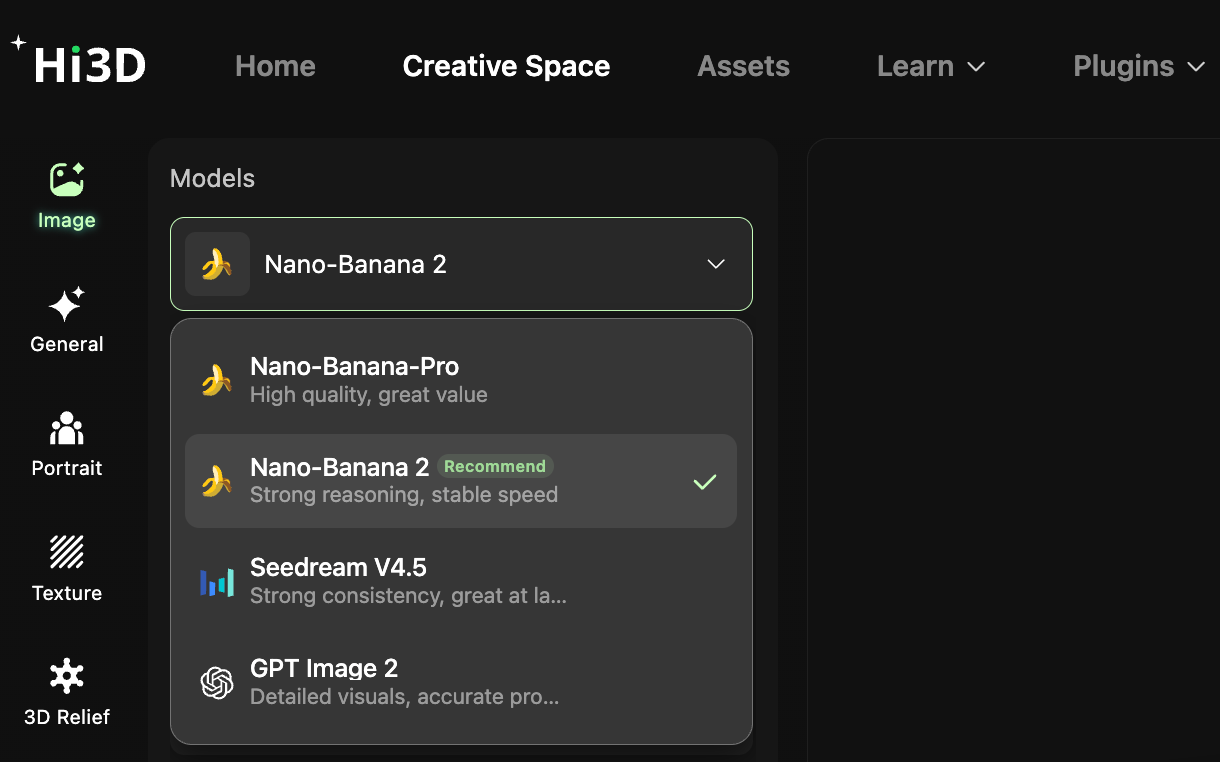
- Open Hi3D → click 【Image】 in the left sidebar to enter the text‑to‑image interface.
- Click the Models dropdown at the top and choose a model (look for “Recommend”). Available models:
| Model | Best for |
|---|---|
| Nano-Banana-Pro | strong reasoning, stable speed |
| Nano-Banana 2 | high quality, cost-effective |
| Seedream V4.5 | strong consistency, layout & typography |
| GPT Image 2 | high detail, accurate prompt control |
Step 2 – Write Your Prompt & Generate with One‑Click Styles
Example Prompts (ready to copy)
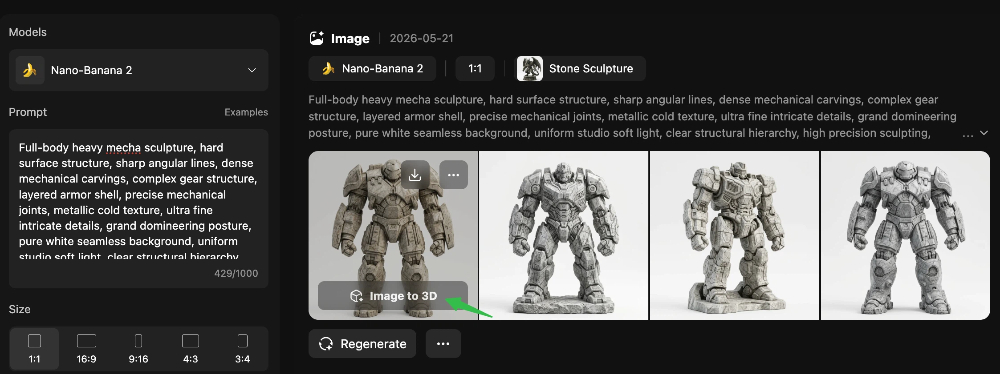
Cyberpunk heavy mecha
Full-body heavy mecha sculpture, hard surface structure, sharp angular lines, dense mechanical carvings, complex gear structure, layered armor shell, precise mechanical joints, metallic cold texture, ultra fine intricate details, grand domineering posture, pure white seamless background, uniform studio soft light, clear structural hierarchy, high precision sculpting, professional 3D printing reference model, no shadow clutter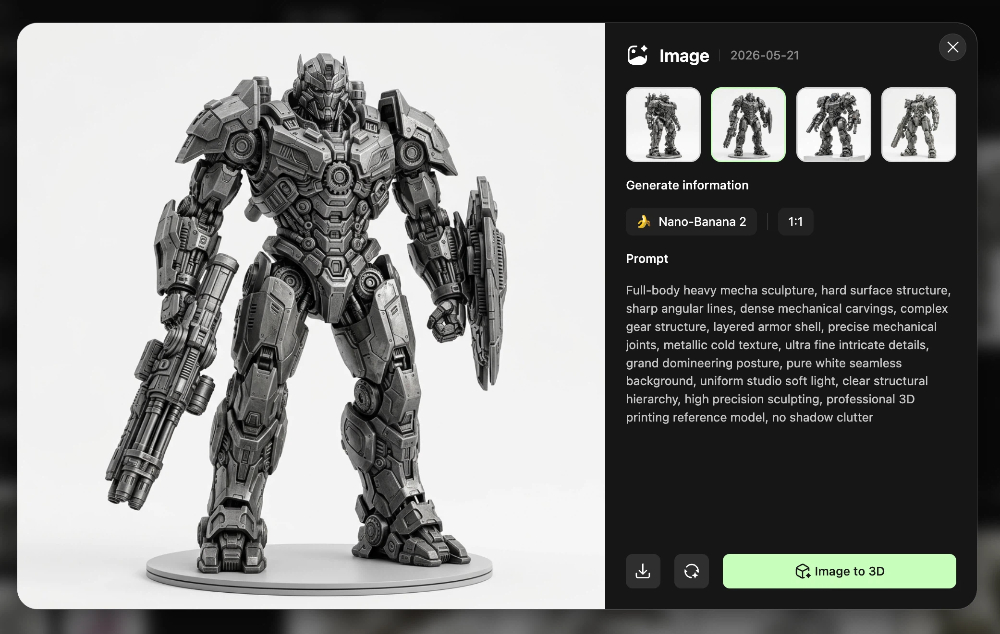
Eastern ancient divine dragon
Full-body ancient divine dragon sculpture, majestic beast form, tough hard scale texture, layered dragon scale carving, sharp dragon horn, complex claw structure, streamlined hard body lines, majestic and solemn aura, ultra delicate three-dimensional relief details, pure white background, high definition texture, complete full body structure, suitable for high detail resin 3D printing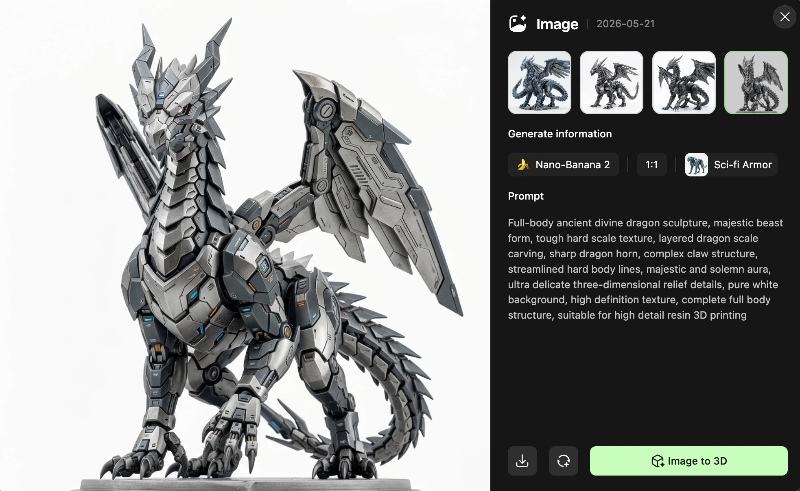
Cthulhu weird sculpture
Full-body Lovecraftian Cthulhu statue, weird hard body structure, dense tentacle hard texture, twisted sharp carvings, ancient evil texture, complex layered weird limbs, mysterious dark style, ultra rich intricate surface details, complete whole body, pure white simple background, clear structural outline, high detail carving, 3D printing dedicated design drawing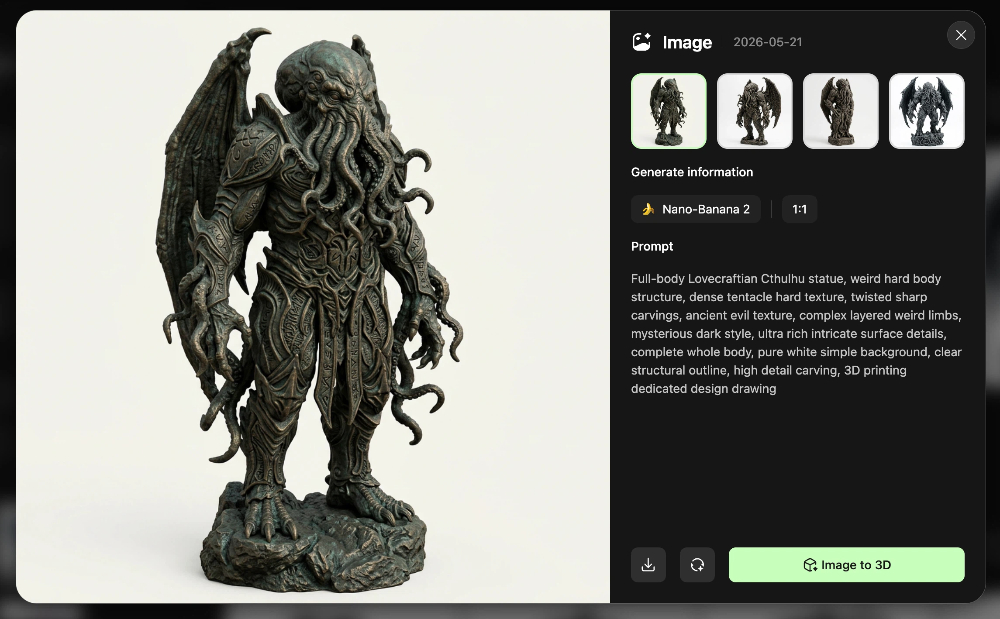
Basic Settings
- Aspect ratio – 1:1 (square) is most stable for 3D conversion. For scenes or long objects, choose 16:9 or 9:16.
- Number of images – recommend 4 images so you can pick the most structurally clean one.
- Style templates – click presets like “art toy” or “sci‑fi armor” to set the visual tone instantly.
- Reference image – upload your own image to replicate a specific pose or custom proportion.
Generate
Click 【Generate】 – wait a few seconds, and you’ll get AI‑generated reference images ready for 3D conversion.
Step 3 – Select a Good Reference & Convert to 3D Printable Model
- Selection rule – pick images with:
- clean structure / clear layers
- complete main subject
- simple background (pure white is best)
- no floating or messy elements
- Once selected → click convert to 3D model directly.
- Not satisfied? Re‑generate.
- You can also download the image as a PNG.
Advanced Tips – More Stable & Print‑Ready 3D Models
How to write a stable prompt
Fixed structure:
[subject] + [style] + [material/texture] + [background] + [detail requirement]
✅ Good: “cyberpunk mechanical dragon figure, metal texture, pure white background, symmetrical pose, no extra elements”
❌ Avoid: “a cool dragon” → be specific.
✅ Which images convert best?
- Prefer symmetrical or front‑facing compositions – clear silhouette, no random occlusions.
- Multi‑view mode – generate front, back, left, right references → Hi3D will auto‑complete the full 360° structure, reducing conversion errors.
✅ Post‑processing for 3D printing
- After conversion, check the white mesh model (no texture) – confirm the geometry is correct before exporting.
- For miniatures / printing: always use plain backgrounds to prevent AI from misreading background elements as part of the model.
Why Hi3D’s Text‑to‑Image‑to‑3D Works for Makers
Hi3D connects text → image → 3D model in one platform.
No more jumping between Midjourney, Stable Diffusion, and separate 3D tools.
Beginner‑friendly – but powerful enough for experienced 3D printing creators.
Use it for:
- art toys / garage kits
- game props / cosplay parts
- concept models for CNC / molding
- rapid prototyping for FDM and resin printers
👉 Click the card on the right to sign up for Hi3D and start turning your text into printable 3D models today.