

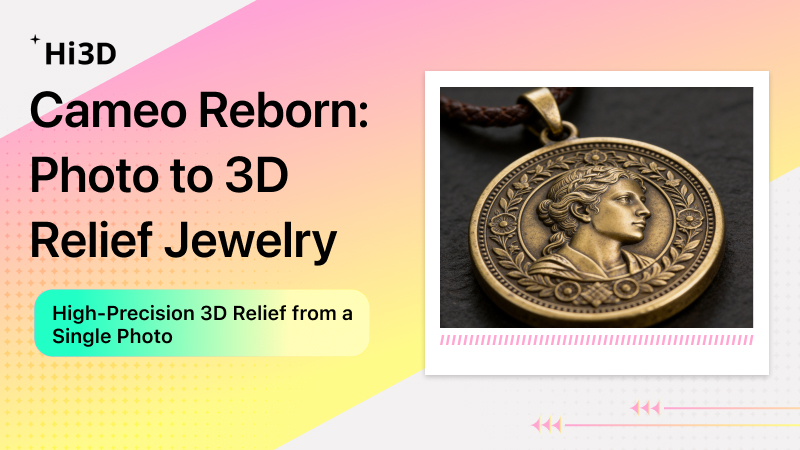
Turn an ordinary photo into a 3D printable vintage relief jewelry model in minutes using Hi3D’s AI 3D Relief. Zero carving experience. Zero 3D modeling software required.
Why Relief Jewelry Is Making a Comeback
If you’ve been following Etsy, Pinterest, or independent jewelry designers lately, you may have noticed that cameo relief jewelry is returning — but in a much more modern way.
Traditional relief jewelry (typically side-profile portraits, floral motifs, or mythological scenes carved into agate, shell, or gemstone) was once a signature accessory of the Victorian era. However, it came with major pain points:
- Extremely high barrier to entry — mastering the craft of manual carving takes years of training
- Expensive custom costs — a single mold can easily cost over $1,000
- Long lead times — from design to finished product often takes weeks
Today, AI + 3D printing is changing that entirely.
Real-World Case Study: From a Side Portrait to a Bronze Pendant
Scenario: An independent jewelry designer received a client request — to create a vintage-style pendant based on a side-profile photo of the client’s grandmother when she was young.
Traditional approach:
Find a master carver to hand-sculpt the mold → quote $400+ → wait 2–3 weeks → back-and-forth revisions → another week of waiting
With Hi3D:
- Upload the side portrait — supports JPG, JPEG, PNG, WEBP, and other common formats
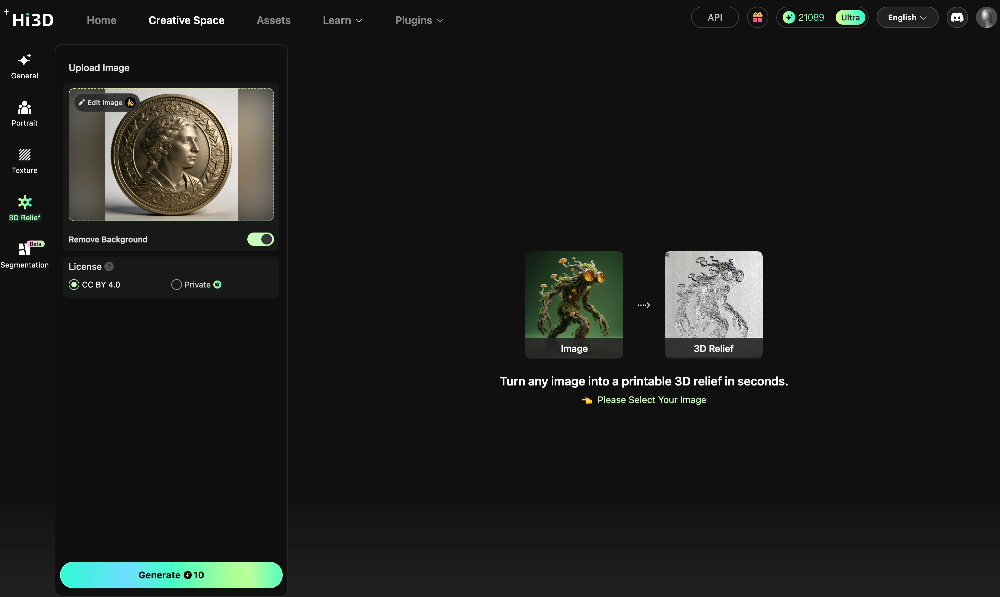
- Use built‑in AI editing tools — remove backgrounds or adjust the image with one click
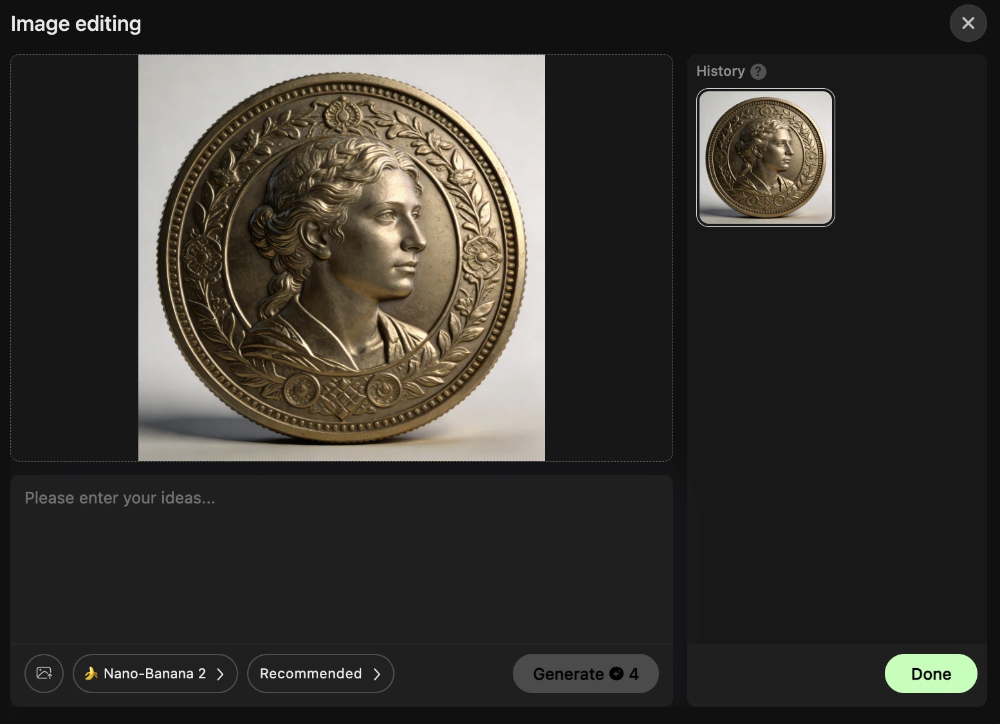
- Click generate — get a 3D model in just seconds
- Fine‑tune the relief parameters to fit your needs:
- Base: Keep the base for extra structural strength, or remove it to keep only the relief
- Shape: Choose circular (for pendants, medals) or square (for plaques, tiles, wall panels)
- Width: Freely scale to match your desired print size
- Engraving mode: Convex for traditional raised relief, or concave for intaglio (stamps, engraved effects)
- Bend mode: Apply curvature so the flat relief wraps around curved surfaces — ideal for bracelets, rings, or arched walls
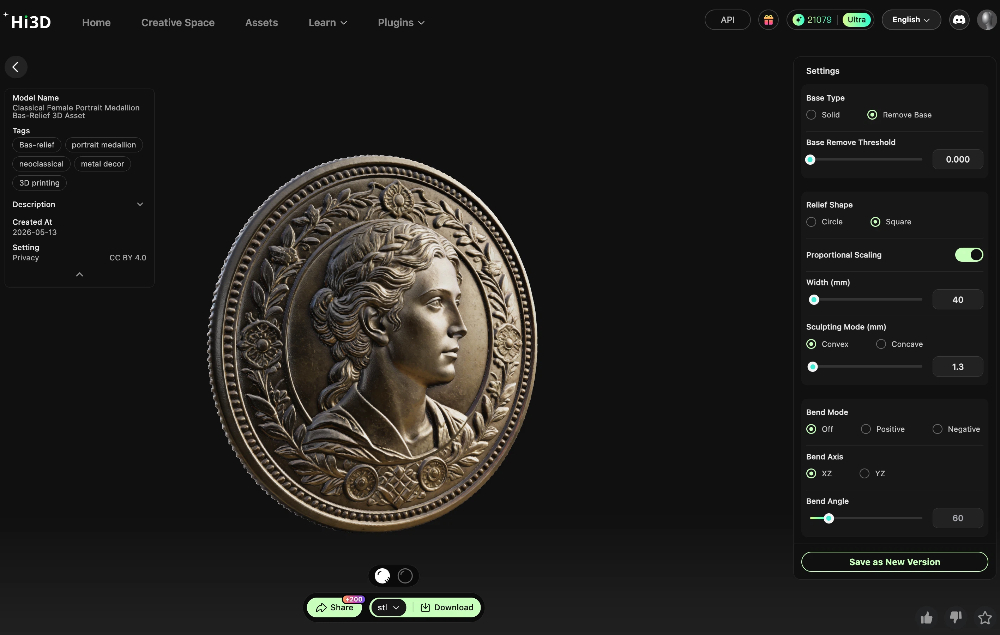
- Export and print directly
- Cast, polish, finish — ready for wear
Result: Same‑day prototype. Total cost under 1/10 of the traditional method. The client was extremely satisfied.
Three Popular Use Cases for Relief Jewelry & Decorative Relief
| Use Case | Target Audience | Recommended Hi3D Settings |
|---|---|---|
| Portrait Pendant | Custom gifts, memorial keepsakes | Circular + Convex + Thickness 2–3mm |
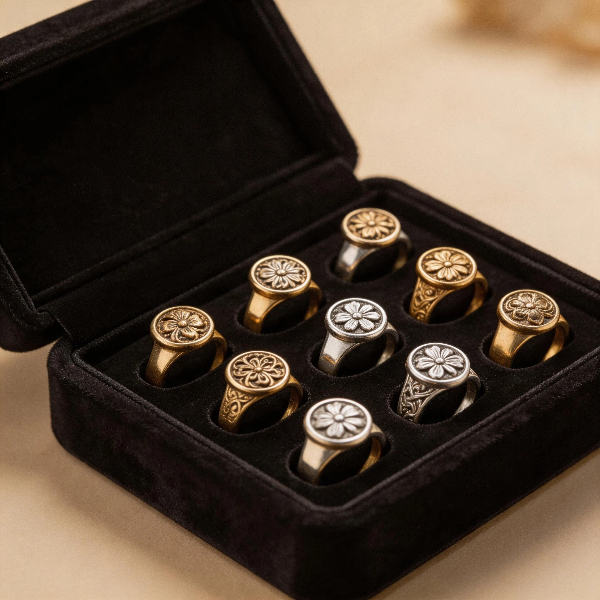
| Floral Relief Ring / Earrings | Light luxury accessories, wedding favors | Square or Circular + Convex + Detail texture mode |
| Relief Portrait Plaque / Memorial Wall Art | Home decor, memorial walls, custom gifts | Square + Convex + Thickness 5–8mm (base optional) |
💡 Pro tip: Want an intaglio or stamp effect? Simply switch the engraving mode from “Convex” to “Concave” — the resulting model can be used directly for stamping or embossing.
Try It Now
If you already have a photo you love — a side portrait, a flower, or even your pet — take three minutes to give Hi3D a try.
Sign up is completely free. Generate your design and download the 3D file for printing right away.
Click the card on the right to sign up.
Quick FAQ
Q: Is the generated model precise enough for jewelry making?
A: Hi3D supports high carving/detailing precision. Combined with resin 3D printing or lost-wax casting, it fully meets jewelry-grade requirements.
Q: Does Hi3D support concave (intaglio) engraving?
A: Absolutely. Just select “Concave” in the engraving mode, and you can generate stamp‑ready or intaglio models.
Q: What file formats can I export?
A: .stl, .obj, and .3mf — all are supported, covering everything from general 3D printing to multi‑material professional workflows.