
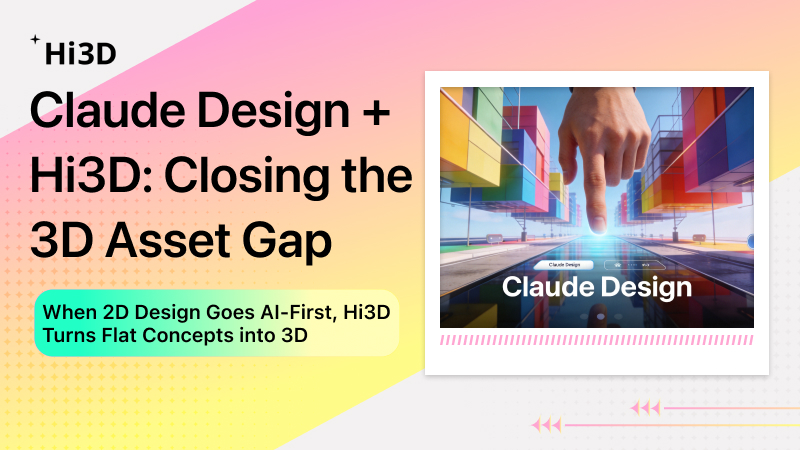
Over the past week, no event has stirred the AI design community more than the arrival of Claude Design. From product managers to UI designers, everyone is asking the same question: when AI can directly generate high-fidelity interactive prototypes, is the traditional design toolchain being fundamentally rebuilt?
The stock movement of Figma’s parent company is just one signal. The deeper shift is that design now begins with intent expression, not manual drawing. Designers with clear logic and a strong aesthetic sense are using AI tools to dramatically shorten the journey from concept to final output.
But if we take a closer look at these AI‑generated web design drafts, a common bottleneck emerges: 2D interfaces can be created quickly, but 3D assets remain a manual bottleneck.
image (14).jpg
Industry Reality: 2D Design Is Already AI‑Powered, but 3D Assets Still Require Manual Work
Today, with Claude Design or similar tools, a complete web UI can be finished in under 30 minutes. Layout, color palette, typography, interaction logic – work that used to require a team can now be handled by one person.
Yet modern web design has moved far beyond flat graphics. Whether it’s a product homepage, brand storytelling page, or e‑commerce landing page, 3D elements are becoming standard for immersion and higher conversion rates. A floating product model, a rotatable showcase space, or a scene with depth – these elements clearly improve user experience.
The problem is: where do these 3D assets come from?
Traditional 3D modeling has several unavoidable pain points:
- High labor cost – A medium‑precision product model typically takes 1–3 working days (modeling, UV mapping, texturing).
- Steep learning curve – Professional tools like Blender, Maya, and C4D require months to learn.
- Unpredictable outsourcing – High communication cost, long revision cycles, and potential IP risks.
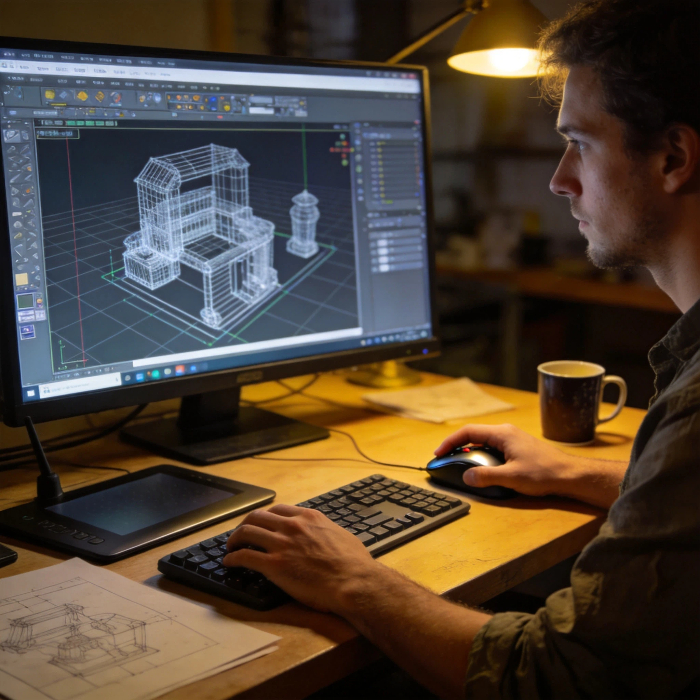
This creates an awkward situation: designers can quickly produce beautiful 2D drafts with AI, and those drafts may include a cool 3D element – but when it’s time to actually build the site, that element is either replaced by a flat image or requires expensive custom modeling.
The efficiency gains AI brings to 2D design are completely canceled out by the 3D bottleneck.
Hi3D’s Role: Image‑to‑3D That Bridges the Critical Gap in AI Design Workflows
Hi3D is built specifically to solve this problem.
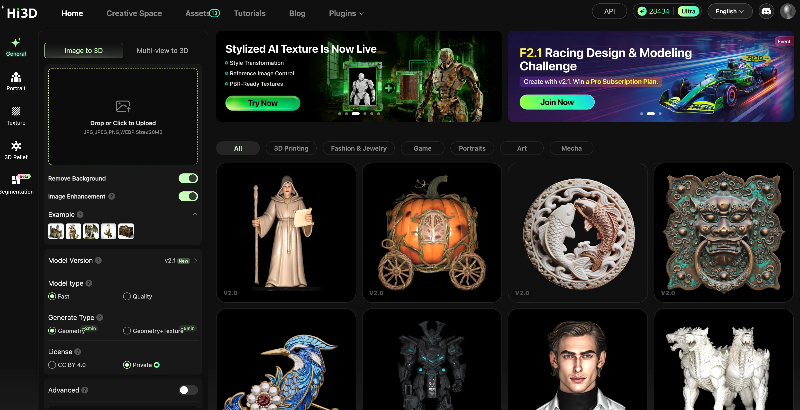
Our core logic is simple: input a 2D image, output a production‑ready 3D model.
In a web design workflow, Hi3D delivers value in three key ways:
1. Dramatically Faster Asset Generation
Import a concept image or reference image into Hi3D – model generation completes in minutes. This means a designer can finish the full loop of “generate draft → convert to 3D → preview in webpage → revise → finalize” in a single morning. What used to require outsourcing or waiting for a modeler’s availability now happens instantly.
2. Guaranteed Style Consistency
3D models downloaded from public asset libraries often suffer from style mismatch – a realistic product next to a cartoon decoration, creating a fragmented look. Because Hi3D generates models from the user’s own 2D image, the output matches the original design in material, color, and style – no post‑adjustment needed.
3. Rapid Revisions and Iteration
In design work, changes are the norm. Client or team feedback often means adjusting a model – in a traditional pipeline, that requires remodeling or another round of outsourcing, again stretching the timeline. With Hi3D, modifying the 2D reference image and re‑generating the 3D model has a very low cost. Designers can freely try multiple versions, compare results, and pick the best option – without worrying that each attempt will cost hours or days.
A Complete AI‑Driven Web Design Pipeline
By combining Claude Design for 2D and Hi3D for 3D asset generation, we can now build a fully AI‑driven web design pipeline:
Step 1: Concept Design
Use Claude Design or a similar tool to generate the overall visual direction – layout, color system, interaction framework, and concept images for the elements that need 3D presentation.
Step 2: 3D Asset Generation
Export the elements that require dimension (product model, background scene, decorative components) as reference images. Feed them into Hi3D for image‑to‑3D generation. Choose the output format (glb / obj / fbx, etc.) for direct use in development.
Step 3: Web Integration
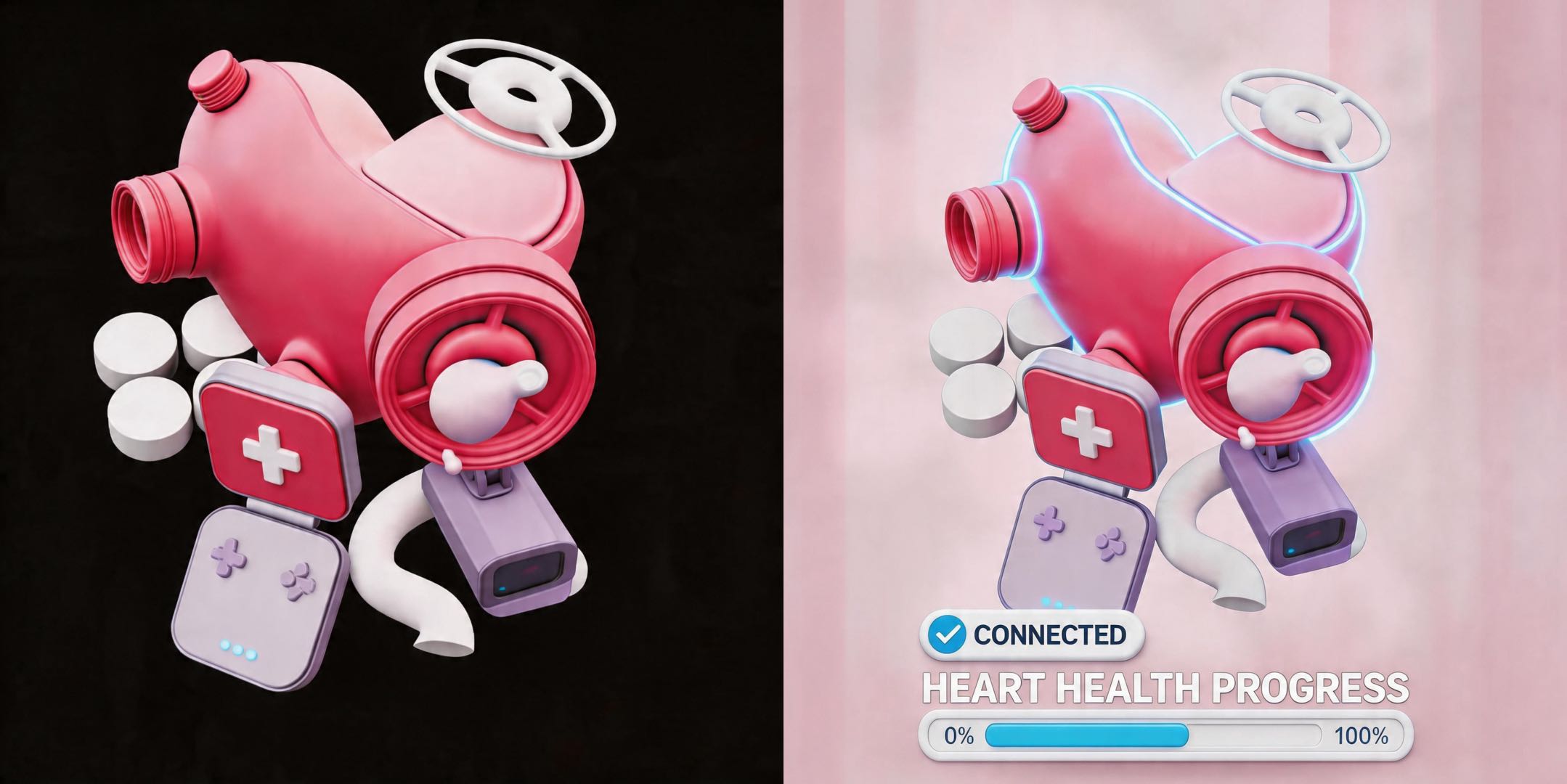
Bring the generated 3D model into your development environment and configure interactions with Three.js or a similar WebGL framework. Designers and developers can now work in parallel, without waiting for each other.
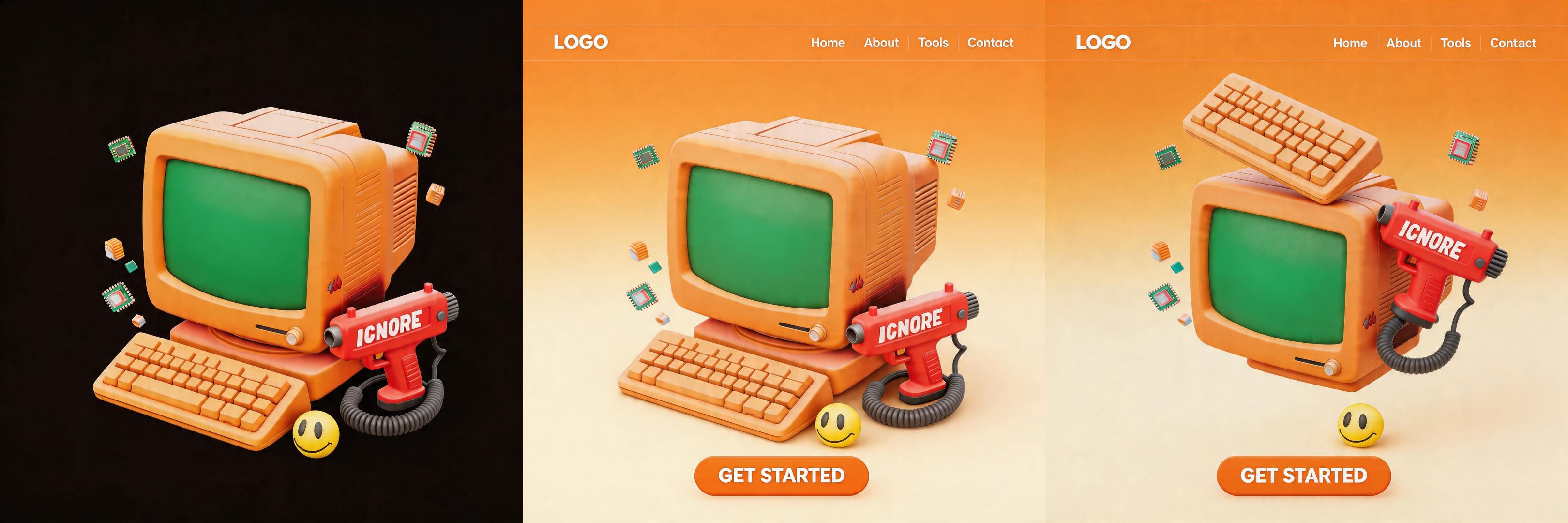
The essence of this pipeline: let AI handle all repetitive, technical execution work, while humans focus on creative direction and experience fine‑tuning.
A Few Predictions for the Future
Based on current technology and industry feedback, here are several early observations:
- “AI conductor” will become the dominant model – Tomorrow’s designers won’t need to know every detail of modeling software. Instead, they’ll need clear aesthetic judgment and precise expression: tell AI what you want, rather than drawing every stroke manually.
- The boundary between 2D and 3D will blur further – As image‑to‑3D technology matures, the two‑stage “draw first, model later” process will become seamless. Designers may not even need to consciously distinguish between “this is a 2D image” and “this is a 3D model” – AI will handle the conversion.
- Toolchain integration is just beginning – Currently, Claude Design and Hi3D operate in different capability dimensions. In the future, we expect tighter integration, further shortening the path from concept to launch.
Final Thoughts
Hi3D’s goal is not to replace modelers, but to give teams and individuals who need 3D assets – but lack modeling skills – a way to get usable results at a reasonable cost.
If you’re designing a webpage that needs 3D elements, and you’re stuck at the stage where “the 2D draft is ready but the model isn’t,” give Hi3D a try.
We offer a free trial – you can access it via the card on the right. For detailed features and specifications, please visit the Hi3D official website.
— The Hi3D Team