Translating a complex architectural concept from a 2D floor plan into a compelling visual that a client can instantly understand has always been a challenge. Most clients simply cannot read blueprints, leading to communication gaps, delayed approvals, and endless design revisions.
This is where architectural visualization bridges the gap between imagination and reality. By leveraging advanced software and 3D technologies, architects and designers can now showcase their ideas with breathtaking realism before a single brick is laid.
Whether you are an architecture student, an established architect, or an interior designer, mastering these techniques is no longer optional—it is a critical industry standard. In this comprehensive architecture visualization guide, we will explore what archviz is, the different types available, the standard production pipeline, and the best practices to elevate your 3D architectural rendering workflows.
What is Architectural Visualization?
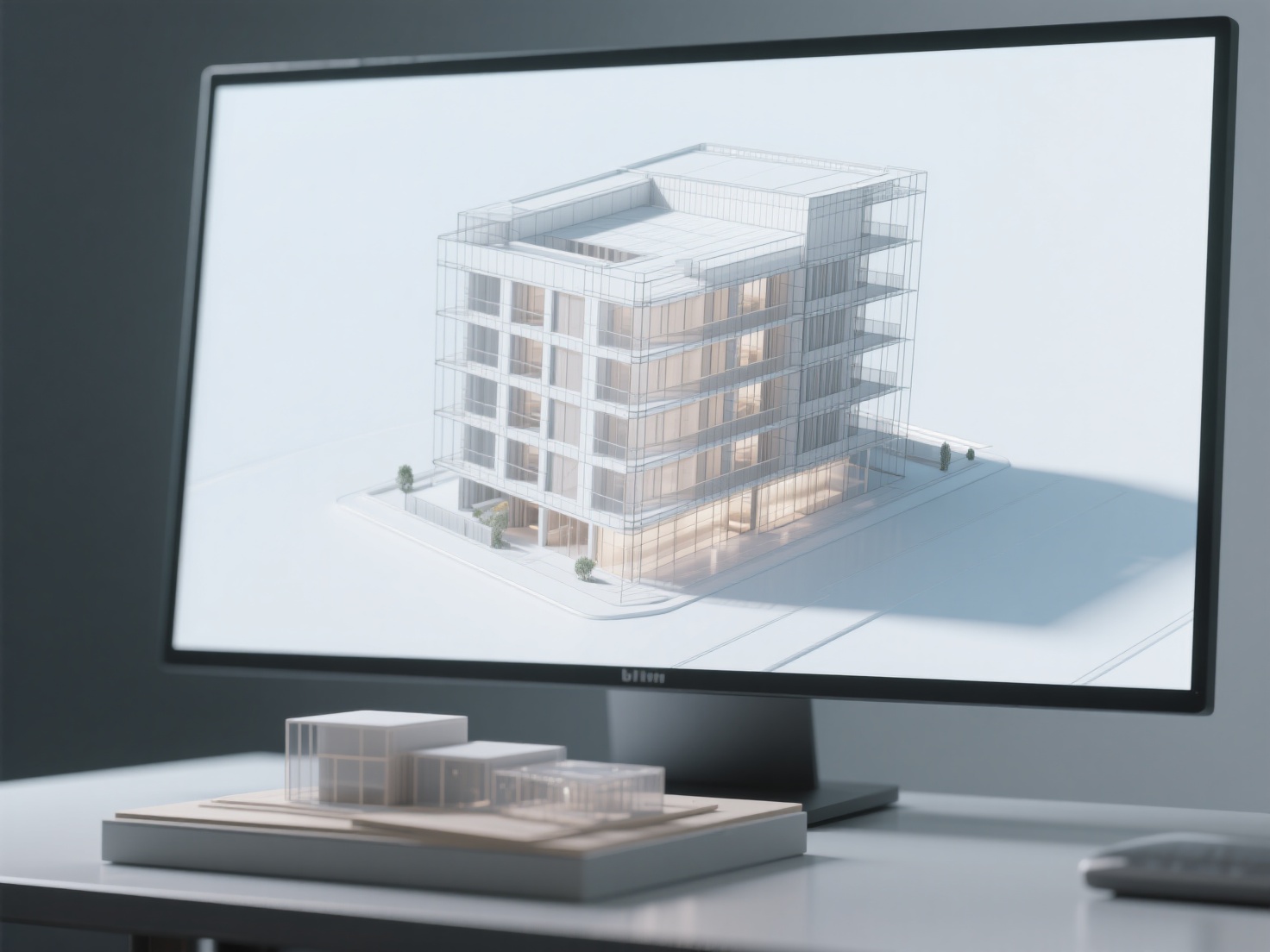
Architectural visualization (commonly known as archviz) is the process of creating highly accurate graphical representations—such as 3D models, images, interactive environments, and animations—to illustrate the design, scale, lighting, and spatial qualities of a proposed building or interior space before it is constructed.
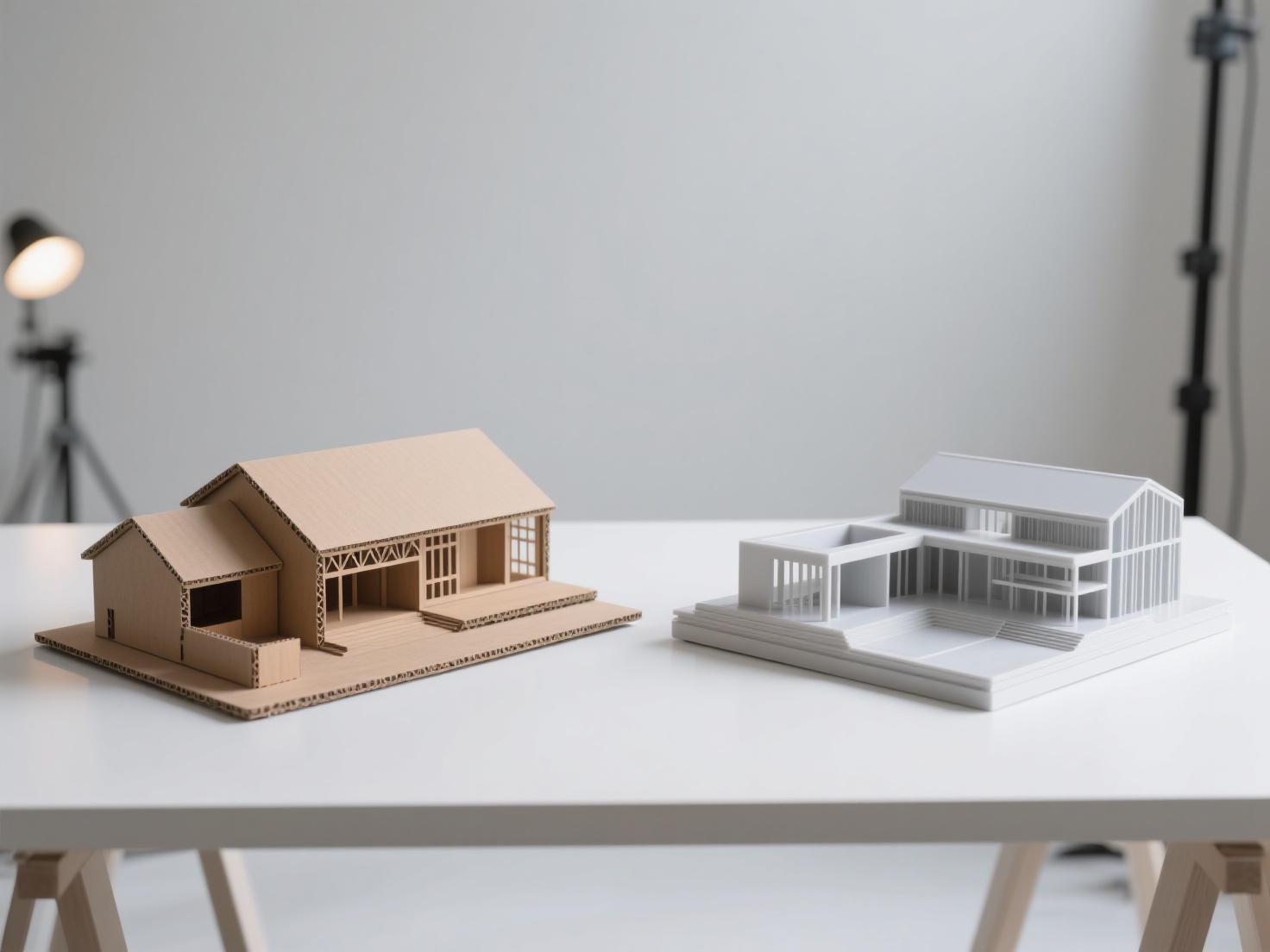
Historically, architects relied on hand-drawn sketches, watercolors, and physical wood models to convey their visions. Today, the industry has evolved into a highly technical and artistic discipline powered by 3D modeling and rendering software.
The primary goal of archviz is to provide a realistic preview of the final project. It serves as an essential tool not just for aesthetic evaluation, but for critical design analysis, marketing, pre-sales, and securing project approvals from stakeholders and local authorities.
Types of Architectural Visualization
The field of archviz is diverse, offering multiple ways to present a space depending on the project’s budget, timeline, and goals. Here are the most common formats used by professionals today:
1. 3D Still Renders
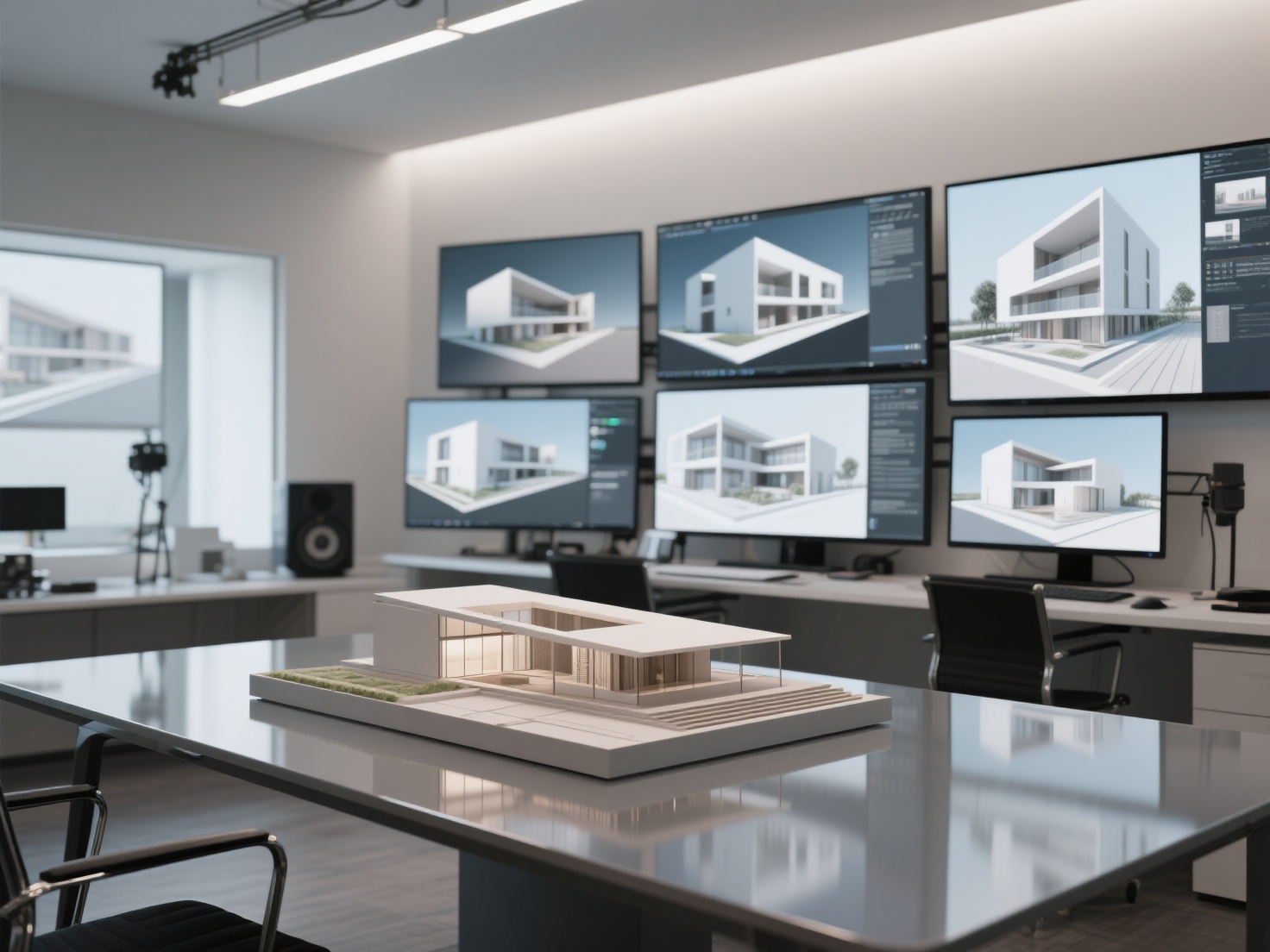
Still renders are the backbone of the archviz industry. These are high-resolution, photorealistic 2D images generated from a 3D model. They are meticulously crafted to highlight specific angles, lighting conditions, and material textures. Still renders are widely used in marketing brochures, real estate listings, and design portfolios.
2. Animation Walkthroughs
A step up from still images, animation walkthroughs are pre-rendered video tours of a property. By moving a virtual camera through the 3D space, architects can give clients a better sense of flow, scale, and layout. Animations are particularly effective for pitching large commercial projects or luxury residential developments to investors.
3. Interactive Real-Time Visualization
Thanks to the integration of game engines like Unreal Engine and Unity into the architectural pipeline, designers can now create fully interactive, real-time environments. Instead of watching a pre-recorded video, the client can “walk” through the building using a keyboard or controller, changing the time of day or swapping material finishes on the fly.
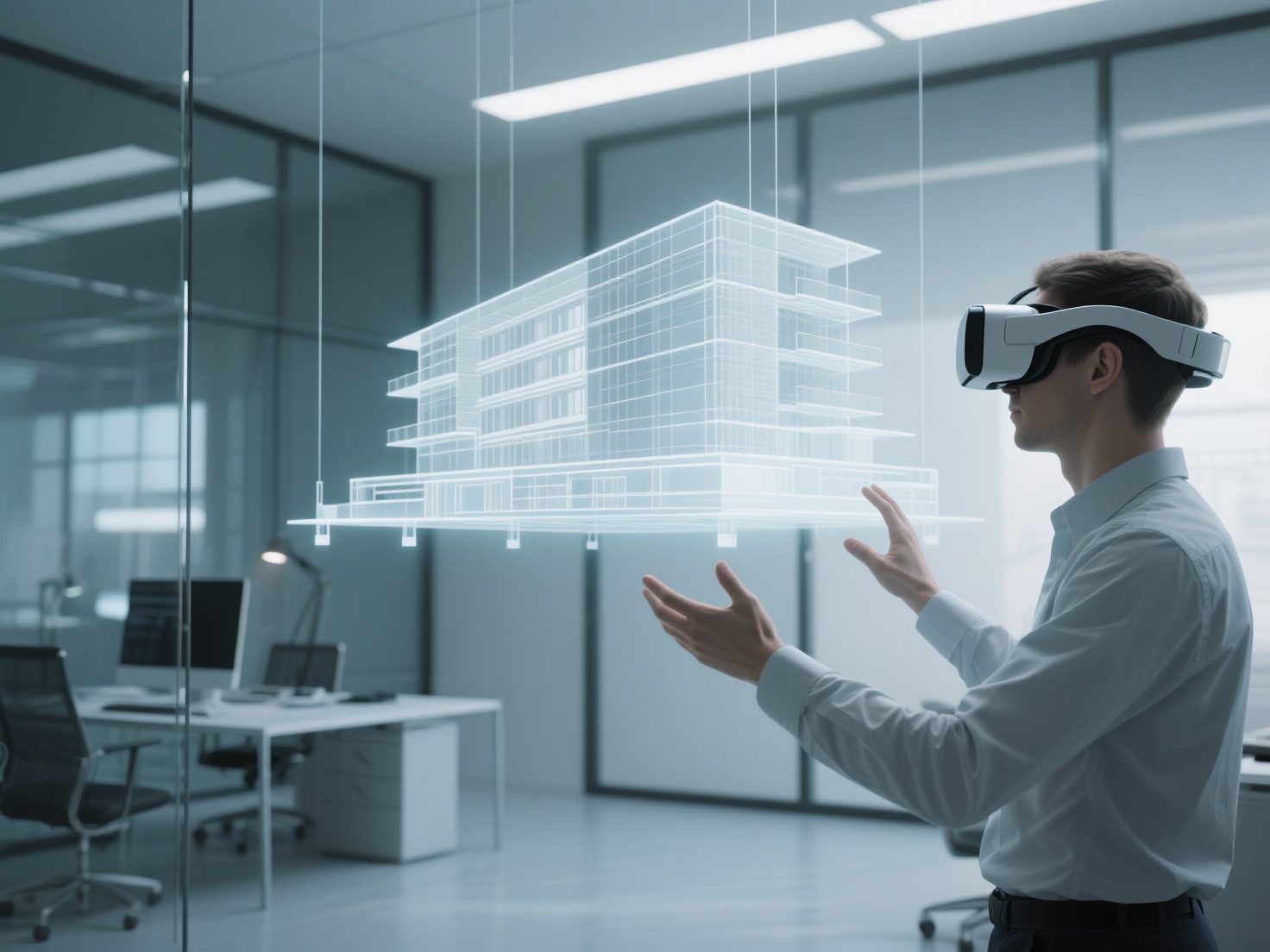
4. Virtual Reality (VR) Walkthroughs
VR takes real-time visualization to the ultimate level of immersion. By wearing a VR headset, clients can step inside the digital model at a true 1:1 scale. This provides an unparalleled understanding of ceiling heights, spatial proportions, and sightlines, making it one of the most powerful tools for securing immediate client buy-in.
5. Physical Scale Models
While digital methods dominate, physical scale models remain highly valued for exhibitions and executive presentations. Modern physical modeling heavily relies on 3D printing to rapidly produce complex architectural forms that would be too difficult or time-consuming to build by hand.
The Archviz Production Pipeline
Creating a stunning 3D architectural rendering requires a structured workflow. While every studio has its own variations, a standard archviz production pipeline typically follows these core steps:
Phase 1: Briefing and Concept
The project begins with gathering all necessary data. The 3D artist or visualization team collects CAD files, 2D floor plans, elevation drawings, material boards, and reference images from the architect to understand the design intent.
Phase 2: 3D Modeling (Architecture and Props)
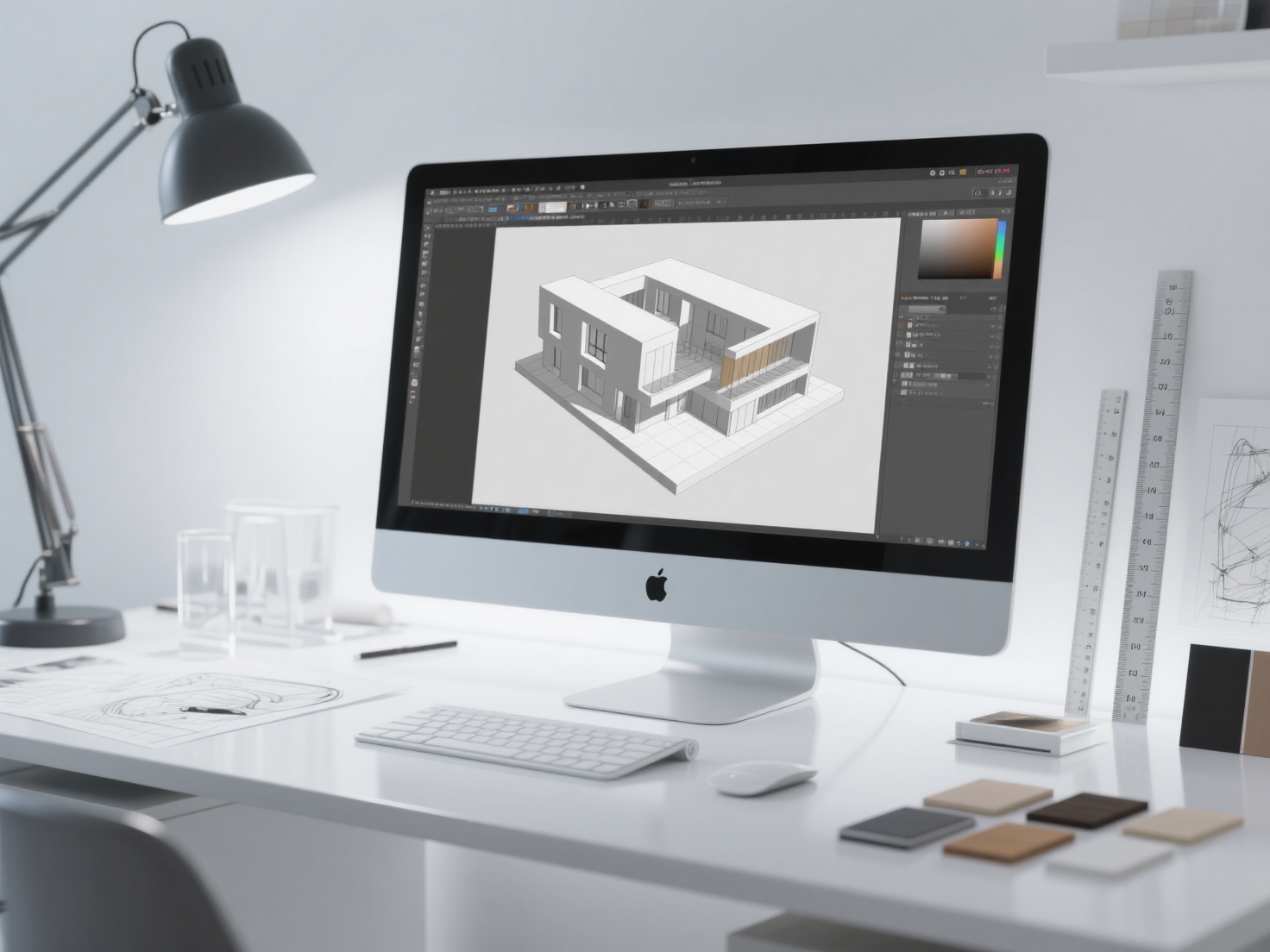
Next, the structural elements of the building (walls, floors, windows, and roofs) are built in a 3D software program. Once the shell is complete, the scene must be populated with furniture, decor, and vegetation to make it feel lived-in.
Pro tip: Instead of spending hours modeling custom furniture pieces or sourcing expensive 3D assets, modern designers are increasingly turning to AI tools to generate production-ready assets directly from 2D reference photos.
Phase 3: Texturing and Materials
This step involves applying digital materials to the 3D models. To achieve photorealism, artists use PBR (Physically Based Rendering) textures. PBR materials react to light exactly as they would in the real world, dictating whether a surface looks like glossy marble, rough concrete, or brushed steel.
Phase 4: Lighting Strategy
Lighting makes or breaks an archviz scene. Artists simulate realistic sunlight using HDRI (High Dynamic Range Imaging) skies or sun-and-sky systems. Interior lighting is carefully balanced using digital IES lights that mimic real-world light bulb throw patterns, creating mood, depth, and atmosphere.
Phase 5: Rendering and Post-Production
Once the scene is set, the computer calculates the light bounces and renders the final output. The raw image is then taken into photo editing software for post-production. Here, artists adjust contrast, color balance, and add “entourage” (people, moving cars, atmospheric fog) to inject life and scale into the image.
Why Architectural Visualization Matters
The impact of high-quality architectural visualization extends far beyond simply making a design look pretty. It offers tangible business benefits:
- Improved Client Communication: Clients rarely understand technical floor plans. Photorealistic 3D renders remove the guesswork, ensuring the client and architect share the exact same vision.
- Accelerated Approvals: City planners, zoning boards, and stakeholders are more likely to approve a project quickly when they can clearly see how the proposed building will fit into its surrounding environment.
- Cost Savings on Revisions: It is vastly cheaper to change a wall color, move a window, or swap out flooring in a 3D model than it is to make those changes on a physical construction site.
- Powerful Marketing and Pre-Sales: For real estate developers, archviz allows them to market and sell properties months or even years before construction is completed, securing vital early cash flow.
Best Practices for High-Quality Archviz
If you want to elevate the quality of your 3D architectural rendering, keep these best practices in mind:
Tell a Story with Composition: Don’t just show a room; show a lifestyle. Use photographic composition techniques like the rule of thirds and leading lines. Leave a half-open book on a coffee table or a steaming cup of coffee on a kitchen island to make the space feel authentic.
Focus on Imperfections: Real life isn’t perfect. Add subtle smudges to glass, slight bevels to sharp wall edges, and a bit of dirt to exterior concrete. Absolute perfection in 3D looks sterile and fake; calculated imperfections breed realism.
Use High-Fidelity, De-Lighted Textures: Always use high-resolution PBR textures. More importantly, ensure your textures are “de-lighted” (meaning they don’t have shadows or highlights baked into the image). This allows your 3D lighting engine to illuminate the materials naturally.
Optimize Your Asset Pipeline: Archviz scenes can become incredibly heavy, bogging down your computer. Optimize your workflow by using efficient 3D models with clean topology.
Conclusion & Next Steps
Architectural visualization is an indispensable asset in modern design. By mastering still renders, animations, VR, and physical modeling, you can effectively communicate your vision, win over clients, and bring your architectural dreams to life with stunning clarity.
However, populating these archviz scenes with custom furniture, unique sculptures, and bespoke decor can be incredibly time-consuming. This is where Hitem3D becomes a game-changer for architects and interior designers.
Hitem3D is a next-generation AI-powered 3D model generator that dramatically accelerates your workflow. Powered by our proprietary Sparc3D and Ultra3D models, Hitem3D allows you to upload a simple 2D reference image of any furniture piece or prop and instantly generate a production-ready 3D model.
- Invisible Parts Reconstruction: Our AI intelligently reconstructs hidden geometry, ensuring your models are complete and structurally sound from every angle.
- De-Lighted 4K Textures: Hitem3D generates 4K PBR-ready textures with lighting baked out, meaning your assets will react perfectly to your custom archviz lighting setups.
- Seamless Integration & Printing: Export your assets in standard formats (GLB, OBJ, STL, FBX, USDZ) directly into Unreal Engine, Blender, or V-Ray. If you’re creating physical scale models, Hitem3D offers print-ready geometry with one-click exports to Bambu Studio and OrcaSlicer.
- Risk-Free Creation: Not perfectly satisfied with the first generation? Our Free Retry system lets you regenerate results without wasting credits.
Stop spending days modeling custom props and start focusing on the bigger picture of your architectural design.
Frequently Asked Questions (FAQ)
What software is commonly used for 3D architectural rendering?
Industry-standard software for 3D modeling includes Autodesk 3ds Max, SketchUp, Rhino, and Blender. For rendering, professionals frequently use V-Ray, Corona Renderer, Lumion, Enscape, and Unreal Engine for real-time visualization.
How long does it take to create an archviz render?
The timeline varies wildly depending on the complexity of the project. A simple interior room render might take 1 to 3 days, while a massive commercial exterior with a full animation walkthrough could take several weeks. Utilizing AI tools for asset generation can significantly cut down this modeling time.
Why is PBR important in architectural visualization?
PBR (Physically Based Rendering) is crucial because it uses mathematical algorithms to simulate how light interacts with real-world materials. This ensures that a wooden floor looks authentically reflective and a concrete wall looks properly porous under any lighting condition, maximizing photorealism.
Can architectural visualization be used for 3D printing?
Yes! Many architects use their 3D models to 3D print physical scale models for presentations. However, models built for rendering often have “holes” or non-manifold geometry. Tools like Hitem3D are incredibly useful here, as they generate print-ready geometry with sharp edges that can be sent directly to 3D slicing software.