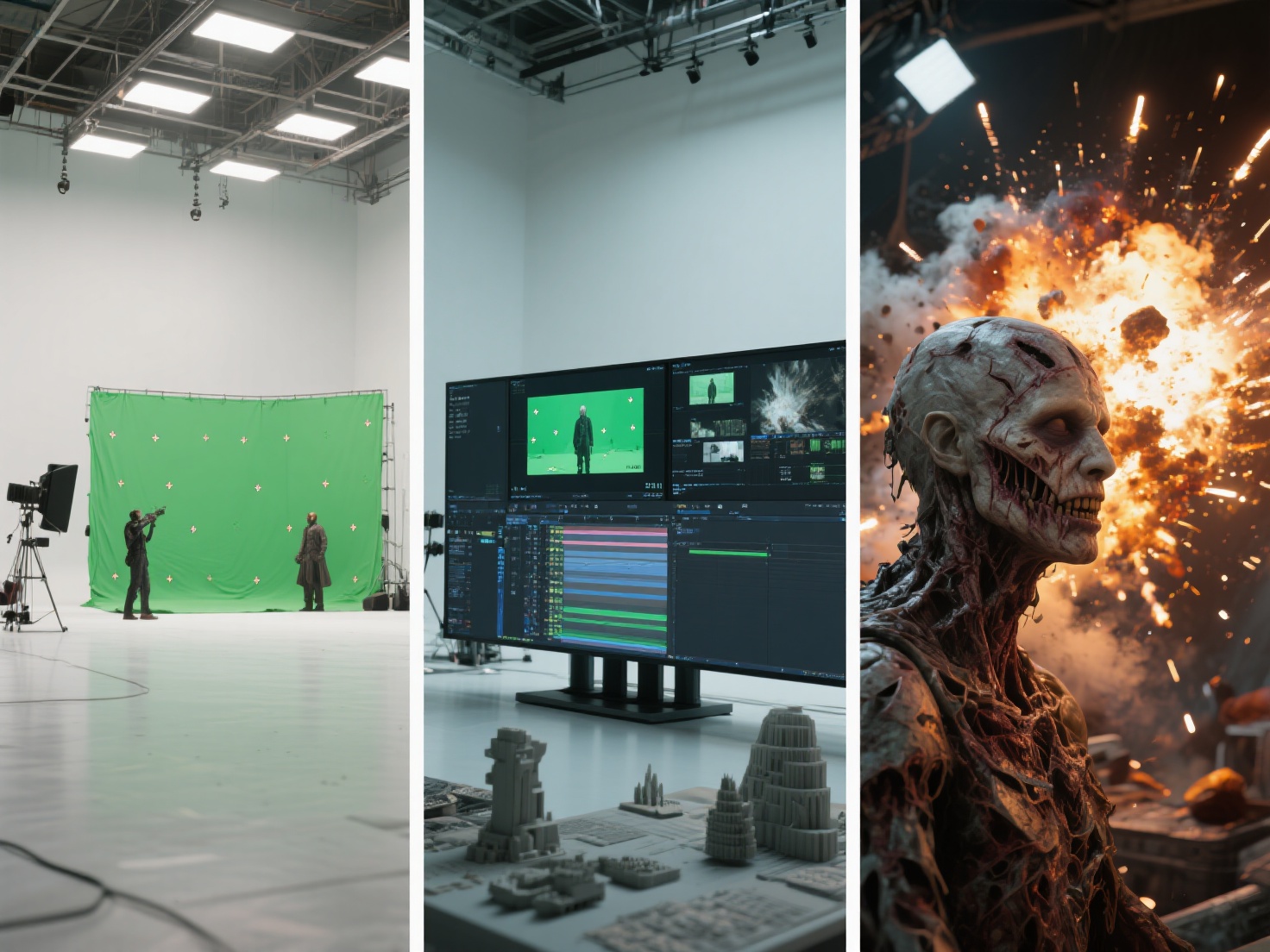
The magic of modern visual effects (VFX) and 3D animation all comes down to the final frame. No matter how meticulously an artist models a character or animates a high-speed chase, the illusion of reality is ultimately achieved during the rendering phase. For decades, achieving true photorealism required immense computational power and a deep understanding of light physics.
Today, rendering for film has evolved dramatically, shifting from outdated techniques to highly advanced physics-based simulations. Whether you are a VFX student or a seasoned 3D artist, mastering the nuances of a production renderer is essential for bringing your cinematic visions to life.
In this comprehensive guide, we will explore the core technologies behind ray tracing film production, compare industry-standard engines in the Arnold vs V-Ray debate, and break down the workflows used by top Hollywood studios.
What is Rendering for Film?
Rendering for film is the computational process of translating 3D scene data—including geometry, materials, lighting, and cameras—into a sequence of highly detailed, photorealistic 2D images.
Unlike real-time rendering used in video games, which prioritizes speed (often calculating 60 frames per second), cinematic rendering prioritizes absolute physical accuracy. A single frame in a Hollywood blockbuster can take anywhere from a few hours to several days to render, utilizing advanced techniques like path tracing to perfectly simulate how light interacts with different surfaces in the real world.
The Science of Photorealism: Ray Tracing vs. Path Tracing
To understand how modern movies look so real, we must dive into the underlying technology driving the light calculations.
Ray Tracing vs. Rasterization
Historically, many computer graphics relied on rasterization, a technique that projects 3D objects onto a 2D screen without accurately calculating bouncing light. While incredibly fast, rasterization relies heavily on fake shadows and approximations.
Ray tracing, on the other hand, mimics real-world physics. It shoots virtual “rays” of light from the camera into the 3D scene. As these rays hit objects, the software calculates how the light reflects, refracts, or gets absorbed based on the material properties. The result is physically accurate shadows, reflections, and lighting.
Path Tracing: The Gold Standard
While ray tracing calculates direct light paths, path tracing takes it a step further. It randomly bounces millions of light rays across a scene to calculate the complex, indirect lighting that happens in reality. This is the dominant technology used in ray tracing film production today.
Path tracing allows artists to simulate complex optical phenomena natively:
- Global Illumination (GI): The realistic bouncing of indirect light from one surface to another (e.g., a bright red carpet casting a subtle red glow on a nearby white wall).
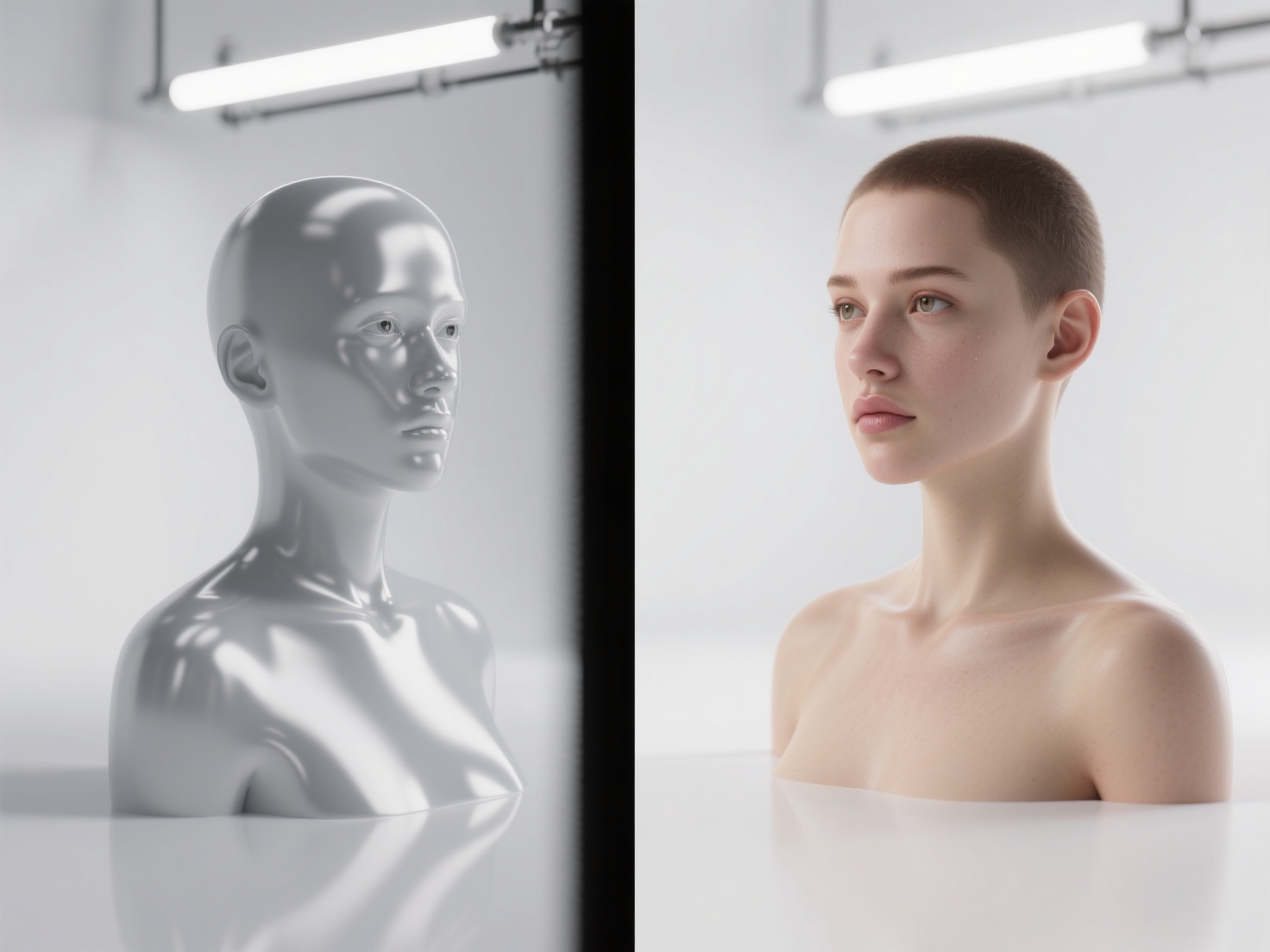
- Subsurface Scattering (SSS): The way light penetrates translucent materials—like human skin, wax, or marble—and scatters beneath the surface before exiting. This is crucial for rendering realistic digital humans.
- Volumetrics: The interaction of light with particulate matter in the air, creating realistic fog, smoke, clouds, and “god rays.”
Choosing the Right Production Renderer: Arnold vs V-Ray and Beyond
The software engine responsible for executing these complex light calculations is known as a production renderer. Different studios prefer different renderers based on their specific pipeline needs.
1. Arnold (Autodesk)
Arnold is arguably the reigning industry standard for VFX and feature animation. It is an unbiased, CPU/GPU-based path tracer built for absolute predictability and stability. It thrives on handling massive datasets with billions of polygons without crashing. While it can be slower out of the box, its physically accurate results require very little tweaking, saving artists valuable time.
2. V-Ray (Chaos Group)
V-Ray has been a powerhouse in both architectural visualization and film for over two decades. It offers a hybrid approach, giving artists the choice between unbiased path tracing and highly optimized “biased” rendering (using approximations to speed up render times). In the Arnold vs V-Ray comparison, V-Ray is often praised for its incredible speed, versatility, and extensive material libraries.
3. RenderMan (Pixar)
Created by Pixar Animation Studios, RenderMan has been at the forefront of cinematic rendering since the 1980s. It is deeply integrated into high-end animation pipelines and excels at handling complex character grooming (hair/fur) and intricate volumetric effects.
4. Redshift (Maxon)
Redshift is a heavily biased, GPU-accelerated renderer designed for blistering speed. It allows artists to “cheat” physics to achieve faster render times while still maintaining a photorealistic look. It is highly popular among freelance 3D artists, commercial studios, and mid-sized VFX houses.
5. Cycles (Blender)
Cycles is Blender’s built-in, open-source path tracer. Over the past few years, it has seen massive improvements in speed and capability, making it a legitimate choice for indie filmmakers and smaller animation studios looking for production-quality results without expensive licensing fees.
Production Renderer Comparison Table
| Feature | Arnold | V-Ray | RenderMan | Redshift |
|---|---|---|---|---|
| Primary Compute | CPU & GPU | CPU & GPU | CPU (XPU beta) | GPU |
| Algorithm Type | Unbiased Path Tracer | Biased & Unbiased | Unbiased Path Tracer | Biased Path Tracer |
| Best For | Heavy VFX, Character Art | Arch-Viz, Commercials | Feature Animation | Fast Turnarounds, Motion Graphics |
| Learning Curve | Moderate | Steep | Steep | Moderate |
Production Workflows in VFX and Animation
Rendering for film is rarely a one-click process. Achieving a cinematic finish requires a structured workflow that optimizes both compute power and creative control.
Render Farms & Cloud Computing
Because path tracing requires massive computational power, rendering a 90-minute film on a single computer would take lifetimes. Studios utilize render farms—massive networks of linked servers—to distribute the workload. Today, many studios also leverage cloud rendering (like AWS or Google Cloud) to scale their compute power dynamically during “crunch time.”
AOVs and Render Passes
In film production, you rarely render out just the final, combined image (known as a “Beauty Pass”). Instead, a production renderer outputs AOVs (Arbitrary Output Variables). These separate the image into distinct layers, such as:
- Diffuse Pass: Only the base colors.
- Specular Pass: Only the reflections and highlights.
- Z-Depth: A greyscale map of the distance from the camera, used for adding depth of field later.
These passes are brought into compositing software like Nuke, giving compositors the ultimate control to tweak reflections, adjust lighting, or add atmospheric haze without re-rendering the entire 3D scene.
Denoising
Because path tracing relies on randomly shooting rays, unfinished renders look very “noisy” or grainy. Instead of waiting hours for a render to perfectly clear up naturally, modern pipelines use AI Denoising (like NVIDIA OptiX or Intel Open Image Denoise). These AI algorithms analyze the noisy image and intelligently smooth it out, drastically cutting down render times.
The Rise of Real-Time Rendering
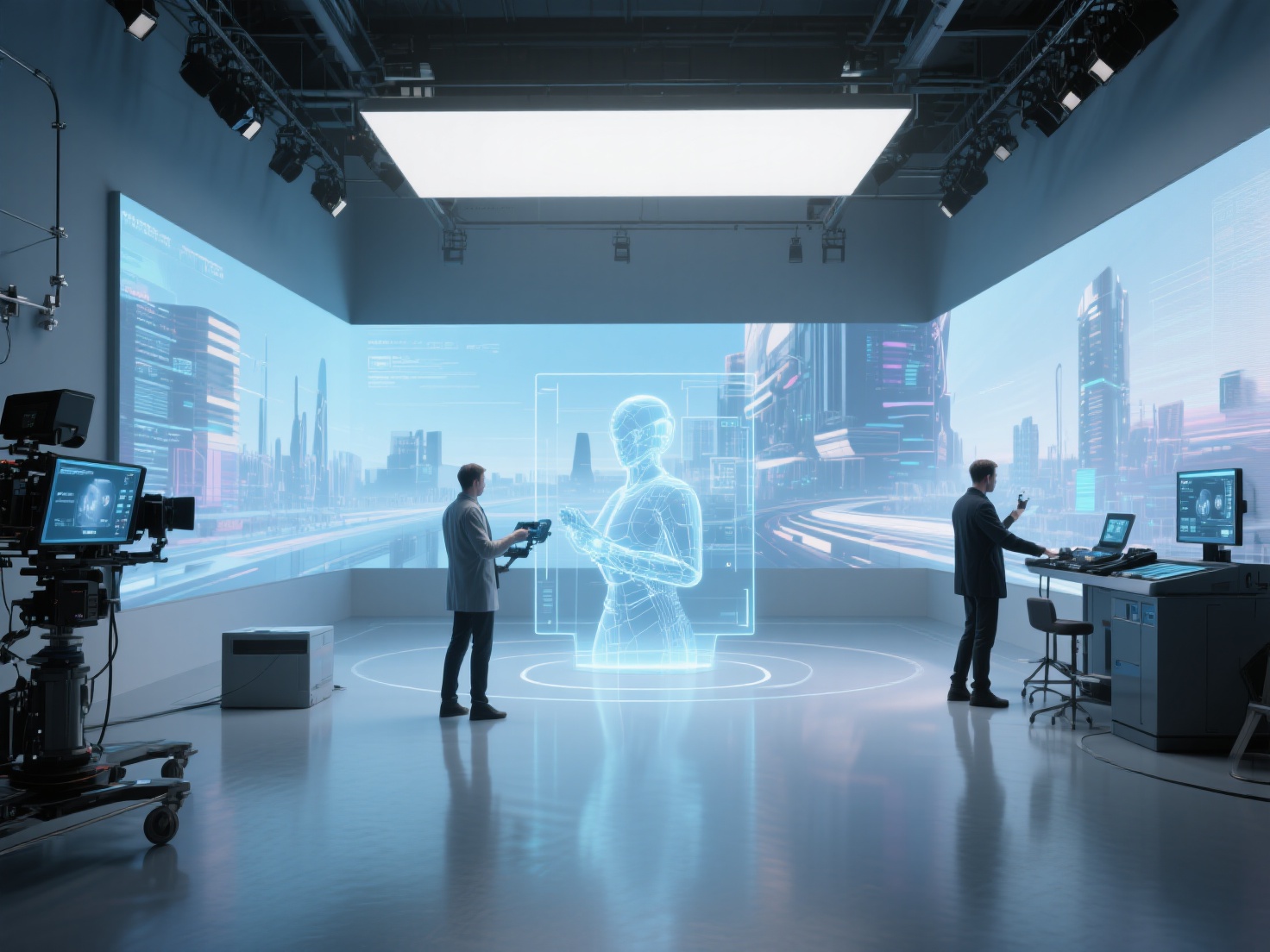
While path tracing dominates post-production, real-time rendering engines like Unreal Engine are revolutionizing film through Virtual Production. By rendering photorealistic backgrounds on massive LED volumes in real-time, filmmakers can capture final-pixel VFX live on set, a technique famously used in shows like The Mandalorian.
Best Practices for Optimizing Film Rendering
To maximize your efficiency and avoid crashing your system, keep these best practices in mind:
Optimize Your Geometry: A renderer works best with clean topology. Avoid overlapping faces (Z-fighting) and ensure your surface normals are facing the correct direction. Bad geometry leads to light artifacting.
Master Texture Management: Use tiled, mip-mapped textures (like TX files in Arnold) to save RAM. Always utilize PBR (Physically Based Rendering) materials. Ensure your albedo (color) maps do not have lighting baked into them, as this ruins the physics of the path tracer.
Use Instances and Proxies: If you have a forest with 10,000 trees, do not duplicate the actual mesh. Use instancing to load the geometry into the renderer’s memory only once, saving massive amounts of RAM.
Balance Your Samples: Don’t just crank up your global camera samples to fix noise. Identify where the noise is coming from (e.g., subsurface scattering or specular highlights) and increase the samples only for those specific parameters.
Conclusion: Elevating Your VFX Pipeline
Understanding the intricacies of rendering for film is what separates amateur 3D art from cinematic masterpieces. Whether you are leaning towards the industry-standard stability of Arnold in the Arnold vs V-Ray debate, or exploring the speed of Redshift, modern ray tracing film technology gives artists unprecedented power to simulate reality.
However, a production renderer is only as good as the 3D assets you feed into it. Bad geometry or poorly textured models will look artificial, no matter how advanced your lighting setup is. This is where AI-driven asset generation is changing the game.
If you are looking to accelerate your modeling pipeline, Hitem3D is a next-generation AI-powered 3D model generator built specifically for creators. Powered by the in-house Sparc3D (high precision) and Ultra3D (high efficiency) models, Hitem3D allows you to transform simple 2D images into production-ready 3D assets with clean, accurate geometry.
Crucially for film pipelines, Hitem3D offers AI Texturing with 4K resolution PBR materials. It features De-Lighted Texture technology, which intelligently removes baked-in lighting and shadows from the image reference. This ensures your assets have true relightable materials that react perfectly to the HDRI lighting in Arnold, V-Ray, or RenderMan.
With support for high resolutions (up to 1536³ Pro with 2M polygons) and seamless export to FBX, OBJ, GLB, and USDZ, Hitem3D integrates perfectly into any professional VFX workflow. Plus, with a generous Free Retry system, you can experiment without draining your credits.
Ready to populate your scenes with incredible, photorealistic 3D models in minutes?
Create For Free -> https://www.hitem3d.ai/create
Frequently Asked Questions (FAQ)
Q1: Why is rendering for film so slow compared to video games?
Video games use rasterization and tricks to “fake” lighting at 60 frames per second. Rendering for film uses path tracing, which calculates the actual physics of billions of light rays bouncing around a scene. This physical accuracy is highly demanding on CPU and GPU hardware, causing slower render times.
Q2: What is the main difference in the Arnold vs V-Ray debate?
Arnold is an unbiased path tracer heavily favored by major VFX studios because of its predictability, ease of use, and ability to handle massive, complex scenes without crashing. V-Ray is a hybrid engine offering both biased and unbiased rendering; it is often favored for architectural visualization and generalist studios due to its speed and deep optimization controls.
Q3: Is real-time rendering replacing traditional path tracing in film?
Not entirely. While real-time rendering (like Unreal Engine) is rapidly growing for pre-visualization and in-camera virtual production (LED walls), traditional path tracing remains the gold standard for final-pixel post-production. The absolute fidelity required for hyper-realistic VFX and hero character rendering still relies on production renderers like Arnold and RenderMan.