Whether you are applying to a highly competitive graduate program or aiming to land your dream job at a top-tier design firm, your degree and resume only tell half the story. In the visual world of spatial design, your portfolio is your true currency. Knowing how to make an architecture portfolio that stands out from a sea of applicants can be the deciding factor in your career trajectory.
For many, condensing years of late-night studio sessions, complex blueprints, and thousands of renders into a single cohesive document is incredibly daunting. How do you balance conceptual flair with technical rigor?
In this comprehensive guide, we will break down exactly how to craft a compelling architecture portfolio, offering actionable advice on structure, design, and presentation to help both students and professionals showcase their absolute best work.
What is an Architecture Portfolio?
An architecture portfolio is a carefully curated visual document that showcases a designer’s creative process, technical abilities, problem-solving skills, and unique design philosophy through a collection of their best architectural projects.
Essential Elements: What to Include in Your Portfolio
A successful portfolio is more than just a gallery of pretty pictures. It must tell the story of how you think as a designer. To achieve this, every project you feature should contain a strategic mix of the following elements:
1. Conceptual Work and Process Documentation
Firms and admissions committees do not just want to see the final building; they want to see how you got there. Include your early hand sketches, conceptual diagrams, and massing studies. This demonstrates your spatial reasoning and shows that your final designs are rooted in a logical, thoughtful process rather than arbitrary aesthetic choices.
2. Technical Drawings
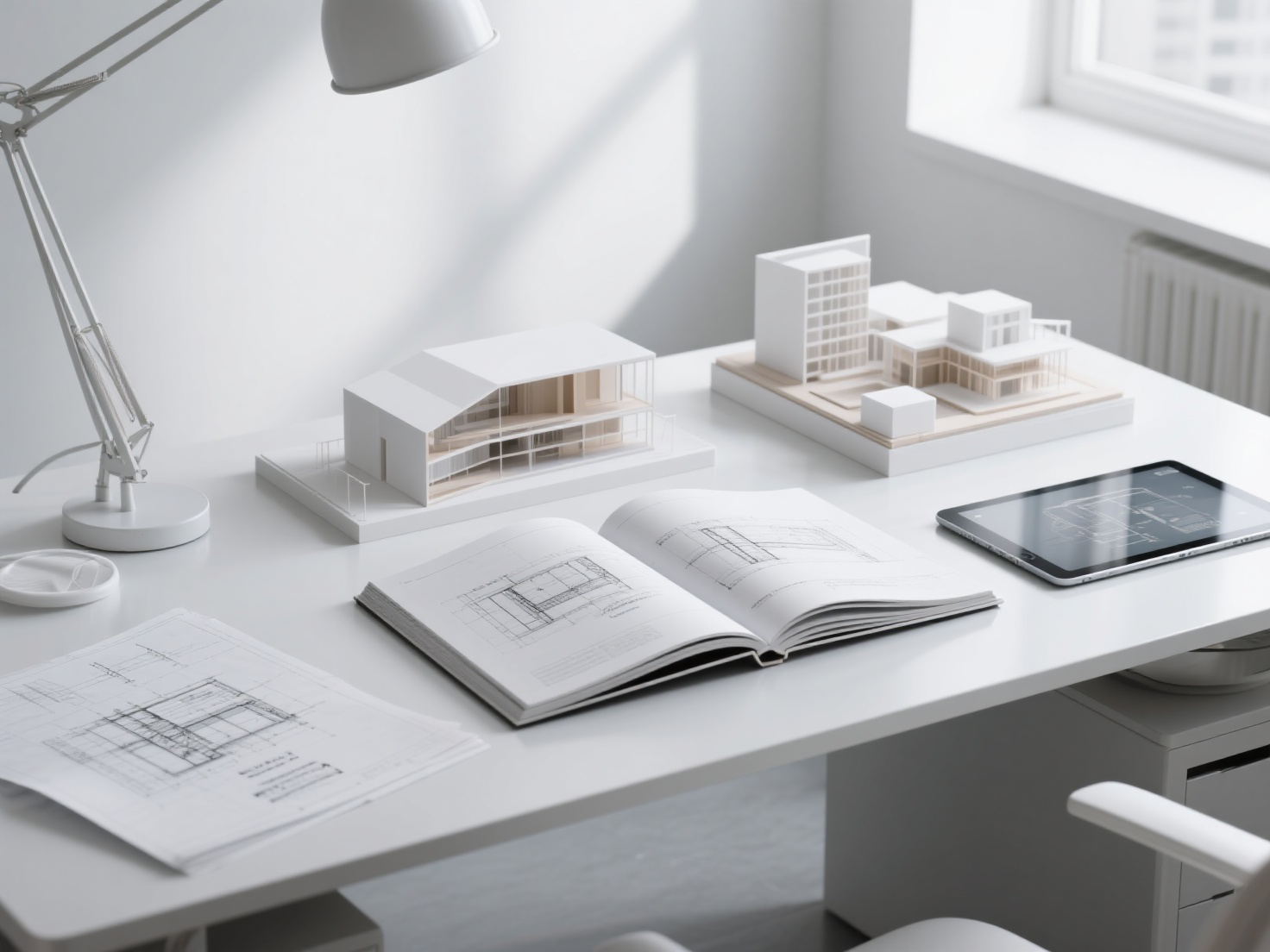
To prove your competence, you must include standard architectural conventions. Your portfolio should feature clean, properly scaled floor plans, sections, elevations, and detailed technical drawings. Ensure your line weights are crisp and readable. This is critical for employers who need to know you understand the realities of construction and space planning.
3. 3D Renders and Physical Models
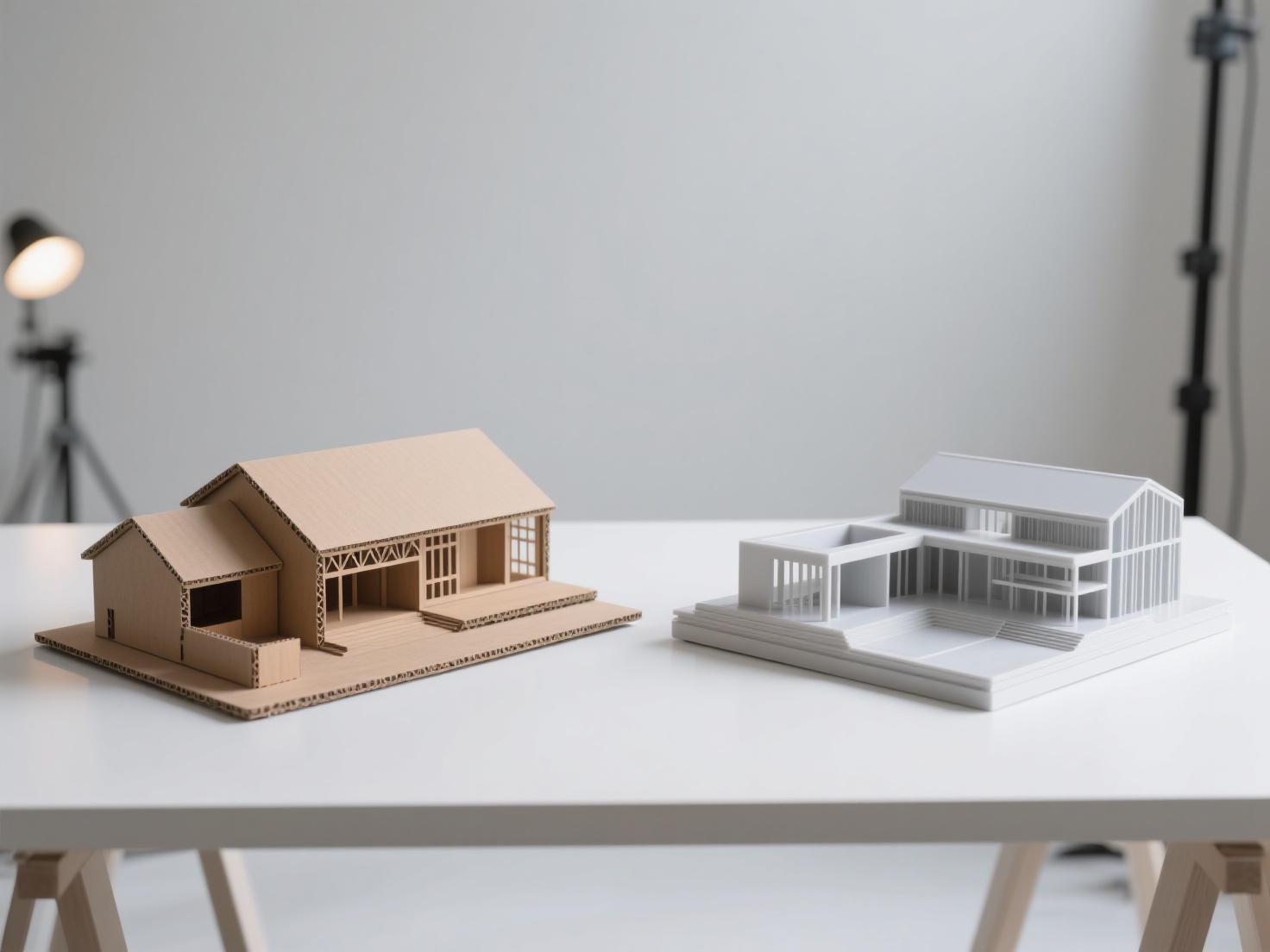
High-quality visualizations bridge the gap between technical plans and human experience. Include photorealistic 3D renders to convey lighting, materiality, and atmosphere. Additionally, photographs of physical models (made from balsa wood, museum board, or 3D printed materials) add a tactile, real-world dimension to your presentation that digital-only portfolios often lack.
Structuring Your Narrative and Layout
The way you present your work is just as important as the work itself. Your portfolio is essentially your first design test.
Creating a Cohesive Flow
Your portfolio should have a distinct narrative arc. Start with a clean cover page, followed by your CV and a clear Table of Contents. Aim to include your 3 to 5 best projects.
- The Golden Rule of Ordering: Place your absolute best, most impressive project first to hook the reader. Put your second-best project last to leave a lasting impression. Sandwiched in the middle should be projects that demonstrate specific niche skills (like sustainability analysis or advanced parametric design).
Layout and Graphic Design Principles
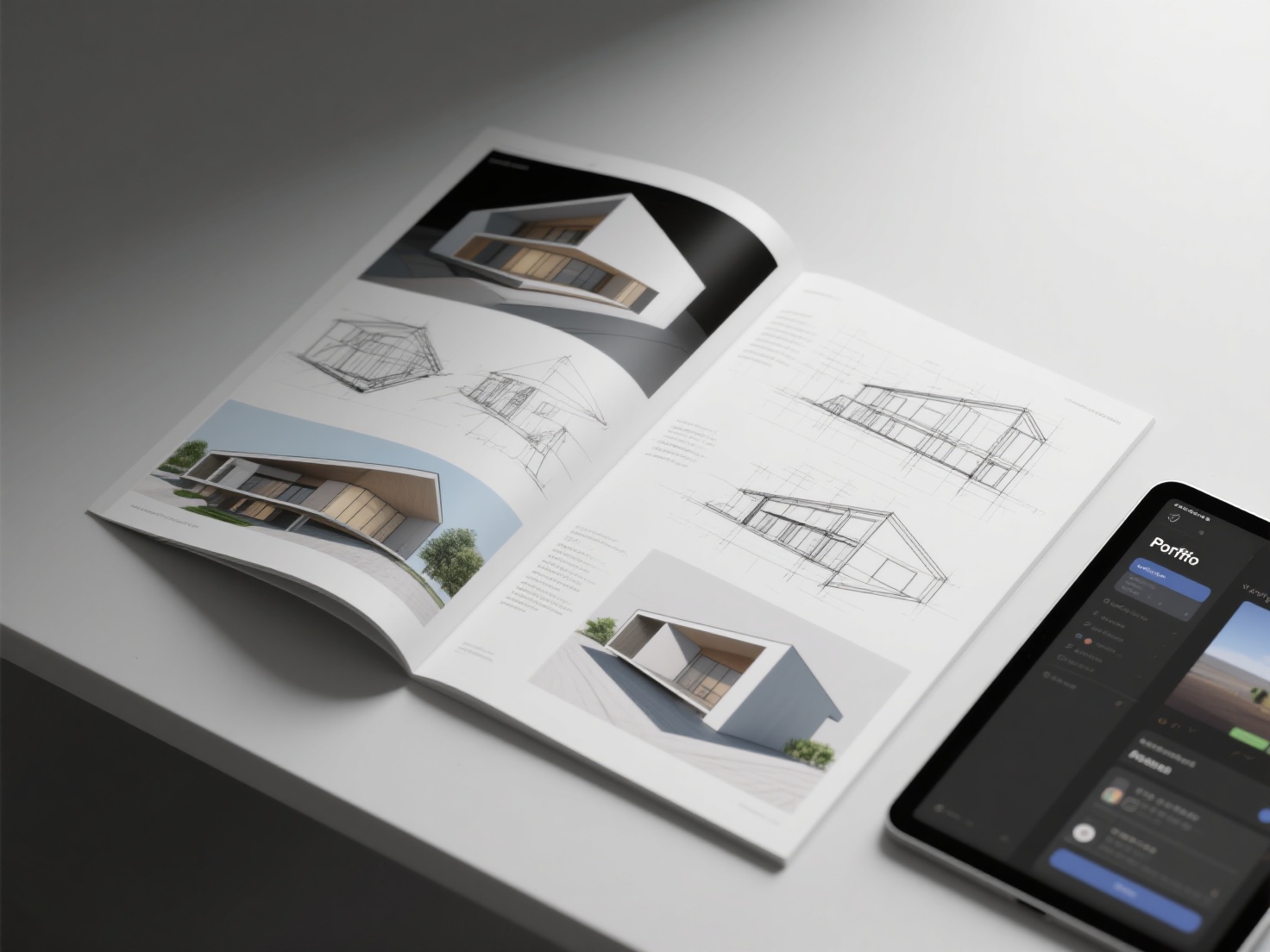
Treat your portfolio like an editorial magazine.
- Use a Grid System: Establish a baseline grid in Adobe InDesign to ensure all your text, images, and white space align perfectly across pages.
- Embrace White Space: Do not overcrowd your pages. Empty space allows your drawings to breathe and draws the viewer’s eye exactly where you want it.
- Typography: Stick to one or two classic, highly legible fonts (e.g., Helvetica, Futura, or Garamond). Keep text minimal; rely on visuals to do the heavy lifting.
Practical Applications: Tailoring and Formats
One size does not fit all. You must adjust your portfolio based on who will be reviewing it.
How to Tailor Your Architecture Portfolio
- The Architecture Student Portfolio: When applying to schools, academic reviewers are looking for potential, theoretical exploration, and raw creativity. Focus heavily on your conceptual thinking, artistic explorations, and willingness to push boundaries.
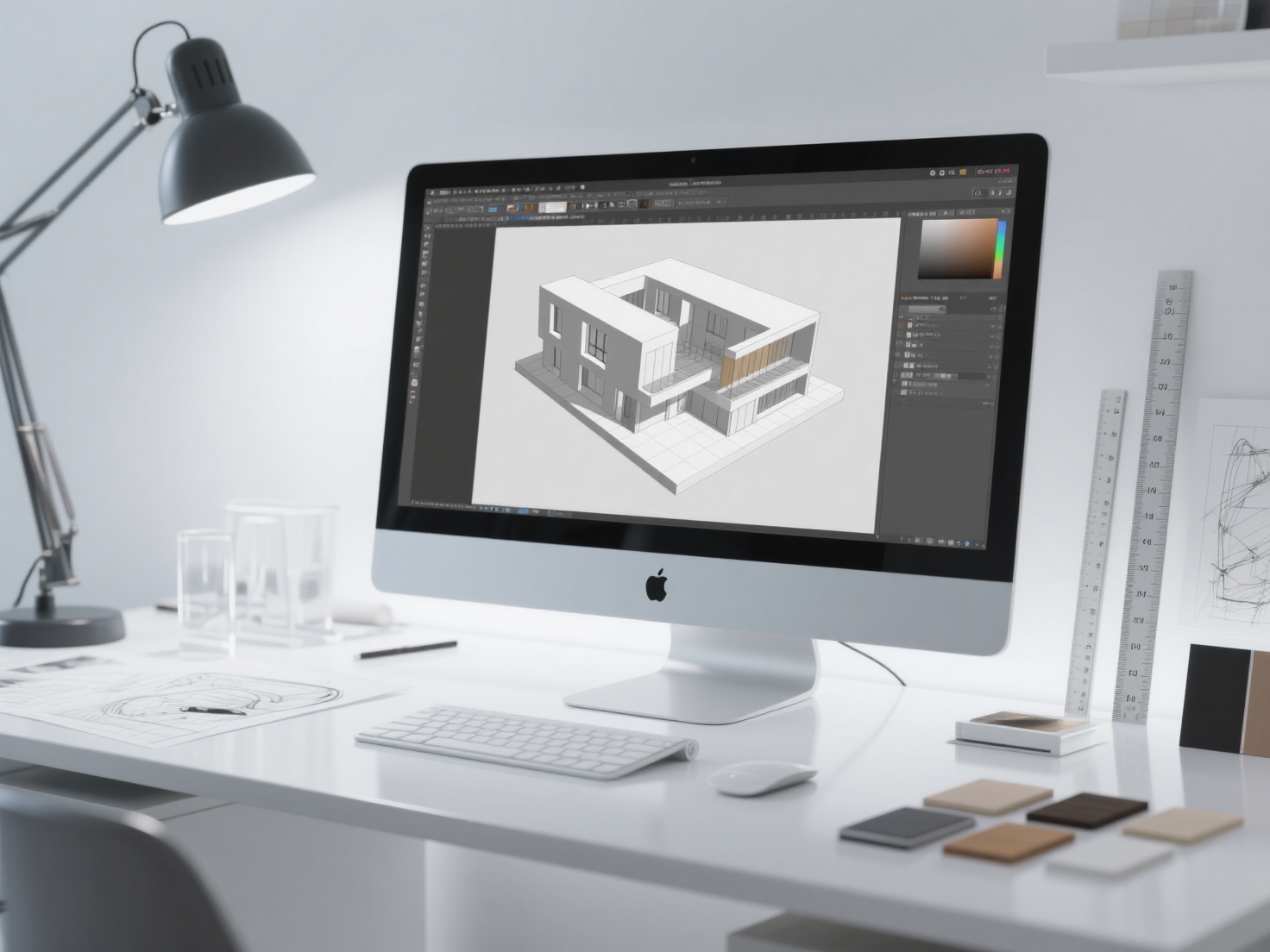
- The Professional Portfolio: Employers prioritize hireability. They want to see your proficiency in industry-standard software (Revit, AutoCAD, Rhino), your understanding of building codes, construction details, and evidence that you can work effectively within a team constraint.
Choosing the Right Format: Digital vs. Physical
Today, the vast majority of initial applications require a digital portfolio.
- Digital Platforms: Issuu is an industry standard for publishing flip-book style PDF portfolios. Behance is excellent for gaining community visibility. Alternatively, building a personal website (via Squarespace or Webflow) offers the most customized, interactive experience.
- Physical Portfolios: Always bring a high-quality printed portfolio to an in-person interview. A physical book demonstrates your attention to print quality, binding, and material selection—traits highly valued in physical architecture.
Expert Architecture Portfolio Tips and Mistakes to Avoid
To ensure your application rises to the top of the pile, keep these architecture portfolio tips in mind:
- Keep Project Descriptions Concise: Reviewers spend an average of 1–2 minutes scanning a portfolio. Write short, punchy paragraphs. Use bullet points to highlight the project brief, your specific role, and the software used.
- Quality Over Quantity: This is the most common mistake. It is far better to have 15 pages of outstanding work than 40 pages diluted by mediocre, early-year projects. Only include your best work.
- Avoid Over-Stylizing: Do not let complex graphic design backgrounds distract from your architectural drawings. The portfolio’s design should be invisible; the architecture should be the star.
Accelerating Your Visuals with AI
Creating compelling 3D assets and physical models for a portfolio is notoriously time-consuming. Hours are spent tweaking geometry and waiting for renders to process. This is where modern AI workflows are revolutionizing architectural visualization.
For instance, students and professionals can now use AI to rapidly generate 3D representations of their early 2D sketches. Tools like Hitem3D can take a single conceptual image or rendering and instantly generate a production-ready 3D model. Its proprietary Invisible Parts technology reconstructs hidden structures beyond the visible surface, creating complete geometry. Furthermore, its 3D Relief feature is incredibly useful for generating layered topographical models or intricate facade bas-reliefs, which can be sent directly to a 3D printer (via Bambu Studio or OrcaSlicer) to create stunning physical models for your portfolio.
Conclusion & Next Steps
Building a successful architecture portfolio is an ongoing process of curation, refinement, and storytelling. By carefully selecting your best projects, demonstrating a clear conceptual-to-technical pipeline, and presenting your work with immaculate graphic design, you will prove your value to any firm or academic institution.
Remember to tailor your narrative to your specific audience, embrace white space, and leverage the latest technological tools to enhance your visual outputs without burning out.
If you are looking to elevate your architectural presentations, Hitem3D is a next-generation AI-powered 3D model generator that can transform your workflow. Powered by in-house Sparc3D models for high precision, it turns your 2D sketches and renders into full 3D models with up to 1536³ Pro resolution (2M polygons). With its De-Lighted Texture feature, it intelligently removes baked-in lighting from images to provide true, relightable 4K PBR materials—perfect for seamless integration into Unreal Engine, Lumion, or V-Ray renders. Plus, with a generous Free Retry system, you can experiment until your geometry is perfect.
Ready to bring your architectural concepts to life and build a portfolio that gets you hired?
Frequently Asked Questions (FAQ)
How many pages should an architecture student portfolio be?
Generally, an architecture portfolio should be between 20 to 40 pages long, showcasing 3 to 5 comprehensive projects. Always check the specific requirements of the job or university, as many impose strict page limits or file size caps (e.g., under 15MB).
What is the best software to create an architecture portfolio?
Adobe InDesign is the absolute industry standard for layout design due to its powerful grid systems, master pages, and typography controls. Illustrator is great for diagrams, and Photoshop is essential for post-processing your renders.
Should I include unfinished architecture projects?
Yes, but only if they demonstrate a strong conceptual process or a specific technical skill. Clearly label them as “Work in Progress” or “Conceptual Study,” and use them to highlight your problem-solving abilities rather than polished final outcomes.