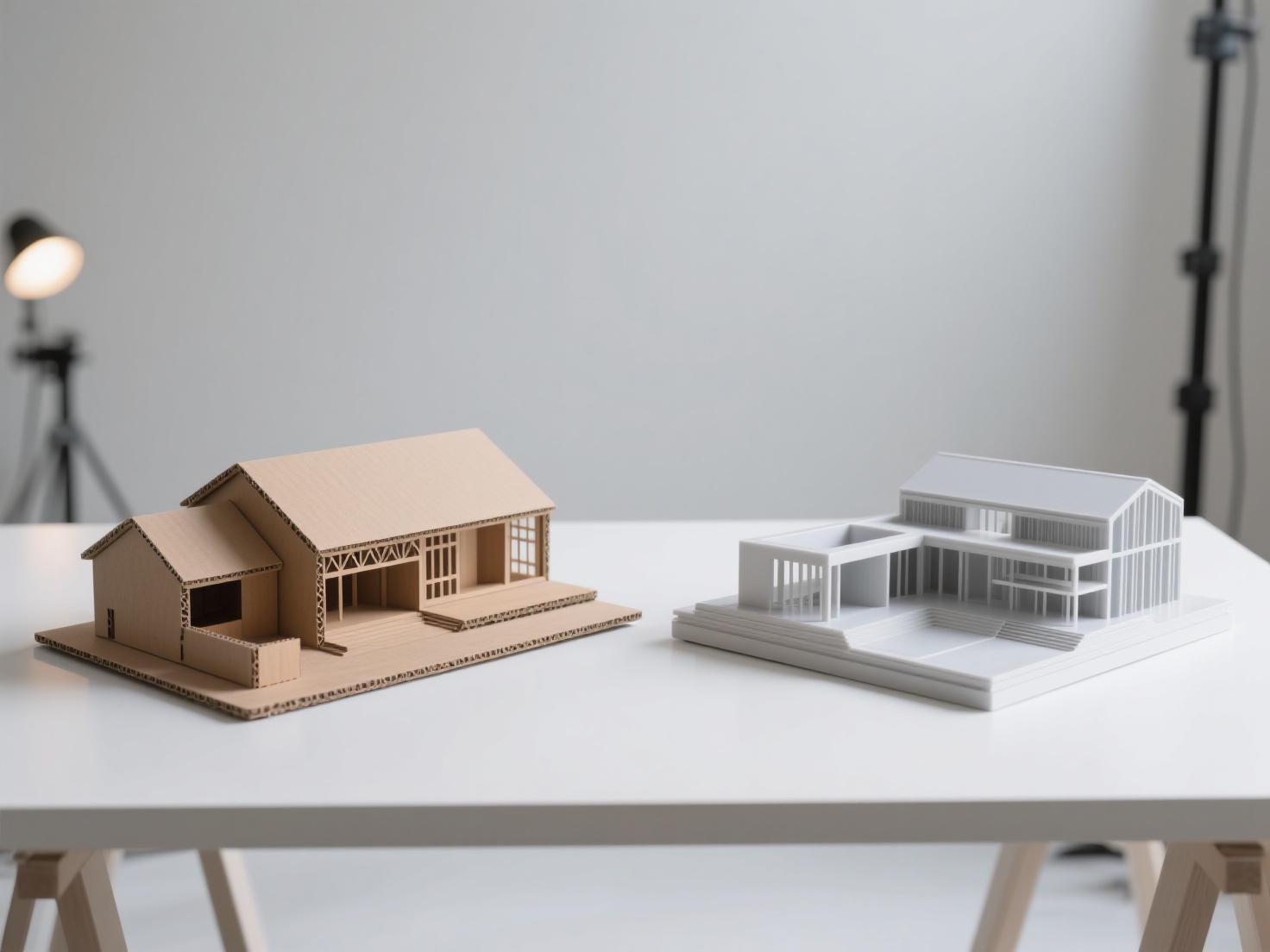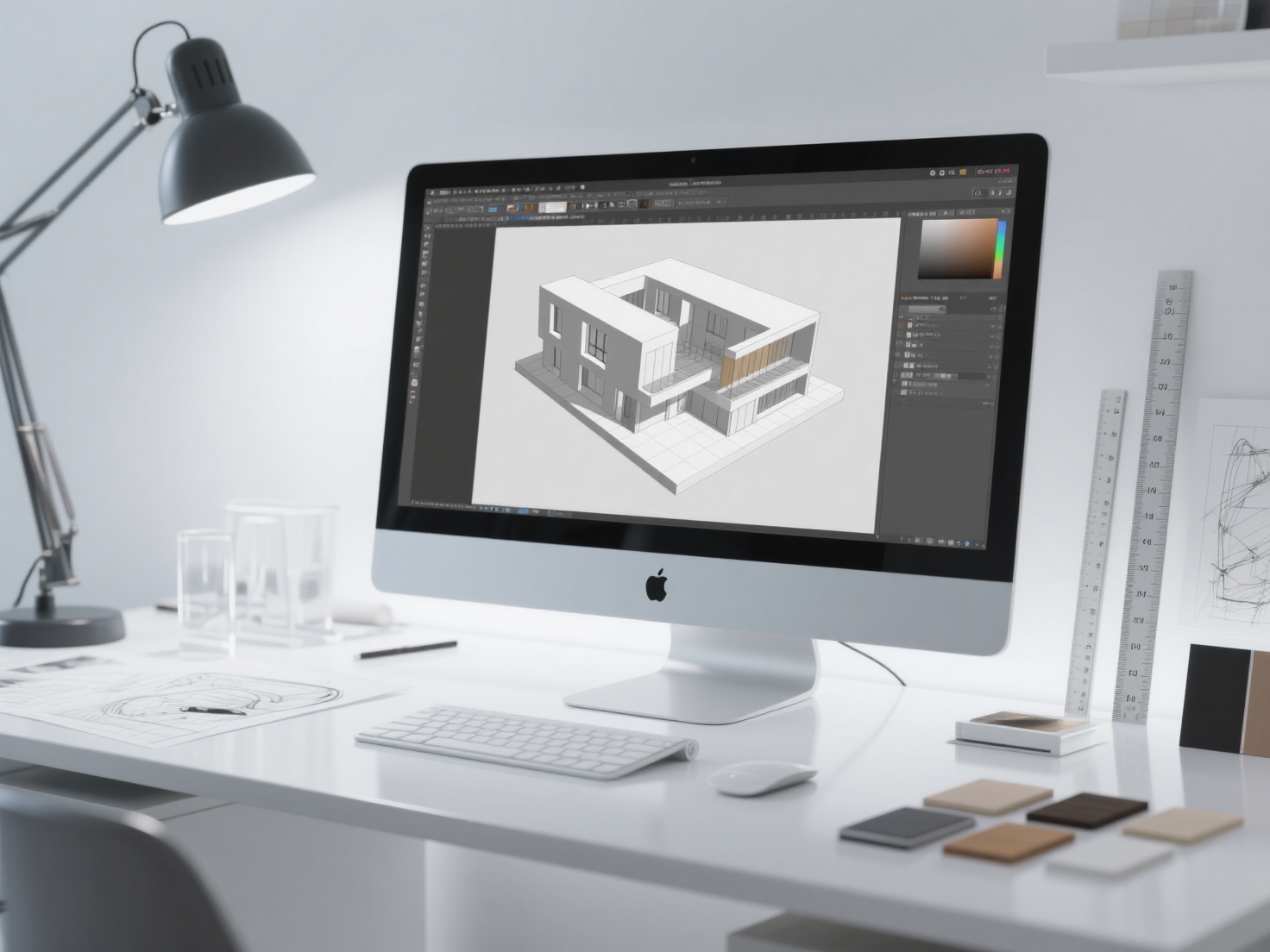
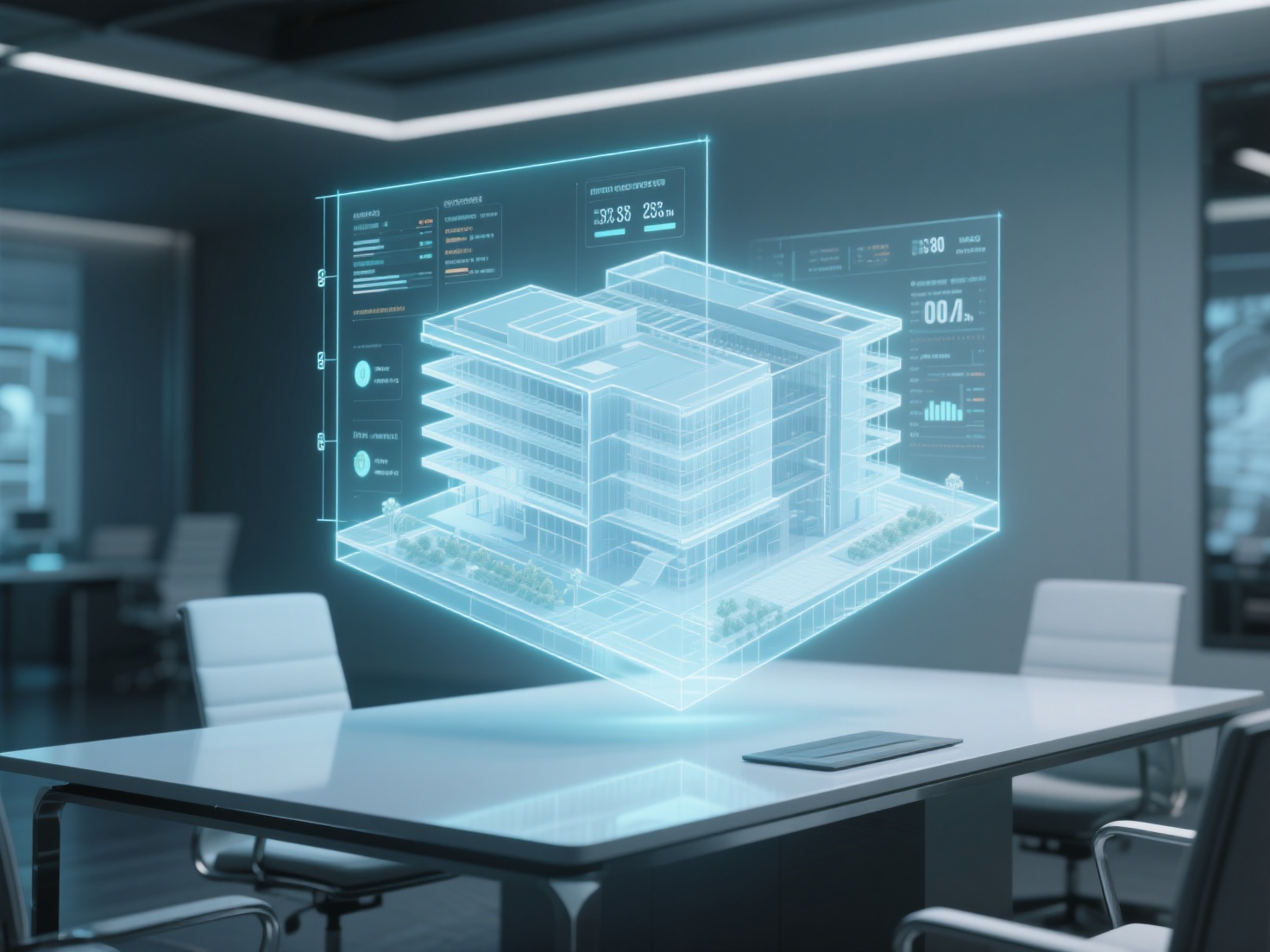
The architecture, engineering, and construction (AEC) industry has undergone a massive digital transformation over the last decade. Gone are the days when flat, 2D blueprints were the sole foundation of a multi-million-dollar project. Today, the physical world is built in the digital realm first, thanks to Building Information Modeling (BIM).
Whether you are an architecture student preparing for the future, an established architect, or a construction professional looking to optimize your workflow, understanding BIM software architecture is no longer optional—it is an industry standard.
In this comprehensive guide, we will answer what is BIM, explore how it revolutionizes the lifecycle of a building, highlight the top software tools for 2026, and show you how integrating next-generation AI 3D modeling tools can supercharge your design process.
What is BIM? (Building Information Modeling Defined)
At its core, what is BIM? Building Information Modeling (BIM) is an intelligent, highly collaborative 3D model-based process that gives architecture, engineering, and construction (AEC) professionals the insight and tools to efficiently plan, design, construct, and manage buildings and infrastructure.
Unlike traditional 3D modeling that only represents visual geometry, a BIM model is data-rich. Every element within the model contains parametric information. For example, a virtual door in a BIM model isn’t just a rectangle; the software knows it is a door, understands its material, its fire rating, its cost, and even the manufacturer’s maintenance schedule. If you change the size of a wall, the BIM software automatically updates the required material quantities, structural loads, and associated costs in real time.
The Core Structure: How BIM Works
To truly grasp building information modeling, we must look at how it expands beyond standard visual drafting and embraces the entire lifecycle of a project.
Traditional CAD vs. BIM
To appreciate BIM, it helps to compare it to traditional Computer-Aided Design (CAD).
- Traditional CAD: Primarily focused on creating 2D vector-based drawings (lines, arcs, and text). If you draw a wall in standard CAD, the computer simply sees two parallel lines. If a design changes, you must manually update the floor plans, elevations, and sections.
- BIM: Focuses on creating a centralized digital twin. If you draw a wall in BIM, you are placing an intelligent 3D object. If you move that wall, the floor plan, 3D views, section cuts, and material schedules all update automatically.
The 7 Dimensions of BIM
BIM goes far beyond three-dimensional space. Modern BIM software architecture supports multiple “dimensions” of data, allowing teams to manage every phase of a project:
| Dimension | Focus Area | Description |
|---|---|---|
| 3D | Geometry & Spatial Data | The traditional X, Y, and Z axes. It visualizes the building’s physical structure, allowing for accurate spatial planning and early visual communication. |
| 4D | Scheduling & Time | Integrates project timelines into the 3D model. Project managers can visualize the construction sequence step-by-step, optimizing logistics on the site. |
| 5D | Cost Estimation | Links budget and cost data to the model’s components. As the design changes, the estimated cost of materials and labor updates automatically. |
| 6D | Sustainability | Focuses on environmental impact, energy consumption, and thermal analysis to ensure the building meets green certifications (like LEED). |
| 7D | Facility Management | Contains lifecycle data (manuals, warranties, maintenance schedules) used by facility managers long after construction is completed. |
Top BIM Software Architecture Tools in 2026
The market is filled with powerful tools tailored to different disciplines. Some of the industry-leading platforms include:
- Autodesk Revit: The undeniable heavyweight champion of BIM. Revit offers robust tools for architectural design, MEP (mechanical, electrical, plumbing), and structural engineering all in one unified platform.
- Graphisoft ArchiCAD: Praised for its intuitive, designer-friendly interface, ArchiCAD is incredibly popular among architects and offers excellent visualization capabilities.
- Vectorworks Architect: A versatile tool favored by many mid-sized firms for its strong graphic output and flexible 3D modeling tools.
- Bentley MicroStation & OpenBuildings: Typically used for massive, complex infrastructure projects like airports, bridges, and expansive rail systems.
The Importance of IFC Open Standards:
Because different teams use different software, the industry relies on Industry Foundation Classes (IFC). IFC is an open file format specification that allows a structural engineer using Bentley to seamlessly share their data with an architect using Revit, preventing vendor lock-in.
Applications and Benefits: Why BIM Matters
The adoption of building information modeling has skyrocketed because it solves some of the most expensive and frustrating problems in the construction industry.
1. Advanced Clash Detection
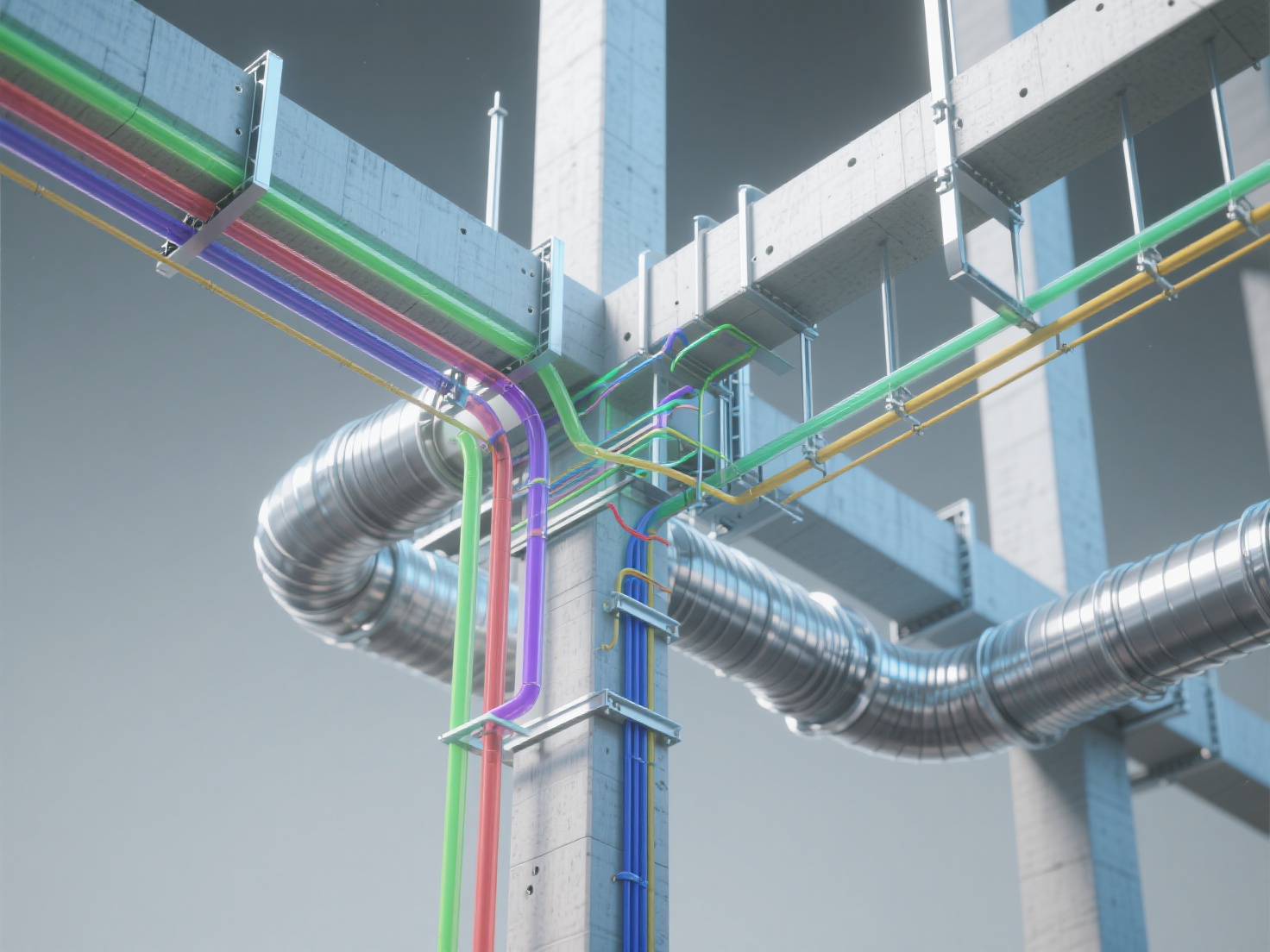
In traditional workflows, the architect designs the ceiling, the mechanical engineer designs the ductwork, and the electrical engineer routes the wiring. Often, these elements collide, but the error isn’t noticed until teams are physically on the construction site—leading to massive delays and costly “change orders.” BIM software automatically runs clash detection, highlighting spatial conflicts in the digital model long before a single brick is laid.
2. Seamless Real-Time Collaboration
Cloud-based BIM environments allow teams spread across the globe to work on the exact same model simultaneously. An architect in New York can adjust the building envelope while a structural engineer in London simultaneously updates the steel framing, ensuring everyone is always working from the “single source of truth.”
3. Lifecycle Management
A building might take three years to build but will stand for fifty. By utilizing 7D BIM, owners receive a fully populated digital twin at handover. If an HVAC unit breaks down five years later, the facility manager can click on the unit in the BIM model to instantly access its warranty information, serial number, and maintenance history.
Best Practices for Implementing BIM and AI into Your Workflow
Transitioning to a BIM-centric workflow requires careful planning. Here are some best practices to ensure success:
- Develop a BIM Execution Plan (BEP): Before starting a project, clearly define the Level of Development (LOD) required at each phase. Decide early on how data will be shared and what software versions will be used.
- Start Small: If your firm is transitioning from 2D CAD to BIM, don’t start with a massive hospital project. Pick a small residential or commercial fit-out to learn the ropes.
- Optimize Custom Asset Creation with AI: One of the biggest bottlenecks in BIM software architecture is creating or sourcing highly specific 3D assets. While BIM handles walls and structural steel perfectly, modeling bespoke furniture, complex lighting fixtures, or custom historical sculptures natively in Revit or ArchiCAD is incredibly time-consuming and often bloats the file size.
Accelerating Architectural Visualization with Hitem3D
This is where AI-driven 3D generation becomes a game-changer for architectural visualization and interior design. Instead of spending hours modeling a specific manufacturer’s chair or a custom gargoyle for your BIM scene, you can use Hitem3D.
Hitem3D is a next-generation AI-powered 3D model generator that perfectly complements your architectural workflow. By leveraging in-house Sparc3D (for high precision) and Ultra3D (for high efficiency) models, architects and designers can simply upload a 2D reference image of a piece of furniture or an architectural ornament.
Within minutes, Hitem3D generates a production-ready 3D model.
- Invisible Parts Reconstruction: Unlike basic photogrammetry, Hitem3D’s advanced AI hallucinates and reconstructs the hidden backsides and structural geometry of objects perfectly.
- De-Lighted 4K PBR Textures: Hitem3D intelligently removes baked-in lighting and shadows from the reference image. This means when you import the generated model into your visualization software (like Enscape, Lumion, or Twinmotion), the asset will react naturally to your custom architectural lighting setup.
- Seamless Integration: With support for resolutions up to 1536³ Pro (up to 2M polygons) and direct exports to GLB, OBJ, and FBX, you can easily drop these high-fidelity assets into your BIM visualization pipeline. Plus, if a generation isn’t quite right, Hitem3D offers a generous Free Retry system without consuming extra credits.
Conclusion: The Future of Architecture is Intelligent
The transition from flat lines to intelligent, data-rich digital twins marks one of the most significant leaps in the history of architecture. Understanding what is BIM and mastering BIM software architecture empowers professionals to design smarter, build faster, and reduce costly errors.
As building information modeling continues to evolve, the integration of AI tools will only further streamline the creative process. By letting BIM handle the heavy data and structural parameters, and using AI to generate complex custom geometries, architects can spend less time drafting and more time doing what they do best: designing incredible spaces.
Are you ready to elevate your architectural visualizations with instant, high-fidelity 3D assets? Stop wasting hours modeling custom furniture and fixtures from scratch.
Create For Free with Hitem3D today and experience the future of AI-powered 3D modeling!
Frequently Asked Questions (FAQ)
1. Is BIM only useful for massive commercial projects?
Not at all. While BIM is essential for large infrastructure and commercial buildings, small residential firms benefit heavily from BIM through automatic scheduling, accurate material takeoffs, and instant 3D visualization for their clients.
2. What is the difference between Revit and BIM?
This is a very common point of confusion! BIM (Building Information Modeling) is the overall methodology and process of creating a data-rich digital model. Revit is simply a specific software application used to execute the BIM process.
3. Can I use BIM for interior design?
Yes! Interior designers use BIM to manage space planning, track furniture schedules (FF&E), monitor exact material quantities, and coordinate seamlessly with the lead architects and MEP engineers. AI tools like Hitem3D are particularly useful here for rapidly converting 2D mood board images into 3D assets for the digital model.