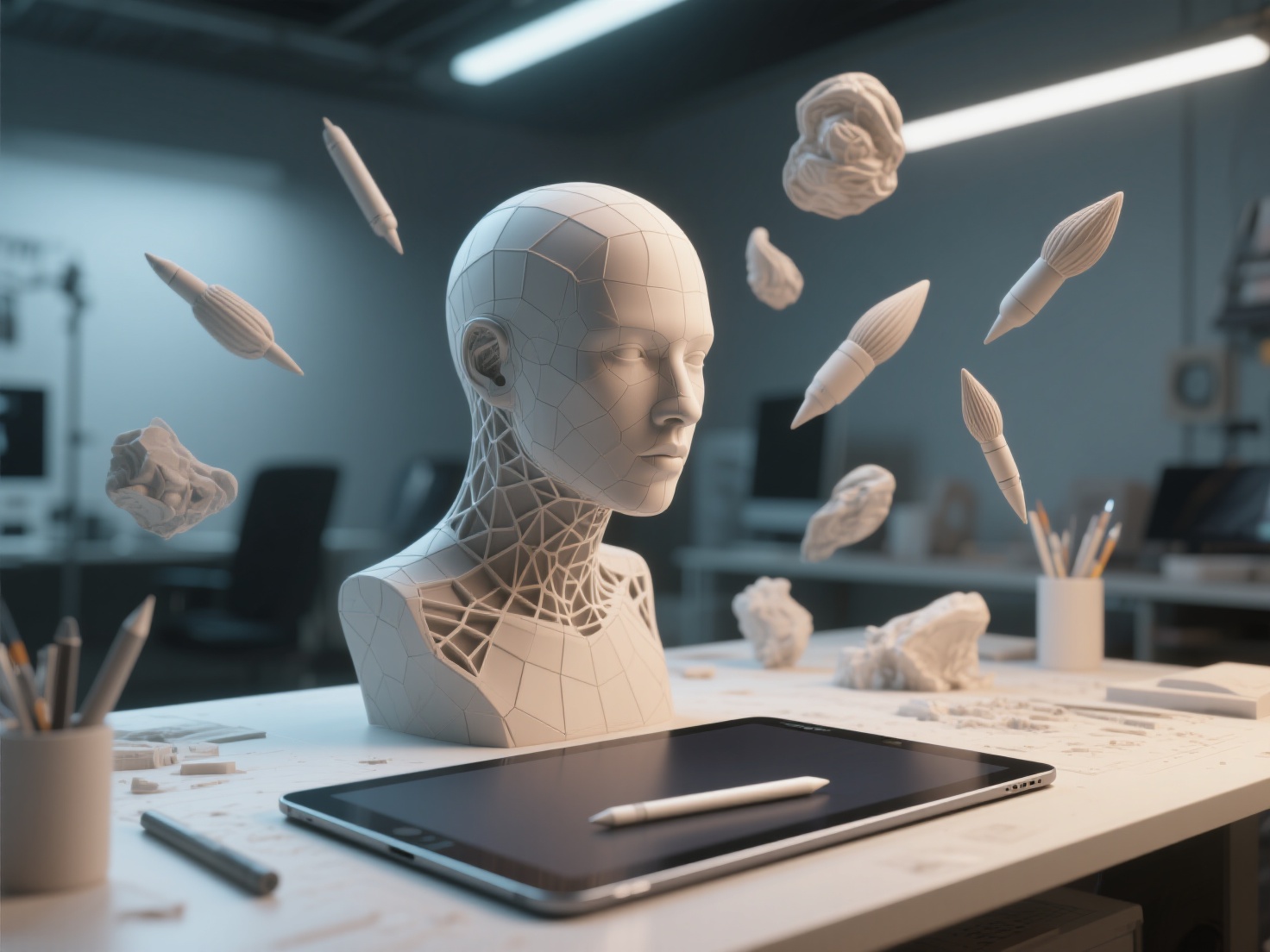
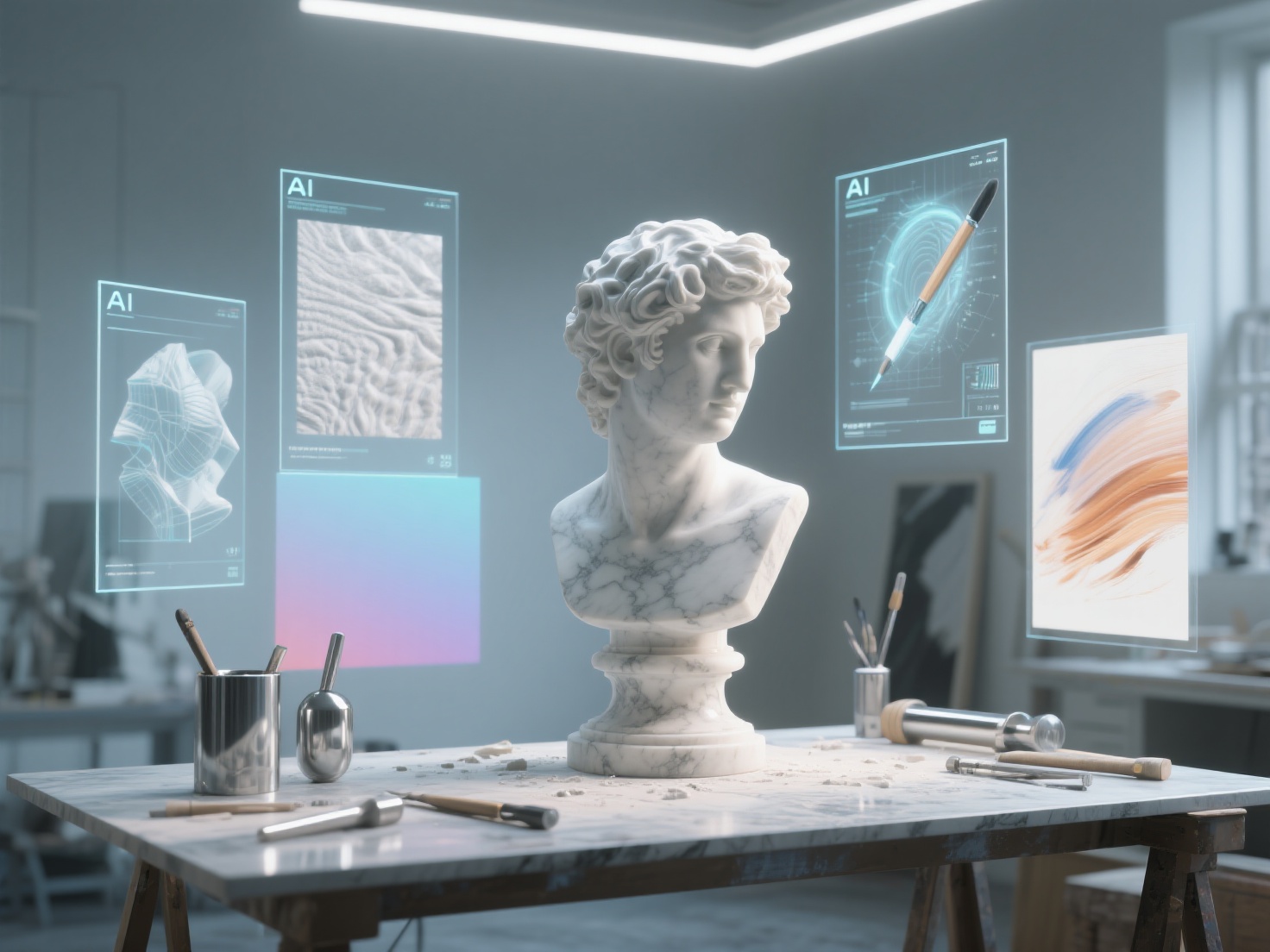
The landscape of digital creation is undergoing a monumental shift. Just a few years ago, transforming a concept into a fully realized 3D asset required days of meticulous manual labor, technical troubleshooting, and a steep learning curve. Today, the rapid evolution of artificial intelligence art is completely redefining how creators approach their workflows.
For artists, designers, and game developers, the traditional bottlenecks of production—such as topology structuring, UV unwrapping, and manual texturing—often stifle pure creativity. The rise of AI tools for artists is not about replacing human ingenuity; it is about eliminating these tedious technical barriers. By seamlessly blending 2D concept generation with AI 3D modeling, creators can now focus entirely on art direction, storytelling, and design innovation.
In this article, we will explore how AI is transforming the art world, look at practical ways to integrate these tools into your workflow, and reveal how modern technology is empowering the next generation of creatives.
What is AI Art and AI 3D Modeling?
AI art refers to visual media—including images, videos, and animations—generated or significantly altered using artificial intelligence algorithms, typically through machine learning models trained on vast datasets.
Similarly, AI 3D modeling is the process of using artificial intelligence to automatically generate, refine, or texture three-dimensional digital objects from simple inputs like text prompts, single 2D images, or multi-view references. Instead of manually extruding polygons or sculpting digital clay from scratch, artists can use AI algorithms to instantly reconstruct full-form geometry, dramatically accelerating the path from concept to production-ready asset.
How Artificial Intelligence is Changing the Art World
The modern creative pipeline is being augmented at every stage by specialized AI applications. Here is a breakdown of how artificial intelligence art tools are reshaping the workflow.
1. AI Image Generation as a Concept Tool
Tools like Midjourney and Stable Diffusion have revolutionized the ideation phase. Concept artists no longer need to sketch dozens of thumbnails manually. By inputting descriptive prompts, they can generate hundreds of high-quality visual concepts in minutes. These platforms serve as advanced mood boards, helping artists rapidly explore color palettes, lighting scenarios, and character designs before committing to a final direction.
2. AI 3D Model Generation
The leap from a 2D concept to a 3D asset has historically been the most time-consuming phase of digital art. This is where AI 3D modeling has made the most significant impact. Advanced platforms like Hitem3D are bridging this gap by allowing artists to upload a single 2D concept image and instantly generate a production-ready 3D model.
Unlike older photogrammetry methods that struggle with occluded areas, next-generation AI utilizes Invisible Parts technology to accurately reconstruct hidden structures beyond the visible surface. With resolutions reaching up to 1536³ Pro (up to 2 million polygons), artists receive highly detailed, full-form geometry that features sharp edges and clean topology, ready for immediate use in professional pipelines.
3. AI Texture Generation
Creating realistic materials can be just as complex as modeling the geometry itself. AI is now capable of generating 4K PBR-ready (Physically Based Rendering) textures in seconds. A major breakthrough in this space is De-Lighted Texture processing. Traditionally, AI-generated textures often had baked-in lighting and shadows from the original 2D image, making them useless in dynamic 3D environments. Modern AI tools intelligently remove these baked-in artifacts, providing true, relightable materials that react accurately to your scene’s custom lighting.
4. AI Animation Tools and Color Grading
Beyond static art, AI is streamlining motion and post-production. AI-driven rigging and animation tools can automatically map a skeleton to a 3D mesh and apply motion-capture data without manual weight-painting. In post-production, AI-assisted color grading analyzes scene mood and automatically adjusts color curves to match specific cinematic styles, saving video editors and VFX artists hours of manual tweaking.
5. The Debate: Authorship vs. Augmentation
As AI tools become mainstream, a debate around artistic authorship has emerged. Does using AI diminish the value of art? Most industry professionals view AI not as an autonomous creator, but as a sophisticated brush. The true value lies in the artist’s curation, prompting, and post-generation refinement. AI tools for artists handle the heavy lifting of execution, allowing the human mind to focus entirely on the emotional and conceptual core of the piece.
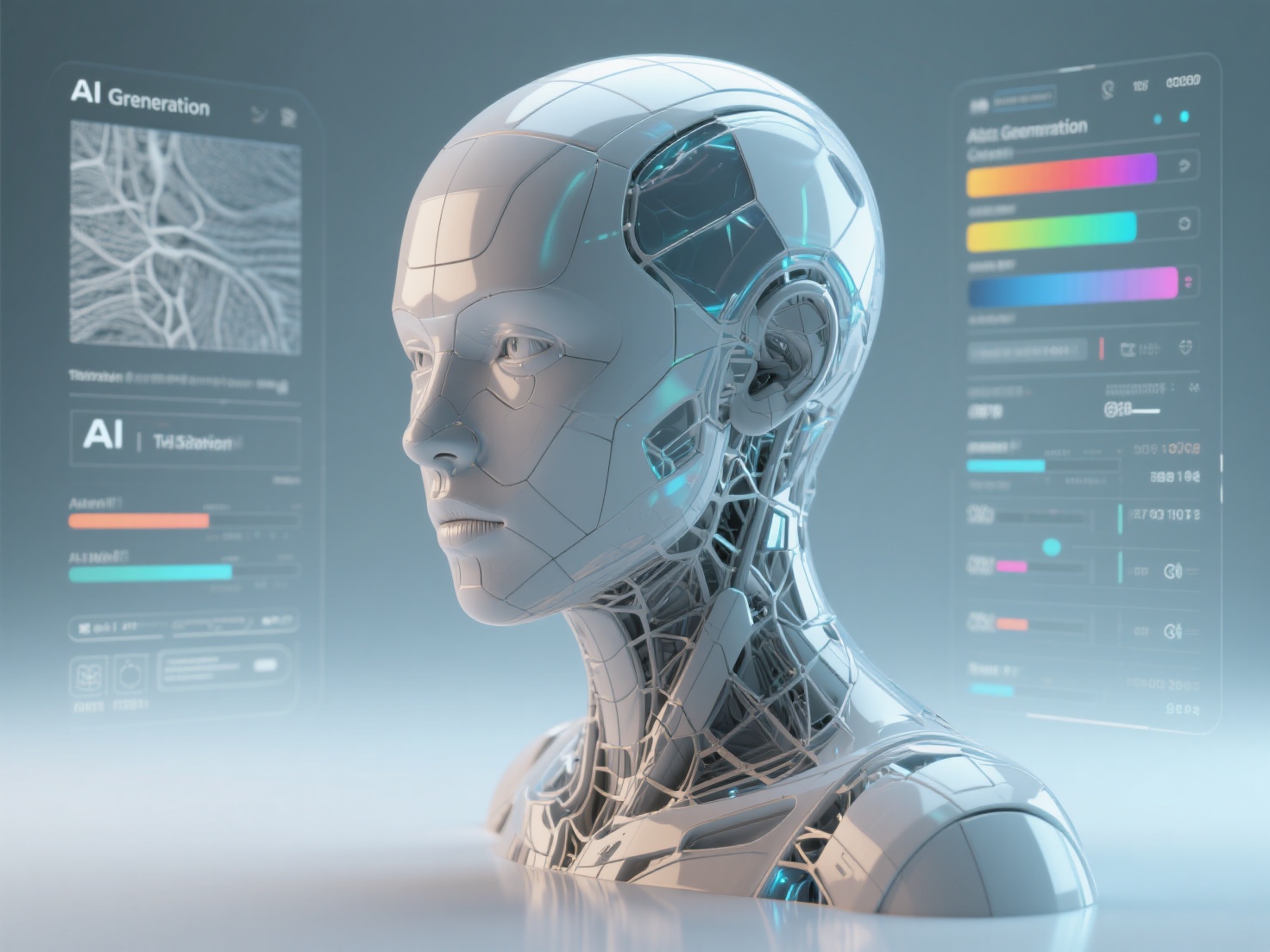
Practical Applications: Integrating AI into Creative Workflows
How are working professionals actually using these tools today? Here are some of the most impactful applications of AI art and 3D generation.
| Industry | Traditional Bottleneck | AI-Powered Solution |
|---|---|---|
| Game Development | Prototyping background props and environmental assets takes weeks. | Artists generate 2D concepts, pass them through an AI 3D modeling tool, and populate game levels in days. |
| 3D Printing & Sculpting | Designing intricate bas-reliefs or slicing multi-color prints requires advanced CAD skills. | AI automatically converts images into layered 3D Reliefs and instantly segments models into clean color regions for multi-color printing. |
| Film & VFX | Pre-visualization requires fast turnaround of 3D assets to plan camera shots. | Directors use AI to instantly turn storyboards into rough 3D scenes, establishing camera angles and lighting setups rapidly. |
| Jewelry & Fashion | Transitioning a sketch into a manufacturable 3D file requires hiring specialized 3D CAD jewelers. | Designers feed sketches into AI to generate base 3D meshes (OBJ, STL) for rapid prototyping and client approval. |
Best Practices for Using AI Tools for Artists
To get the most out of artificial intelligence art tools, artists should adopt a hybrid workflow. Here are actionable tips to ensure high-quality results:
- Curate High-Quality Inputs: Whether prompting an image generator or feeding an image into an AI 3D modeling tool, the output is only as good as the input. Use well-lit, high-contrast, and clearly defined reference images for the best 3D reconstruction.
- Embrace Iteration: Don’t expect perfection on the first click. Use platforms that offer a Free Retry mechanism, allowing you to regenerate and tweak settings without burning through your budget.
- Combine AI with the “Human Touch”: Use AI to generate the base mesh (roughly 80% of the work), then import the resulting GLB, FBX, or OBJ file into tools like Blender or ZBrush. Manually sculpt fine details, adjust topology, or tweak textures to inject your unique artistic signature.
- Optimize for your Final Medium: If your goal is physical manufacturing, look for tools that offer one-click direct exports to slicers like Bambu Studio and OrcaSlicer to ensure your AI-generated models feature print-ready geometry.
Conclusion
The integration of AI art and AI 3D modeling is not a passing trend; it is a fundamental evolution of the creative process. By automating tedious technical tasks like polygon modeling, UV unwrapping, and texture de-lighting, AI tools for artists are democratizing 3D creation. They allow creators to focus on what truly matters: imagination, storytelling, and design.
If you are ready to supercharge your creative workflow and turn your 2D concepts into high-fidelity 3D assets in seconds, Hitem3D is your ultimate co-pilot. Built on the proprietary Sparc3D (high precision) and Ultra3D (high efficiency) models, Hitem3D is a next-generation AI-powered 3D model generator trusted by creators in over 50 countries.
Whether you need to reconstruct invisible structural parts, generate 4K PBR-ready De-Lighted textures, create stunning 3D reliefs, or utilize multi-color segmentation for seamless 3D printing, Hitem3D delivers production-ready geometry directly to your pipeline.
Ready to transform your ideas into 3D reality without the technical hassle?
Frequently Asked Questions (FAQ)
1. Is AI 3D modeling replacing traditional 3D artists?
No. AI 3D modeling is best viewed as a powerful assistant. While it automates the creation of base meshes, background props, and textures, traditional artists are still essential for art direction, fine-tuning topology, custom rigging, and adding the final polish that gives an asset its unique character.
2. What file formats do AI 3D generators usually output?
Leading platforms like Hitem3D support industry-standard formats, allowing seamless integration into any workflow. You can export your generated models as GLB, OBJ, STL, FBX, and USDZ, making them ready for game engines, 3D software, or slicing programs.
3. Can AI-generated 3D models be 3D printed?
Yes, absolutely. High-quality AI tools for artists generate print-ready geometry with sharp edges. Platforms like Hitem3D even offer seamless one-click export directly to popular slicers like Bambu Studio and OrcaSlicer, along with features like Multi-Color Segmentation for advanced printing.
4. How does AI handle the back or hidden sides of an image when making a 3D model?
Older methods often left the back of a model flat or distorted. Next-generation AI utilizes Invisible Parts technology to intelligently predict and reconstruct hidden structures and occluded areas beyond the visible surface, ensuring a complete, 360-degree full-form geometry.