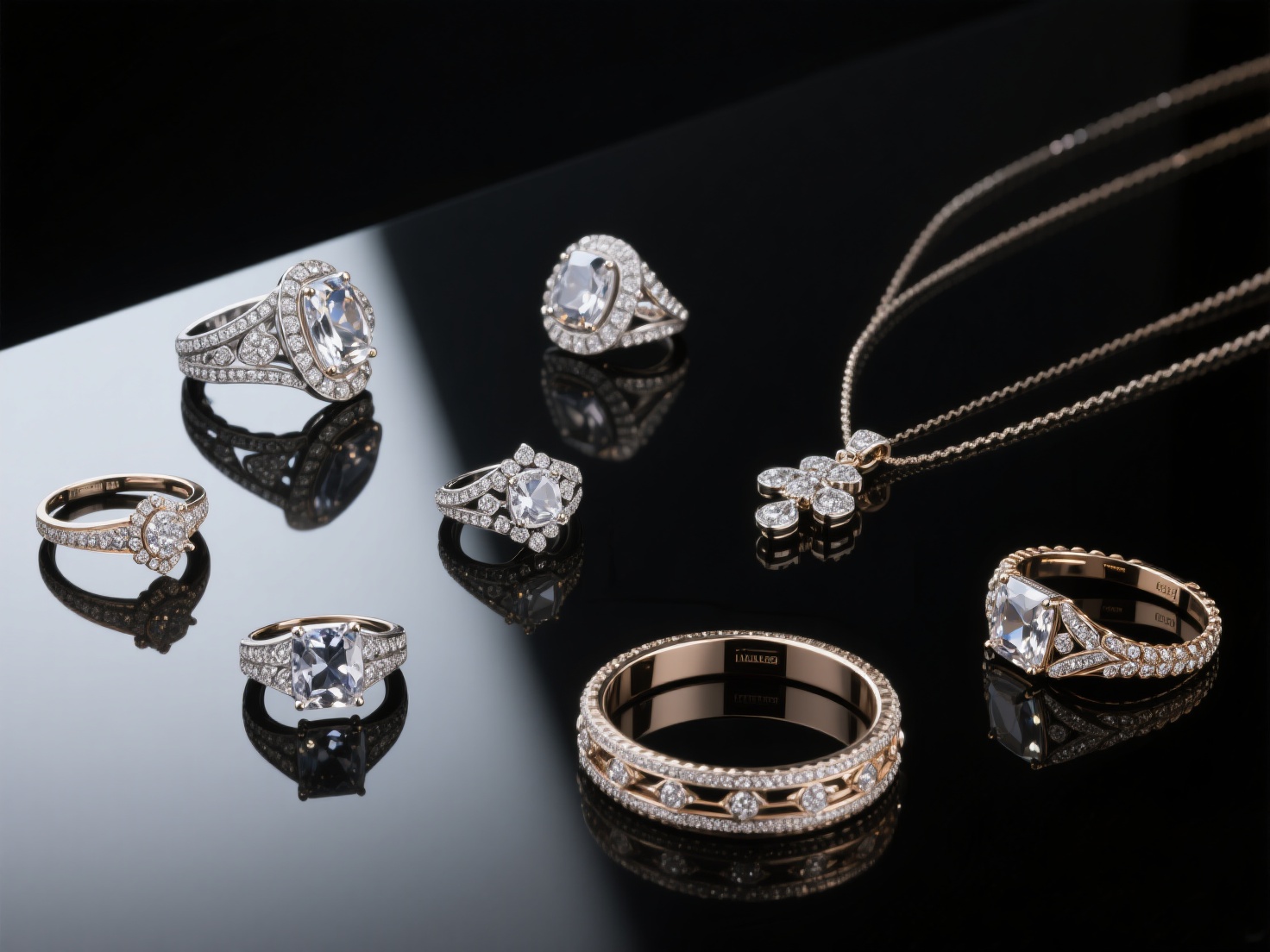
The jewelry industry is undergoing a digital renaissance. While traditional hand-carving and wax-sculpting remain respected crafts, the demand for intricate, customized, and rapidly produced pieces has made 3D jewelry modeling an indispensable skill. For modern artisans, mastering digital tools is no longer optional—it is the baseline for staying competitive.
Whether you are crafting a bespoke engagement ring or launching a mass-market accessory line, translating a concept into a precise digital format saves time, reduces material waste, and opens up limitless creative possibilities. However, the transition from sketchpad to screen can be daunting for beginners.
This comprehensive guide will explore the top 3D jewelry design software, essential modeling techniques, and the modern digital workflow. We will also reveal how next-generation AI tools can dramatically accelerate your design process from concept to casting.
What is 3D Jewelry Modeling?
3D jewelry modeling is the process of using specialized computer-aided design (CAD) software to create highly accurate, mathematically precise three-dimensional digital representations of jewelry pieces prior to physical manufacturing or 3D printing.
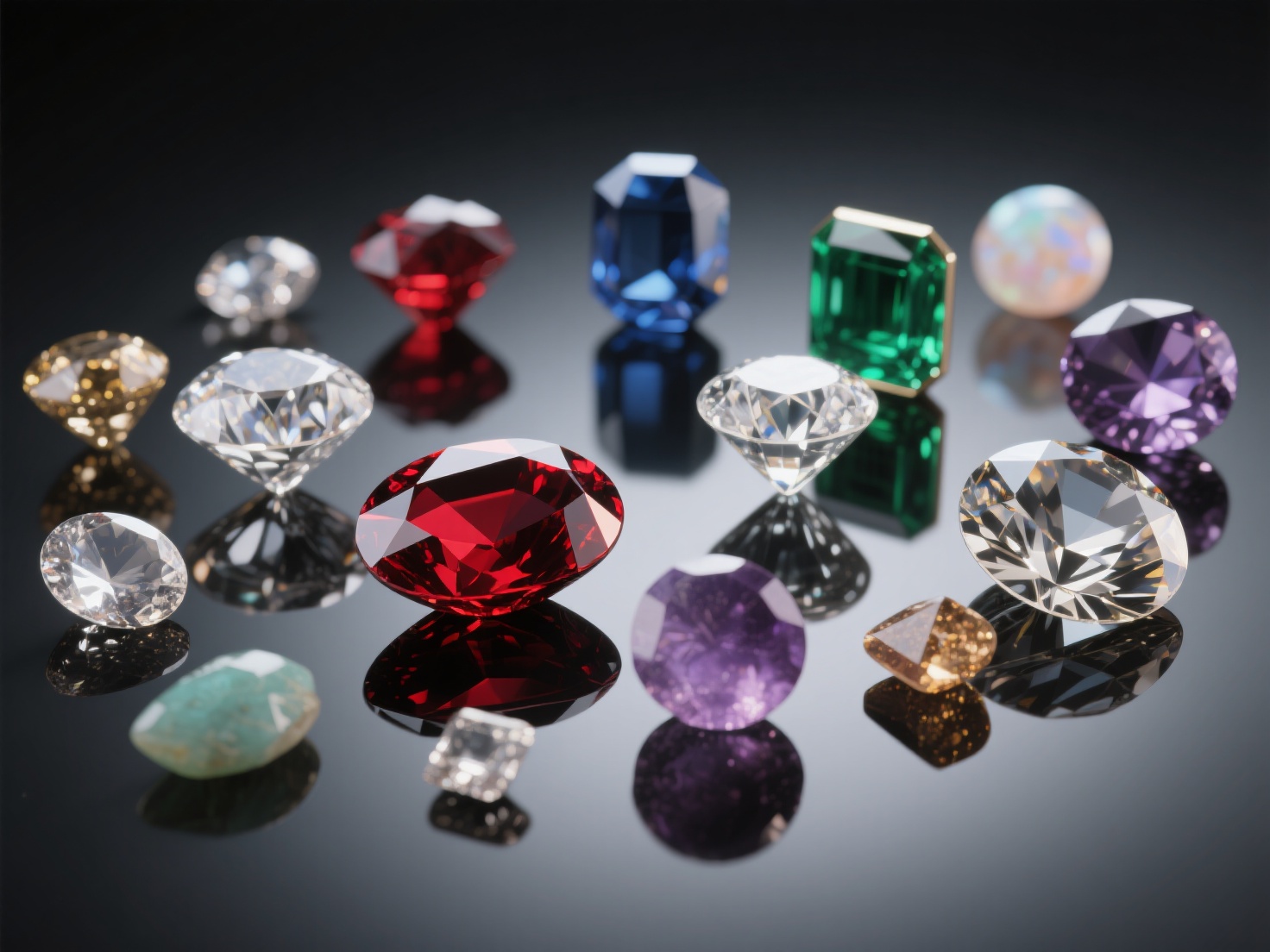
By creating a jewelry 3D model, designers can visualize gemstone placements, calculate precious metal weights, render photorealistic images for client approval, and generate flawless files for castable wax 3D printing.
Top 3D Jewelry Design Software: A Comparison
Choosing the right jewelry CAD design tool is the first step in building your digital workbench. Different software packages cater to different styles of modeling, from rigid geometric precision to free-flowing organic sculpting.
1. Rhino & Grasshopper (The Industry Standard)
Rhino (Rhinoceros 3D) is the undisputed heavyweight in the jewelry sector. It utilizes NURBS (Non-Uniform Rational B-Splines) technology, which allows for perfect curves and absolute dimensional accuracy. Grasshopper, its visual programming plugin, enables parametric design—meaning if a client wants a ring sized up, you can adjust the base parameter and the entire intricate pattern scales mathematically without losing proportion.
2. MatrixGold & Gemvision (The Specialized Titans)
Built on top of the Rhino engine, software like MatrixGold and Gemvision are tailored explicitly for jewelers. They come pre-loaded with comprehensive libraries of standard ring profiles, gemstone cuts, and prong settings. While expensive, they automate the most tedious parts of jewelry CAD design, such as calculating exact metal weights and arranging pavé diamond settings along complex curves.
3. ZBrush (The Organic Sculptor)
If your work features floral motifs, animal shapes, or intricate bas-relief cameos, ZBrush is essential. Unlike Rhino’s mathematical curves, ZBrush uses polygon-based “digital clay.” This allows artists to sculpt organic forms naturally using drawing tablets. Jewelers often combine ZBrush with Rhino to get the best of both worlds: organic flair with precise sizing.
| Software | Best Used For | Modeling Type | Learning Curve |
|---|---|---|---|
| Rhino 3D | Custom geometric design, precise sizing | NURBS | Moderate |
| MatrixGold | High-end automated jewelry creation | NURBS (Jewelry specific) | Steep |
| ZBrush | Organic shapes, sculptural details | Polygon / Sculpting | Steep |
Fundamental Techniques in Jewelry CAD Design
Creating a production-ready jewelry 3D model requires mastering a few core concepts. Understanding these techniques will dictate how successfully your design translates to the real world.
NURBS vs. Polygon Modeling
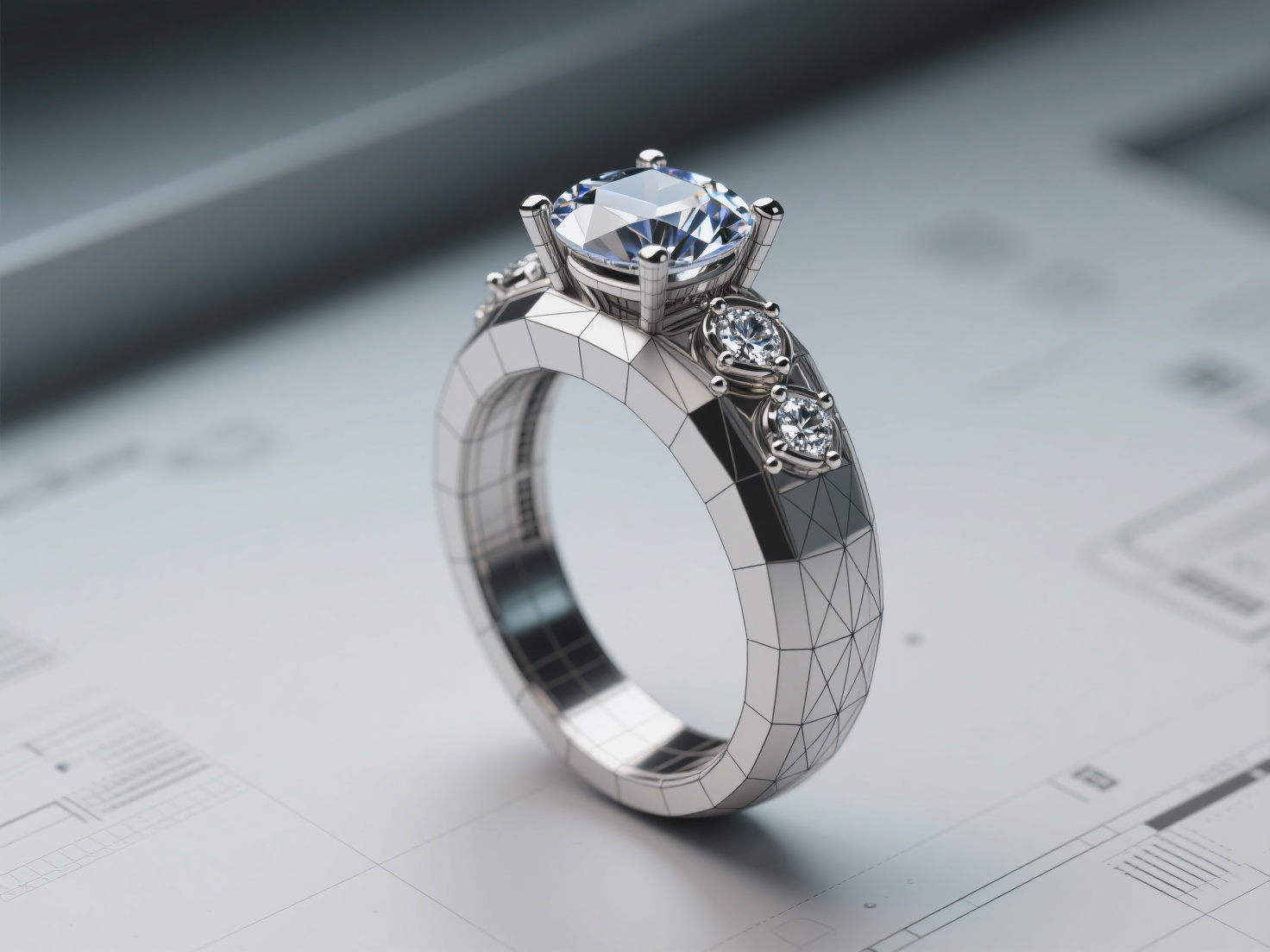
As mentioned above, NURBS uses mathematical formulas to draw perfectly smooth curves, making it ideal for creating ring shanks and bezel settings that require exact millimeter measurements. Polygon modeling builds shapes using a mesh of flat geometric faces (triangles or quads). While great for rendering and organic sculpting, polygon models must be exceptionally dense to appear smooth in physical casts.
Boolean Operations
Booleans are the bread and butter of jewelry modeling. These mathematical operations allow you to add, subtract, or intersect different 3D shapes. For example, to create a hollowed-out setting for a gemstone, a jeweler will build a solid shape (the stone) and use a Boolean Difference to subtract it from the metal ring base, leaving a perfectly fitted seat.
Surface Modeling
Instead of pushing and pulling solid blocks, surface modeling involves creating a wireframe of curves and “lofting” or “sweeping” a surface across them. This technique is vital for creating flowing, continuous curves on high-end pendants and twisted ring shanks.
Critical Elements: Gemstones, Prongs, and Sizing
A beautiful render means nothing if the physical piece cannot securely hold a diamond or fit a human finger.
Gemstone Placement and Prong Design
Prongs must be modeled with manufacturing tolerances in mind. In CAD, prongs are typically modeled slightly longer and thicker than they will appear in the final piece. This extra material allows the bench jeweler to physically cut, bend, and polish the prongs over the physical gemstone after casting.
Sizing and Technical Specifications
Shrinkage is a reality in jewelry manufacturing. The 3D printing resin, the investment mold, and the molten precious metal all shrink slightly as they cool. A skilled CAD designer will scale their jewelry 3D model up by approximately 1.5% to 3% (depending on the metal) to ensure the final cast matches the target ring size perfectly.
Applications: From Screen to Showcase
The true value of a jewelry 3D model lies in its versatility. Once your design is finalized in software, it serves two critical real-world functions.
1. Preparing for 3D Printing and Casting
Most modern jewelry is created by 3D printing the model in castable wax resin, which is then used in a traditional lost-wax casting process. To prepare your file for printing:
- Wall Thickness: Ensure no part of the model is thinner than 0.6mm (or up to 0.8mm for structural areas), or it will fail during casting.
- Support Strategy: 3D printing requires support structures for overhangs. Place these supports on the inside or bottom of the ring where the eventual sanding marks won’t ruin intricate details.
- Export Formats: Export your final model as a high-resolution STL or OBJ file. If the resolution is too low, the 3D printer will print visible polygon facets on your piece.
2. Rendering for Client Presentations
Before printing, you can apply photorealistic textures to your model. Using rendering engines like KeyShot or V-Ray, designers can show clients exactly how a sapphire will look set in rose gold versus platinum. This eliminates miscommunications and secures client approval before any expensive materials are used.
Best Practices & AI Innovations in Jewelry Modeling
To streamline your workflow, always keep your CAD files organized. Use layers to separate your gemstones, your metal base, and your cutting tools (booleans). However, even with the best practices, building complex models from scratch is highly time-consuming.
This is where artificial intelligence is revolutionizing the industry.
Clients frequently bring in 2D reference photos of vintage pieces, Pinterest screenshots, or hand-drawn sketches, asking designers to recreate them. Translating a flat image into a precise 3D model traditionally takes hours of painstaking manual labor.
Hitem3D offers a powerful solution for this exact pain point. As a next-generation AI-powered 3D model generator, Hitem3D can dramatically accelerate your initial prototyping phase.
By uploading a single reference image (or 2–4 multi-view images), Hitem3D’s Sparc3D model (designed for high precision) generates a detailed 3D mesh in seconds. What sets it apart for jewelers is its Invisible Parts technology—it intelligently reconstructs hidden structures, such as the inside curve of a ring band or the hidden underside of a setting, ensuring a complete, watertight model.
Furthermore, Hitem3D outputs print-ready geometry with sharp edges at resolutions up to 1536³ Pro (up to 2M polygons). You can instantly export the generated GLB, OBJ, or STL directly to your slicer software (like Bambu Studio or OrcaSlicer) for rapid resin prototyping. If the client needs a visual mockup, Hitem3D’s De-Lighted AI Texturing removes baked-in lighting from the reference photo, providing true relightable 4K PBR materials that look stunning in professional rendering engines. And with a Free Retry system, you can regenerate variations until you get the perfect base mesh to refine in Rhino or ZBrush.
Conclusion & Next Steps
Mastering 3D jewelry modeling bridges the gap between traditional artistry and modern manufacturing. By understanding the differences between NURBS and polygon modeling, utilizing specialized 3D jewelry design software, and adhering to strict physical tolerances for 3D printing, you can bring the most complex imaginings to life with pinpoint accuracy.
As the industry evolves, embracing AI tools alongside traditional CAD software will give you a massive competitive advantage. You can spend less time blocking out basic shapes and more time refining the artistic details that make your jewelry unique.
Ready to transform your 2D sketches and reference photos into high-fidelity 3D meshes in seconds? Experience the future of rapid prototyping and streamline your jewelry workflow today.
Frequently Asked Questions (FAQ)
What is the best 3D jewelry design software for beginners?
For absolute beginners, Rhino3D is highly recommended due to its vast community, extensive tutorials, and balance of affordability and professional capability. Tinkercad or Fusion360 are also good starting points for learning basic CAD concepts before investing in specialized software.
Can I 3D print jewelry directly to wear?
While you can 3D print jewelry directly using specialized metal 3D printers (SLM/DMLS), the machines are prohibitively expensive for most small studios. The standard practice is to 3D print the model in castable wax resin, and then cast it in gold, silver, or platinum using the lost-wax method.
What file format is required to 3D print a jewelry 3D model?
The industry standard format for 3D printing is the STL (Standard Tessellation Language) file. OBJ files are also widely accepted. Ensure your mesh is “watertight” (having no holes or naked edges) before exporting.
How does AI help in jewelry CAD design?
AI tools like Hitem3D help by drastically reducing the time needed to create base models. Instead of starting from a blank digital canvas, designers can generate a highly accurate, high-poly 3D model from a 2D photograph or sketch, which can then be imported into CAD software for final precise adjustments.