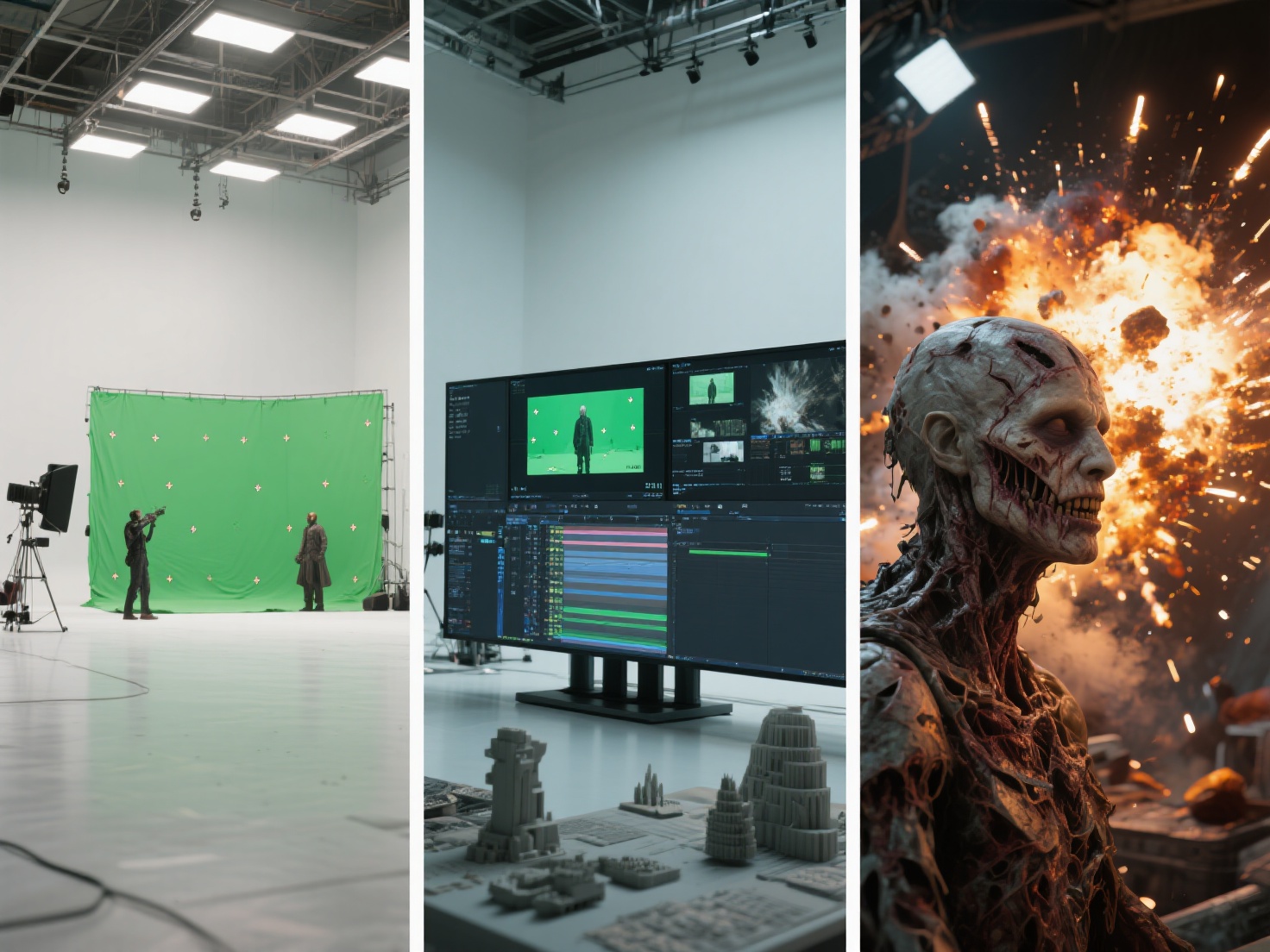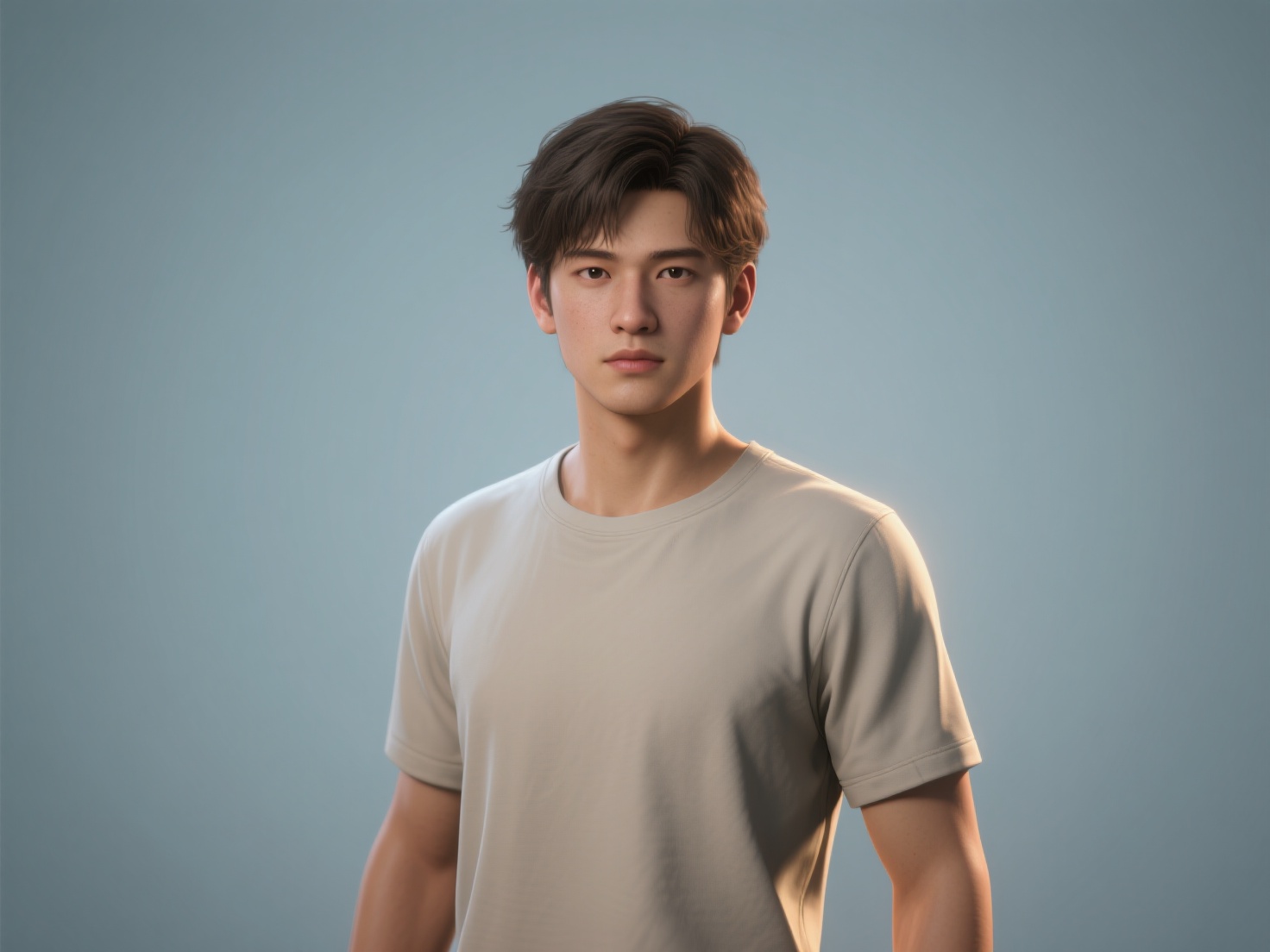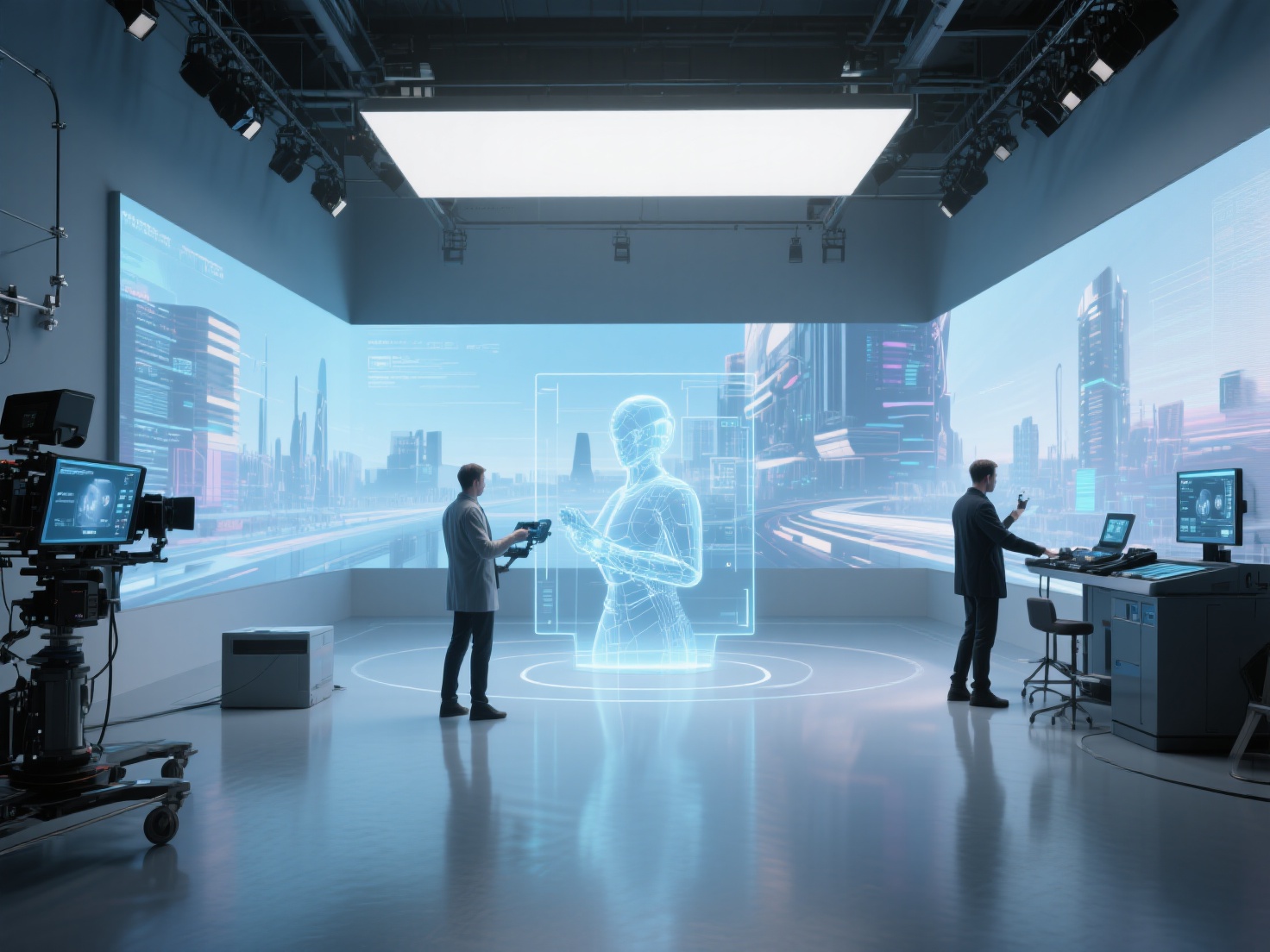
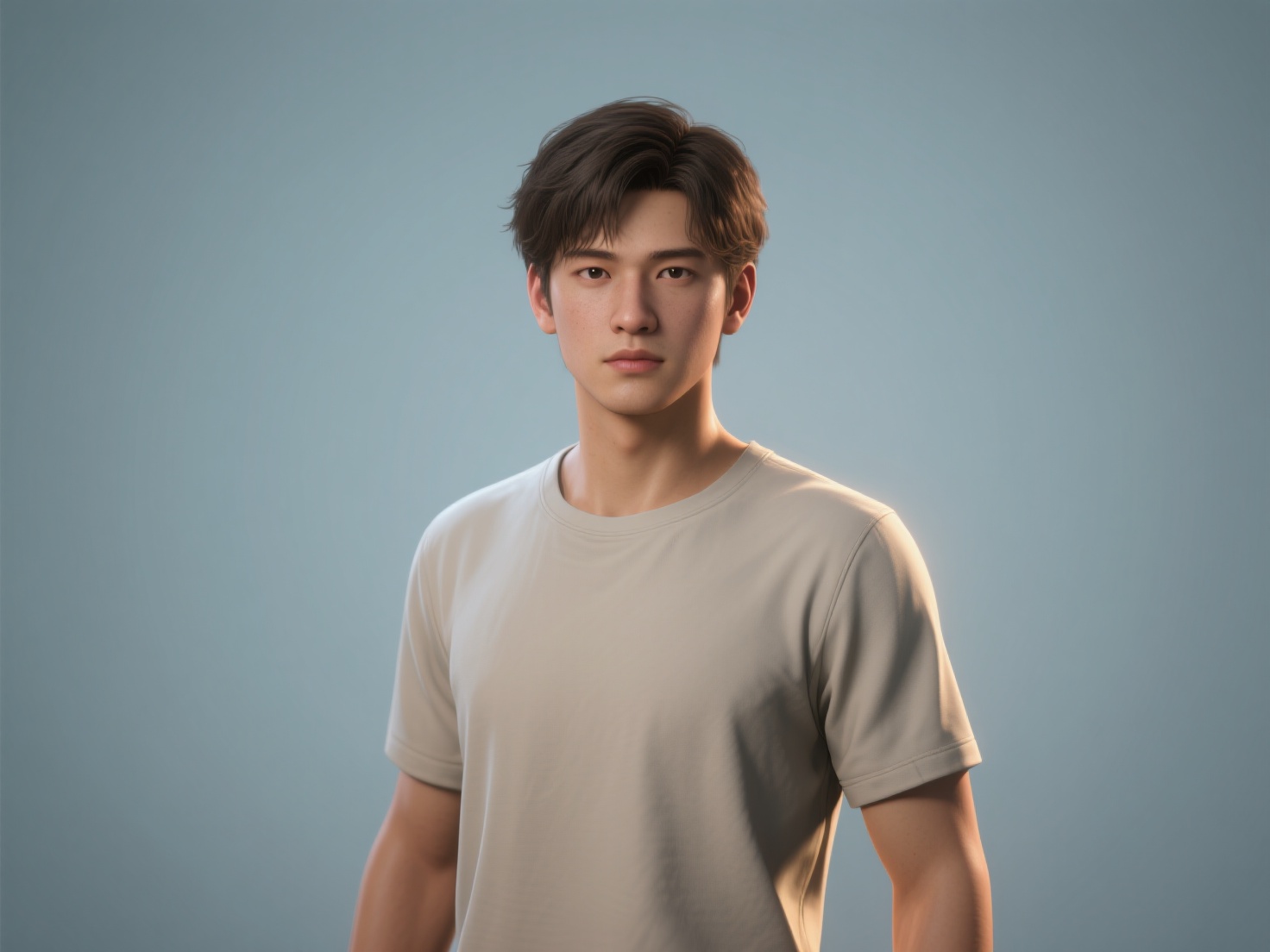
When we watch modern cinematic blockbusters, digital characters often blend so seamlessly with live-action actors that the line between reality and computer graphics vanishes completely. Whether it is a photorealistic alien creature, a digital double of a famous actor, or an animated fantasy hero, mastering 3D character creation for film requires both artistic brilliance and rigorous technical execution.
For 3D artists and VFX students, understanding the complete VFX character pipeline is the first step toward building assets that hold up under the scrutiny of extreme 4K camera close-ups. In this comprehensive guide, we will break down the end-to-end workflow of bringing a film-quality 3D character to life, exploring industry standards, best practices, and how next-gen AI tools are accelerating traditional workflows.
What is 3D Character Creation for Film?
3D character creation for film is the highly specialized process of designing, modeling, texturing, rigging, and rendering a digital actor with photorealistic detail, accurate anatomical topology, and physically based materials meant to seamlessly integrate into cinematic environments.
Unlike real-time game modeling—which prioritizes strict polygon budgets and baked textures for fast performance—film character modeling focuses purely on maximum visual fidelity. These assets often feature millions of polygons, highly complex hair simulations, and massive multi-tile UV layouts (UDIMs) to ensure that every pore, wrinkle, and strand of hair looks undeniably real on the big screen.
The VFX Character Pipeline: A Step-by-Step Breakdown
Creating a cinematic character is rarely a solo endeavor. In top-tier VFX studios, a character passes through multiple specialized departments. Here is the standard progression.
1. Concept Design & Reference Gathering
Every iconic 3D character begins in 2D. Concept artists create highly detailed illustrations, orthographic turnarounds (front, side, and back views), and mood boards. Before a single polygon is modeled, artists gather extensive real-world references—from human anatomy and facial expressions to fabric swatches and skin textures.
2. Base Mesh Generation & High-Poly Sculpting
Traditionally, artists spend days blocking out a low-resolution “base mesh” before moving into sculpting software like ZBrush. Today, the industry is shifting toward AI-assisted workflows to drastically cut down this setup time.
By utilizing next-generation AI tools like Hitem3D, artists can upload 2D concept art and instantly generate a structurally accurate base mesh. Powered by high-precision models like Sparc3D, Hitem3D excels at Invisible Parts technology, accurately reconstructing hidden and occluded geometric structures behind the visible 2D surface.
Once the base mesh is established, artists import it into ZBrush for high-poly sculpting. This is where the character truly takes shape, as artists carve out primary anatomical forms, secondary muscle definitions, and tertiary micro-details like skin pores, scars, and wrinkles.
3. Retopology & UV Mapping
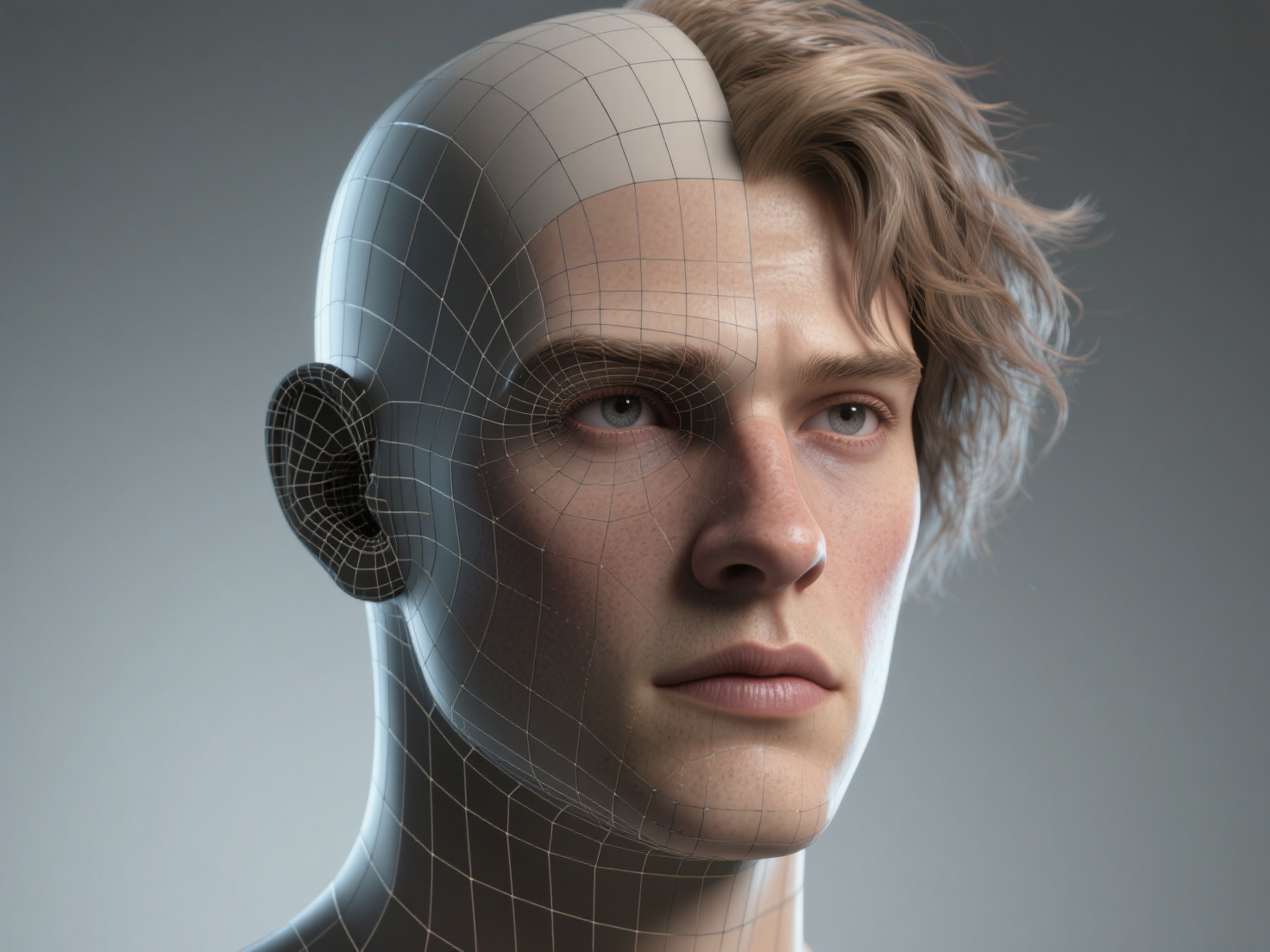
A dense 20-million polygon ZBrush sculpt cannot be animated. It must undergo retopology—the process of drawing a clean, highly optimized, quad-based mesh over the high-poly sculpt. For film, retopology must follow precise edge flow loops around the eyes, mouth, and joints to ensure the geometry deforms naturally when animated.
Once retopologized, the model is unwrapped into 2D space through UV Mapping. Unlike game models that squeeze everything onto a single map, a 3D character for film uses UDIMs (U-Dimension). This technique splits the character’s UVs across tens or even hundreds of separate tiles, allowing artists to assign massive 4K or 8K textures to isolated parts like the nose or hands.
4. Texturing and Shading
Texturing breathes life into the gray model. Artists use software like Substance 3D Painter or Mari to paint color, roughness, metalness, and displacement maps.
Skin is notoriously difficult to replicate. To achieve photorealism, artists rely on Subsurface Scattering (SSS), a shading technique that calculates how light penetrates the skin, bounces around inside the tissue, and exits, giving human skin its soft, fleshy glow.
Workflow Tip: When generating quick background characters or extracting textures from photo references, Hitem3D’s De-Lighted Texture feature is incredibly valuable. It intelligently removes baked-in shadows and lighting from the image, outputting true, flat PBR textures that react flawlessly to cinematic lighting.
5. Grooming (Hair and Fur Systems)
Hair is never modeled as solid geometry in live-action film. Instead, artists use specialized grooming systems like Maya XGen or Houdini to generate dynamic curves. A character groom involves defining hair density, length, clumping, curl, and flyaways. This step is computationally heavy but vital for realism.
6. Rigging and Facial Blend Shapes
A beautiful model is useless if it cannot move. Rigging is the process of building a digital skeleton (joints and bones) inside the mesh and painting “skin weights” to define how much the mesh moves when a bone rotates.
For cinematic facial animation, riggers create Blend Shapes (or morph targets) based on the FACS (Facial Action Coding System). This requires modeling hundreds of isolated micro-expressions (e.g., left eyebrow raise, right lip curl) that animators can blend together to create nuanced, emotional performances.
7. Look Development (LookDev) & Rendering
In the final step, the character is placed into a neutral lighting environment. LookDev artists fine-tune the shaders (materials) to ensure the skin, clothing, and eyes react accurately to light. Finally, the character is rendered using powerful path-tracing engines like Arnold, V-Ray, or RenderMan, calculating millions of light bounces to produce the final, cinematic image.
Industry Standards and Applications
Understanding the difference between film assets and other 3D media is crucial for professional artists.
- Polygon Counts: While a main character in a AAA game might have 100,000 to 150,000 polygons, a film character modeling asset can easily exceed 2 to 5 million polygons for the base animation mesh, utilizing render-time subdivision to appear infinitely smooth.
- Hero vs. Crowd Characters: A “Hero” character (the lead actor) undergoes the full, rigorous pipeline outlined above. Conversely, “Crowd” or background characters are highly optimized. AI generation tools are frequently used to populate entire cities or battlefields rapidly without eating up studio budgets.
- Texture Resolutions: Film assets utilize massive texture sets. It is common for a single hero character to have 50 to 100 UDIM tiles, each packed with 4K or 8K resolution textures.
Best Practices for Film Character Modeling
To succeed in creating a convincing 3D character for film, keep these professional tips in mind:
- Prioritize Anatomy Over Detail: Do not rush into sculpting pores and wrinkles. If the underlying skeletal structure and primary muscle masses are incorrect, high-frequency details will only make the character look like a plastic monster.
- Organize Your Topology: Always plan your edge loops for animation. Radial loops around the eyes and mouth (edge loops that follow the natural muscle fibers of the face) are non-negotiable for realistic facial deformation.
- Use AI to Prototype Faster: Do not waste days blocking out basic shapes if you do not have to. Use AI generation for initial volume blocking, then spend your valuable hours refining the artistic nuances.
- Rely on Real-World Reference: Even if you are creating an alien, ground its design in reality. Study how animal skin folds, how insect shells reflect light, or how human eyes refract light.
Conclusion & Next Steps
Mastering 3D character creation for film is a journey of marrying deep artistic intuition with high-end technical pipelines. From the initial concept sketch to the final Arnold render, every phase—sculpting, retopology, texturing, grooming, and rigging—plays a critical role in convincing the audience that a digital creation is a living, breathing entity.
While the VFX character pipeline has historically been slow and intensely manual, modern workflows are evolving. AI tools are bridging the gap between concept and 3D geometry faster than ever before.
If you are looking to accelerate your modeling workflow, generate rapid base meshes for sculpting, or instantly turn 2D character concepts into production-ready geometry, Hitem3D is your ultimate co-pilot. Built on the proprietary Sparc3D (high precision) and Ultra3D (high efficiency) engines, Hitem3D can reconstruct complex, hidden geometries from a single image and output clean, PBR-ready formats up to 1536³ Pro resolution. Ready to supercharge your character pipeline?
Frequently Asked Questions (FAQ)
1. How long does it take to create a 3D character for film?
Creating a high-quality “hero” character for a feature film usually takes between 4 to 12 weeks. This involves multiple artists working across different departments, including modeling, texturing, grooming, and rigging.
2. What software is standard for film character modeling?
The industry standard toolkit includes ZBrush for high-poly sculpting, Autodesk Maya for retopology, rigging, and animation, Substance 3D Painter or Mari for texturing, and Arnold or V-Ray for rendering.
3. What is the difference between film characters and game characters?
The main difference lies in technical constraints. Game characters must render 60 times a second in real-time, requiring low polygon counts and baked textures. Film characters are pre-rendered, allowing for millions of polygons, complex physics simulations, and massive multi-tile (UDIM) texture setups.
4. Can AI generate production-ready film characters?
While AI cannot yet generate a fully rigged and animated hero character with one click, tools like Hitem3D are heavily used to bypass the time-consuming “block-out” phase. By generating highly accurate base meshes from concept art, AI saves artists days of manual labor, allowing them to jump straight into high-end detailing.