
Developing a video game is an exhilarating but highly complex journey. Without a clear map, indie developers, students, and small studio teams can quickly find themselves lost in feature creep, mismatched art styles, or severe coding bottlenecks. This is exactly where a well-crafted game design document becomes your team’s most valuable asset.
Whether you are a solo developer building your first prototype or a seasoned team preparing to enter full production, understanding how to write a GDD is the critical first step toward a successful launch. It turns abstract ideas into actionable tasks.
In this comprehensive guide, we will explore the anatomy of a perfect game document, provide a practical framework to keep your creative vision on track, and show you how modern AI tools can accelerate your pre-production workflow.

What is a Game Design Document (GDD)?
A Game Design Document (GDD) is a highly descriptive, living software design document that serves as the master blueprint for a video game, detailing its core mechanics, narrative, art direction, user experience, and technical specifications.
Think of the GDD as the ultimate single source of truth for your entire development cycle. It is designed to align programmers, 3D artists, animators, and sound designers under one unified vision. Proper game design documentation prevents costly miscommunications, ensures that every feature contributes to the core player experience, and provides a clear roadmap from concept to final release.
The Core Components of a Practical GDD Template
A great GDD template is highly modular. You do not need a 100-page manifesto to get started; rather, you need structured categories that answer the most important questions about your game. Here are the essential sections you must include.
1. Game Overview & Vision
This section is the “elevator pitch” of your game. It should immediately convey what the game is and why people will want to play it.
- High-Concept Pitch: A one-or-two sentence summary of the game.
- Genre & Target Audience: Are you building a cozy farming simulator or a hardcore action RPG? Define who you are selling to.
- Core Pillars: The 3 to 4 fundamental design philosophies that define your game (e.g., “Fast-paced combat,” “Deep emotional storytelling,” “High replayability”).
2. Core Mechanics & The Game Loop
This is the mechanical heart of your game design document. You must explicitly define what the player does moment-to-moment.
- Controls and Inputs: How does the player interact with the world?
- The Core Loop: Define the primary cycle of gameplay (e.g., Explore -> Fight Enemies -> Gather Loot -> Upgrade Gear -> Repeat).
- Progression Systems: How does the player level up, unlock new abilities, or advance through the game’s difficulty curve?
3. Art Direction & Visual Style
A game’s aesthetic is often its biggest selling point. This section should include mood boards, color palettes, and stylistic guidelines to ensure all visual assets feel cohesive.
Accelerating Concept Art with AI
In the past, transitioning from 2D concept art to 3D visualization took weeks of manual modeling. Today, rapid prototyping is essential. Instead of waiting for base meshes, you can use Hitem3D to generate production-ready 3D models directly from your 2D concept sketches.
As a next-generation AI-powered 3D model generator, Hitem3D uses its in-house Sparc3D (high precision) and Ultra3D (high efficiency) models to instantly turn images into 3D assets. It intelligently reconstructs invisible/hidden parts beyond the visible surfaces, giving you a complete model. By dropping these clean-geometry, GLB, OBJ, or FBX formats directly into your GDD or game engine (like Unity or Unreal), your team gets immediate, accurate visual references for the art direction phase.
4. Narrative & Character Roster
If your game relies on a story, this is where you outline the world-building and the cast.
- Story Synopsis: A brief outline of the plot, including the beginning, climax, and resolution.
- World Lore: The history, factions, and rules of the universe your game takes place in.
- Character Bios: Detailed descriptions of the protagonists, antagonists, and key NPCs. Include their motivations, visual descriptions, and character arcs.
5. Level Design Guidelines & UI/UX
How will the player navigate your world and interact with the game’s menus?
- Level Flow: Explain the general layout philosophy. Are levels linear, open-world, or procedurally generated?
- Environmental Hazards & Puzzles: List the obstacles players will face in the environment.
- UI Wireframes: Rough sketches of the Main Menu, Heads-Up Display (HUD), Inventory screens, and Settings.
6. Technical Requirements & Milestone Schedule
Your GDD template must include the hard technical boundaries and a realistic timeline for delivery.
| Milestone Phase | Description of Deliverables | Estimated Timeline |
|---|---|---|
| Pre-Production | Completed GDD, concept art, basic gray-box prototypes. | Weeks 1 - 4 |
| Vertical Slice | A fully playable, polished single level showcasing core mechanics and art. | Weeks 5 - 12 |
| Alpha Release | All major features implemented; game is playable start to finish (with bugs). | Weeks 13 - 24 |
| Beta Release | Feature complete, focusing solely on bug fixing, balancing, and polish. | Weeks 25 - 32 |
| Gold Master | Final build ready for distribution and storefront submission. | Week 36 |
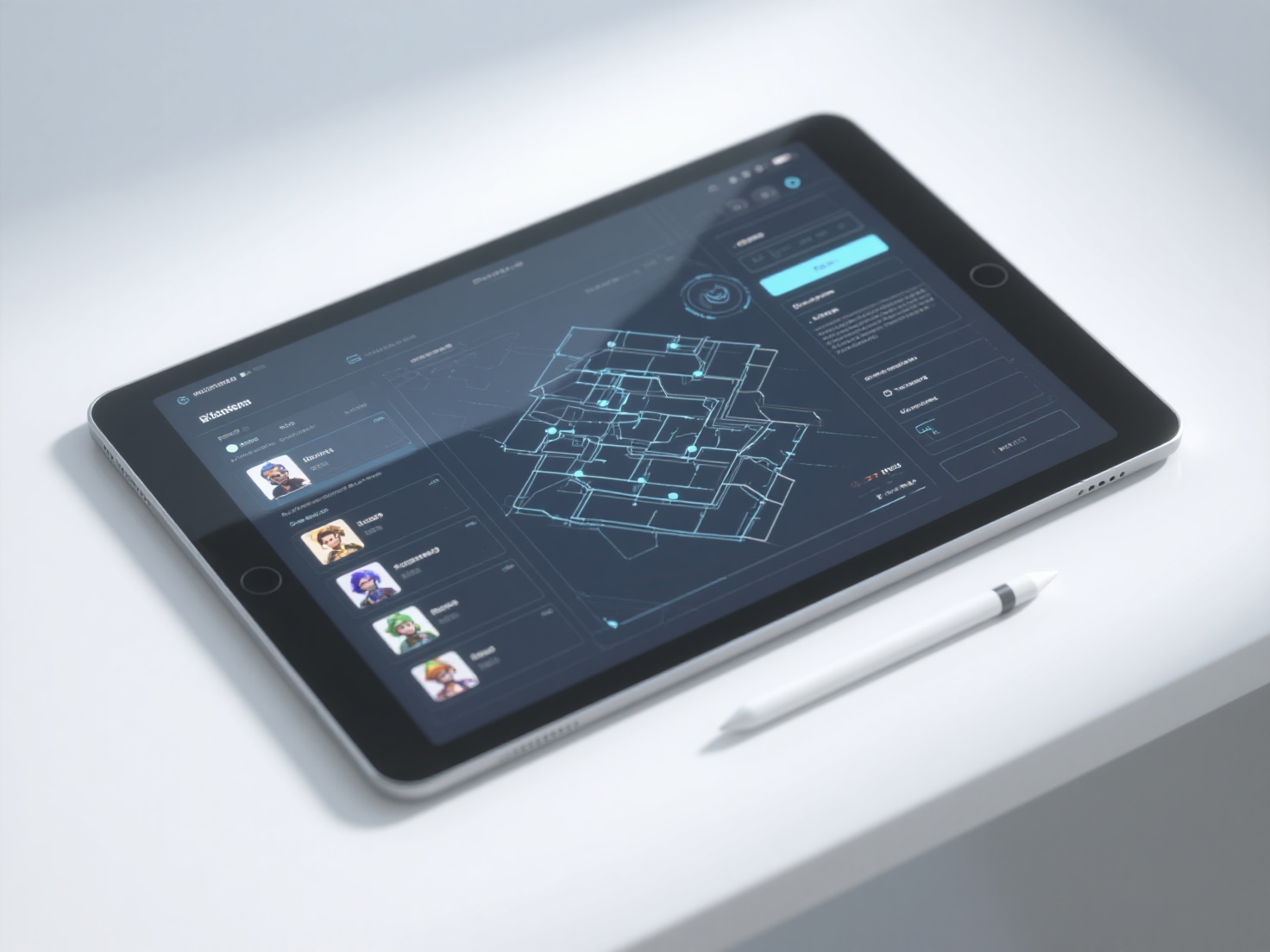
How a GDD Evolves Throughout Development
A common misconception about how to write a GDD is that once it is written, it is carved in stone. In reality, modern game development is an iterative, agile process.
During pre-production, your document will be highly conceptual. As you build prototypes, you will quickly discover that some mechanics look great on paper but feel terrible to play. When this happens, the document must be updated.
Treat your GDD as a living entity. If a feature is cut due to budget or time constraints, remove it from the master document. If a new mechanic is added during a playtesting session, document its rules immediately. This ensures that new team members onboarding mid-project are reading the current state of the game, not the outdated concepts from six months ago.
Best Practices: How to Write a GDD That Actually Works
Writing good game design documentation is an art form. It requires balancing deep detail with extreme readability. Here are the best practices to follow:
Be Concise: Avoid writing a novel. Use bullet points, short paragraphs, and bold text to make scanning easy. Programmers should be able to find the exact variable they need in seconds.
Show, Don’t Just Tell: Text can be misinterpreted; visuals cannot. Heavily utilize flowcharts for logic, wireframes for UI, and 3D models for character references.
Use Wiki-Style Formatting: Massive Word documents are hard to navigate. Use tools like Notion, Confluence, or Obsidian to create interlinked wiki pages for different systems.
Beware of Feature Creep: Every time someone suggests a new feature, compare it against your “Core Pillars” outlined in the overview. If it doesn’t support the pillars, discard it.
Encourage Team Feedback: A GDD shouldn’t be a dictatorship. Allow your artists and developers to leave comments, suggest improvements, and refine the technical scopes.
Conclusion
A well-structured game design document is the bridge between a fleeting idea and a playable, polished reality. By establishing clear core mechanics, cohesive art direction, and realistic technical milestones, you empower your team to work efficiently and creatively without losing sight of the final goal. Utilizing a modular GDD template saves time, reduces development stress, and drastically increases the chances of your game reaching the finish line.
As you document your visual style and build out your art references, don’t let slow asset creation bottleneck your pre-production. Hitem3D is trusted by creators in 50+ countries to instantly transform 2D concepts into high-fidelity 3D models. With our advanced De-Lighted Texture technology, baked-in lighting is automatically removed, giving you true relightable 4K PBR materials perfect for game engines. Plus, with our generous Free Retry system, you can experiment until your prototype is perfect.
Ready to bring the vision of your GDD to life in 3D? Create For Free today.
Frequently Asked Questions (FAQ)
How long should a game design document be?
There is no strict rule for length; it should be exactly as long as necessary to explain the game, and not a word longer. A hyper-casual mobile game might have a 3-page GDD, while a massive open-world RPG might have a wiki containing hundreds of interlinked pages.
Do solo indie developers really need a GDD?
Yes. Even if you are the only person working on the project, a GDD keeps you accountable. It acts as an anchor to prevent “shiny object syndrome” (constantly adding new, unplanned features) and helps you remember complex system designs when returning to the code after a break.
What are the best software tools for game design documentation?
While traditional word processors like Google Docs or Microsoft Word work for simple games, modern developers strongly prefer wiki-style databases. Tools like Notion, Confluence, Milanote, and Trello are highly recommended because they allow for easy embedding of images, 3D assets, flowcharts, and task assignments.