
Have you ever watched a soaring dragon breathe fire across a battlefield, or seen a futuristic city sprawling into the clouds, and wondered how filmmakers bring such breathtaking imagination to life? The answer lies in the magic of visual effects. If you are asking yourself what is VFX, you are about to embark on a journey into the intersection of cutting-edge technology and cinematic art.
In this comprehensive VFX guide, we will demystify the complex world of digital filmmaking. Whether you are a film student, an aspiring digital artist, or simply a curious viewer, understanding visual effects film techniques is essential to appreciating modern cinema. Read on to discover the core categories of digital effects, explore landmark moments in cinematic history, and learn exactly how VFX works from pre-production to the final frame.
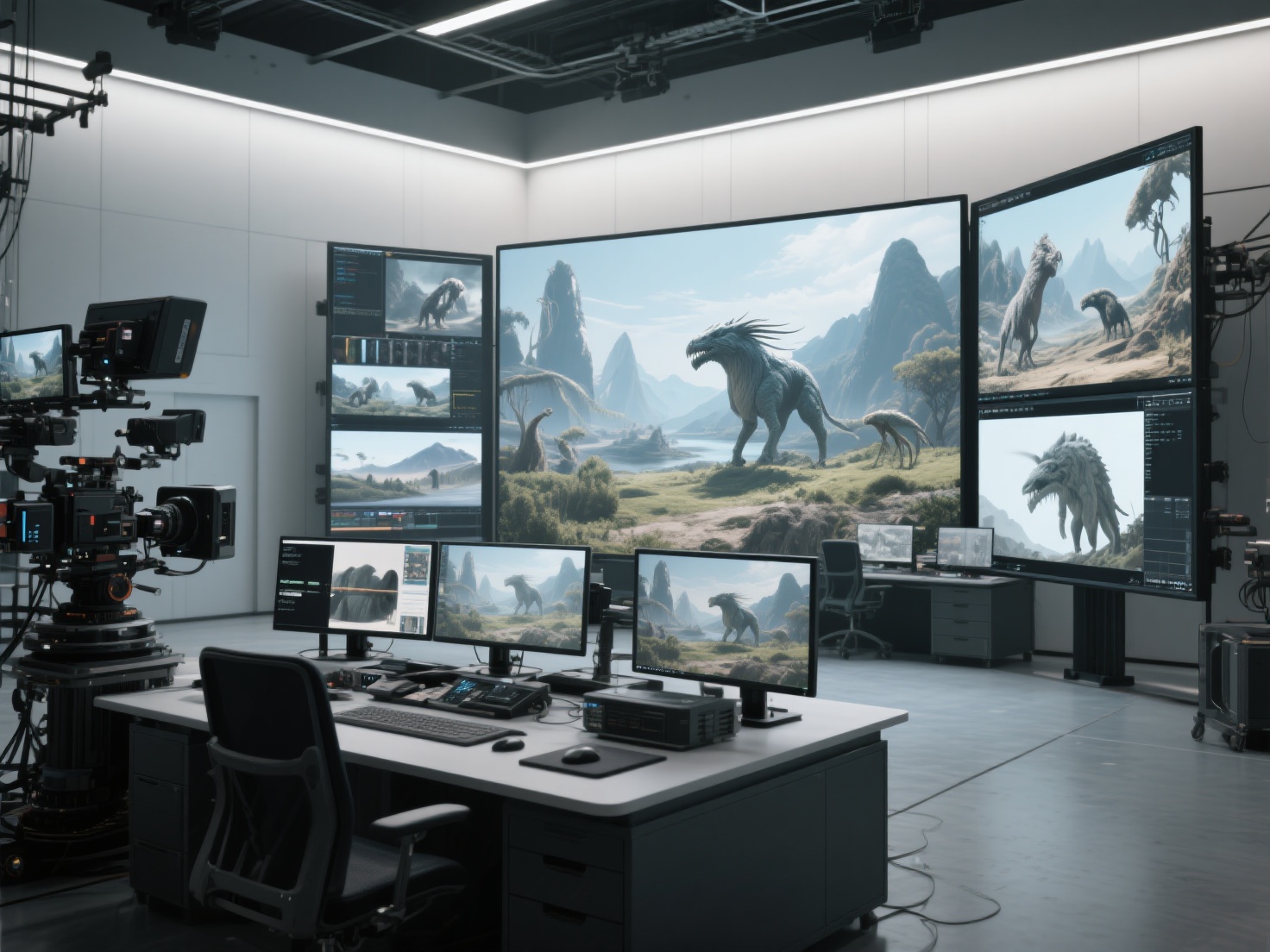
The Core Definition: What is VFX?
To secure a clear understanding of the industry, we must start with a precise definition.
Visual Effects (VFX) is the process of creating, manipulating, or enhancing imagery outside the context of a live-action shot in filmmaking.
Essentially, if an element is too dangerous, too expensive, physically impossible, or simply doesn’t exist in the real world, filmmakers use VFX to seamlessly integrate it into the live-action footage during post-production.
To avoid common confusion, it is highly important to distinguish VFX from two closely related terms:
| Term | Definition | Example |
|---|---|---|
| VFX (Visual Effects) | Digital manipulation of footage after it has been shot. | Adding a digital monster into a real forest scene. |
| SFX (Special Effects) | Practical, physical effects created live on set during filming. | Detonating real explosives or using animatronic puppets. |
| CGI (Computer-Generated Imagery) | The creation of entirely digital 3D models and environments. | Designing the 3D model of the monster itself (CGI is a subset of VFX). |
Major Categories of Visual Effects
The visual effects industry is vast, encompassing numerous specialized disciplines. When examining how VFX works, we must look at the primary techniques artists use to build digital realities.
1. CGI (Computer-Generated Imagery)
CGI is perhaps the most well-known branch of VFX. It involves building entirely digital objects, characters, and environments using 3D modeling software. CGI artists create everything from alien creatures and high-tech spaceships to subtle elements like digital rain or background crowds. The goal is to make these digital 3D assets look completely photorealistic.
2. Compositing and Green Screen
Compositing is the art of combining multiple visual elements from different sources into a single, cohesive image. The most common technique here is chroma keying (green screen or blue screen). Actors perform in front of a brightly colored screen, which compositors later remove and replace with a digital background, ensuring lighting and shadows match perfectly.
3. Matte Painting
Before the digital era, artists painted incredibly detailed backgrounds on glass to place in front of the camera. Today, digital matte painting (DMP) uses a mix of 3D models, digital painting, and photographic elements to create expansive landscapes or futuristic cityscapes that would be impossible to build practically.
4. Motion Capture (MoCap)
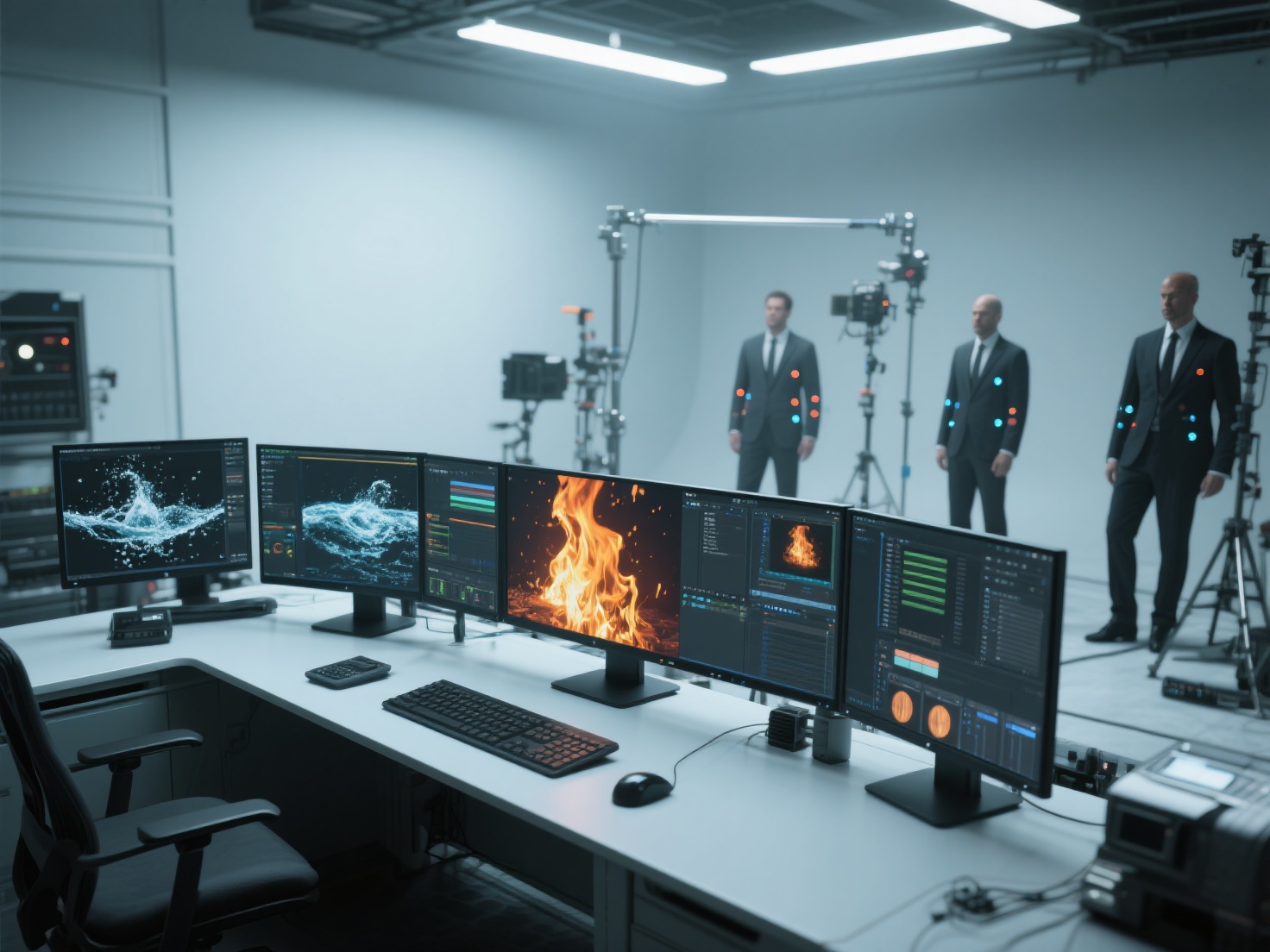
Motion capture involves recording the physical movements of human actors and translating that data onto digital 3D models. By wearing specialized suits covered in tracking markers, an actor’s subtle facial expressions and body language can bring a fully CGI character—like a giant ape or a fantasy alien—to life with incredible emotional realism.
5. FX Simulation
When a script calls for a crumbling skyscraper, a massive ocean storm, or a magical explosion, FX artists use complex physics-based software to simulate the behavior of particles, fluids, fire, and destruction. These simulations require immense computational power to mimic real-world physics accurately.
How VFX Works: The Production Pipeline
Creating visual effects film magic is not a task left solely to the end of a movie’s production. It is a highly structured, multi-phase process known as the VFX pipeline.
Step 1: Pre-Production and Pre-Viz
Long before cameras start rolling, directors and VFX supervisors collaborate to plan complex shots. Pre-visualization (Pre-viz) involves creating rough, low-resolution 3D animations of a scene. This acts as a digital storyboard, helping the camera crew understand exactly how to frame the shot and how the actors should interact with imaginary elements.
Step 2: Production (On-Set)
During actual filming, a VFX supervisor is present on set to ensure the footage is captured correctly for digital manipulation later. This includes setting up green screens, placing tracking markers on walls, and capturing HDRI (High Dynamic Range Imaging) spheres to record the exact real-world lighting, ensuring digital models will be lit accurately later.
Step 3: Post-Production
This is where the bulk of the VFX work happens. The pipeline moves through several specialized departments:
- Modeling & Texturing: Creating the 3D assets and applying surface colors and details
- Rigging & Animation: Giving the 3D models a skeleton and animating them frame by frame
- Lighting: Simulating on-set lights so digital elements match the live-action plate
- Compositing: Layering all renders and live-action footage into a seamless final shot
Landmark Applications in Visual Effects Film History
Several landmark films pushed the boundaries of what was possible:
- Jurassic Park (1993): Seamlessly blended practical animatronics with groundbreaking CGI dinosaurs
- The Matrix (1999): Introduced Bullet Time using complex multi-camera rigs
- Avatar (2009): Pushed Performance Capture (MoCap) and immersive 3D CGI worlds
Best Practices & AI Acceleration in Modern VFX
The best practice for VFX artists is to observe the real world—light behavior, gravity, and camera optics. However, high-quality asset creation is time-consuming, which is where AI tools are changing the pipeline.
Historically, modeling high-fidelity props and environments has been a major bottleneck. Today, studios integrate AI solutions like Hitem3D to accelerate workflows.
Accelerating Asset Creation with Hitem3D
Hitem3D is an AI-powered 3D model generator for film, VFX, and games, powered by Sparc3D and Ultra3D models.
Key advantages:
- Invisible Parts Reconstruction up to 1536³ Pro resolution (≈2M polygons)
- De-Lighted 4K PBR-ready textures for accurate relighting
- Industry-standard exports: FBX, OBJ, USDZ, GLB
- Free Retry System for iterative refinement
Conclusion
Understanding what is VFX deepens appreciation for modern cinema. From CGI creation to final compositing, how VFX works is a testament to human creativity enhanced by technology.
Frequently Asked Questions (FAQ)
1. Do I need to know how to code to work in VFX?
Not necessarily. Many artists rely entirely on tools like Maya, Nuke, or Blender.
2. How long does it take to create visual effects for a movie?
Complex films often require 12–18 months of post-production.
3. Will AI replace VFX artists?
No. AI assists with repetitive tasks and enhances creative focus.
4. What is the best software for beginners learning VFX?
Blender is highly recommended. For compositing, Blackmagic Fusion and Adobe After Effects are great starting points.