
Welcome to the era where digital art seamlessly transitions into physical reality. For artists, miniature painters, jewelry designers, and dental professionals, achieving flawless surface finishes and capturing microscopic details is absolutely non-negotiable. This is where SLA 3D printing truly shines. As the pioneering technology of additive manufacturing, stereolithography has evolved into the gold standard for high-fidelity resin 3D printing.
In this comprehensive guide, we will explore exactly how this technology works, the best materials to use, and how the age-old debate of SLA vs FDM impacts your creative choices. Whether you are a seasoned sculptor or a beginner looking to bring your designs to life, understanding the intricacies of SLA will help you elevate your craft to the next level.
What is SLA 3D Printing?
To win the battle for the best quality in additive manufacturing, you must first understand the core technology.
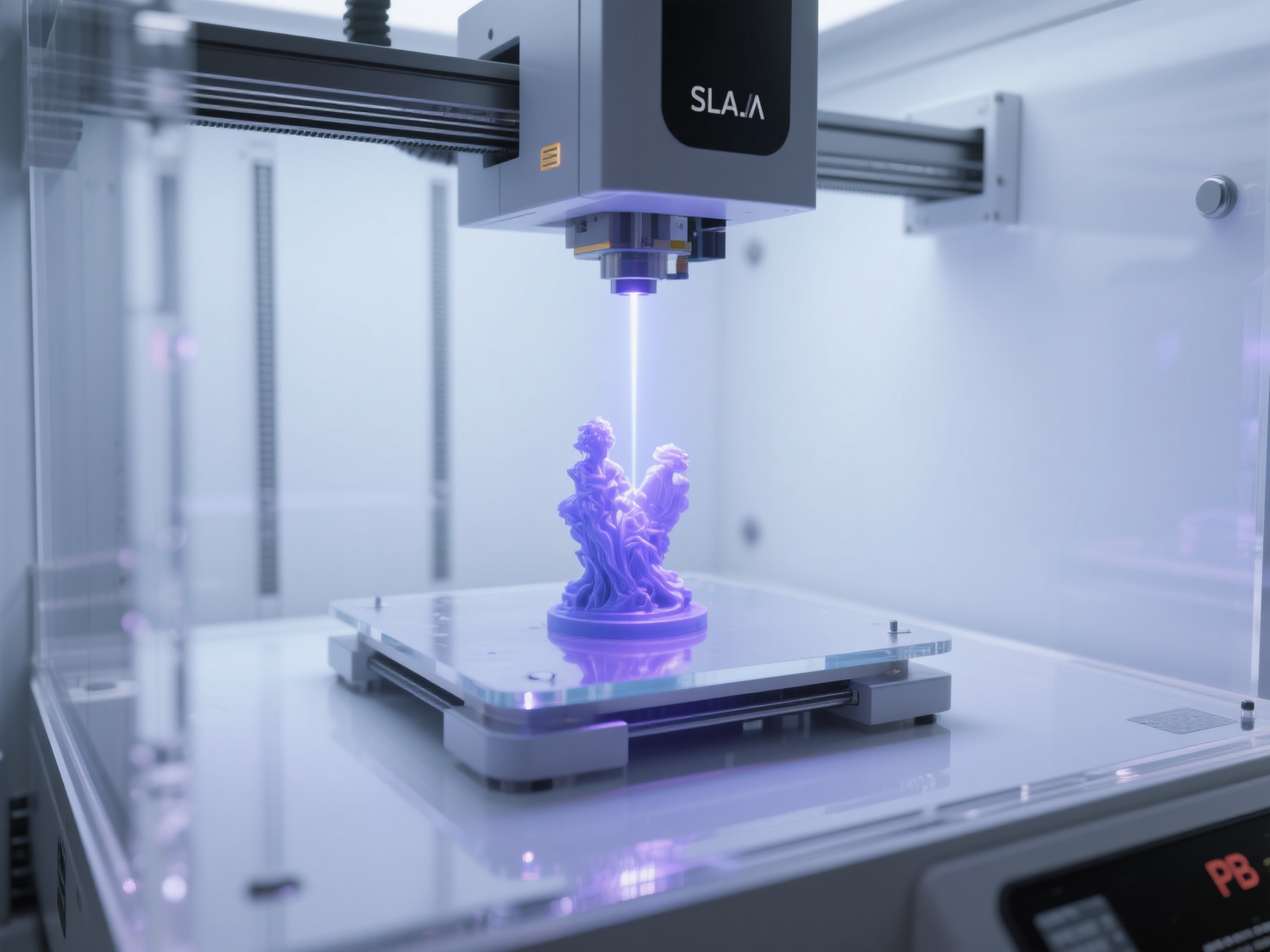
SLA 3D printing, or Stereolithography, is an additive manufacturing process that utilizes a targeted ultraviolet (UV) laser to selectively cure and solidify liquid photopolymer resin layer by layer into highly detailed, smooth-surfaced 3D objects.
Invented in the 1980s, stereolithography was the world’s very first 3D printing technology. Today, it remains the go-to solution for professionals who require extreme precision, watertight models, and incredibly smooth surface finishes that look almost injection-molded right off the print bed.
How Does Stereolithography Work?
Unlike filament-based printers that melt plastic, resin 3D printing relies on a chemical reaction known as photopolymerization. Here is a breakdown of the standard stereolithography process:
The Setup
A build platform is lowered into a vat filled with liquid photopolymer resin, leaving a microscopic gap between the platform and the bottom of the vat.The Laser Curing
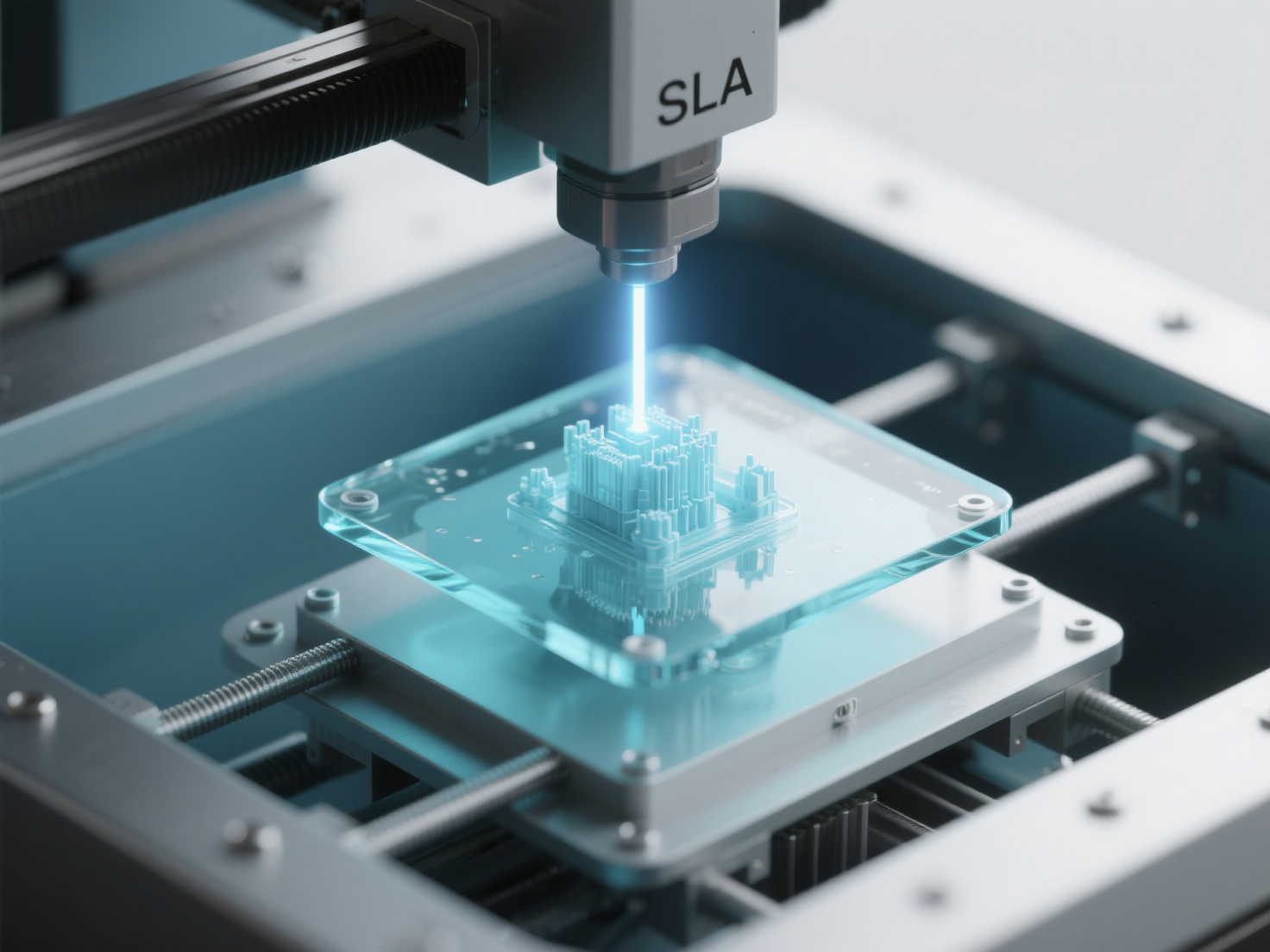
A UV laser is directed by computer-controlled mirrors (galvanometers) to trace the exact cross-section of your 3D model onto the bottom of the resin vat. The UV light instantly cures and hardens the liquid resin into a solid layer.The Layering Process
Once a layer is complete, the build platform raises slightly, allowing fresh liquid resin to flow underneath. The process repeats, layer by layer, until the entire object is formed upside down.Post-Processing
The printed object is removed from the vat, washed in isopropyl alcohol (IPA) to remove unreacted resin, and then placed in a UV curing chamber to finalize its mechanical properties.
Exploring the Types of Resin 3D Printing
While “SLA” is often used as an umbrella term for all resin printing, there are three distinct technologies you should know:
| Technology | Light Source | Speed | Best For |
|---|---|---|---|
| SLA (Standard) | UV Laser | Slower (traces point by point) | Large, highly precise parts with smooth curves |
| DLP (Digital Light Processing) | Digital Projector Screen | Faster (cures whole layers at once) | High-resolution miniatures and rapid batch printing |
| MSLA (Masked SLA) | LED Array with LCD Screen | Fastest (cures whole layers simultaneously) | Hobbyists and artists needing affordable, high-detail prints |
SLA vs FDM: Which Should You Choose?
When diving into 3D printing, the most common dilemma is choosing between SLA vs FDM (Fused Deposition Modeling).
FDM 3D Printing:
Uses spools of melted plastic filament (like PLA or ABS). It is highly cost-effective, great for printing large functional prototypes, and requires very little post-processing. However, FDM struggles to produce intricate details and often leaves visible layer lines.SLA 3D Printing:
Uses liquid resin. It produces highly accurate, isotropic (equally strong in all directions) parts with practically invisible layer lines. The trade-off is that SLA requires handling toxic liquid chemicals, mandates messy post-processing (washing and curing), and the materials tend to be more expensive.
The Verdict:
If you are printing large cosplay armor or structural brackets, choose FDM. If you are printing 32mm tabletop miniatures, detailed jewelry castable models, or dental aligners, SLA 3D printing is the only logical choice.
The Best SLA Resin Types and Their Properties
The versatility of stereolithography comes from the wide variety of photopolymer resins available:
Standard Resin:
The most common and affordable choice. Provides fantastic detail and a smooth finish, making it perfect for visual models, art sculptures, and miniatures. However, it can be relatively brittle.Castable Resin:
Specifically engineered for jewelry designers. These resins melt away cleanly leaving zero ash residue, making them ideal for investment casting of gold, silver, and other precious metals.Dental / Biocompatible Resin:
Certified for medical use. These resins are used to create surgical guides, retainers, and highly accurate dental crowns.Tough / Engineering Resins:
Formulated to mimic the strength and flexibility of ABS or Polycarbonate. Used for functional mechanical parts that need to withstand stress and impact.
Top Applications for SLA 3D Printing
Thanks to its unmatched resolution, resin 3D printing is the backbone of several detail-oriented industries:
Miniature Painting & Tabletop Gaming:
Capturing microscopic facial features, fabric textures, and weapon details that FDM simply cannot replicate.Jewelry Design:
Moving seamlessly from digital CAD software to perfectly dimensioned physical master models for metal casting.Dental Professionals:
Rapidly producing custom aligners and high-precision dental models right inside the clinic.Film & VFX Props:
Creating highly detailed, screen-ready prop components and maquettes that require minimal sanding and priming.
Best Practices for Successful SLA Prints
To get the most out of your resin printer, follow these actionable tips and avoid common pitfalls:
Optimize Your Orientation
Never print a large flat surface parallel to the build plate. Angle your models at 30 to 45 degrees. This significantly reduces the “suction cup” peel forces between layers, preventing print failures.Hollow Your Models
Liquid resin is expensive. For large art sculptures, use your slicing software to hollow out the model.Always Add Drain Holes
If you hollow a model, you must add drain holes at the lowest point. Otherwise, liquid resin will become trapped inside, eventually expanding and cracking your model weeks later.Prioritize Safety
Uncured resin is a toxic chemical. Always wear nitrile gloves, safety goggles, and work in a well-ventilated space.
Conclusion: Elevating Your SLA Workflow with AI
SLA 3D printing is undeniably the ultimate tool for turning high-resolution digital designs into breathtaking physical reality. However, a high-precision SLA printer is only as good as the 3D model you feed it. Creating models with the complex geometric detail necessary to justify SLA printing traditionally requires dozens of hours in complex 3D sculpting software.
This is where Hitem3D bridges the gap. As a next-generation AI-powered 3D model generator, Hitem3D empowers artists and designers to transform simple 2D images—single or multi-view—into production-ready 3D models instantly.
For SLA enthusiasts, geometric accuracy is paramount. Built on the in-house Sparc3D model for high precision, Hitem3D offers stunning 1536³ Pro resolution (up to 2 million polygons), delivering ultra-crisp, sharp-edged geometry that high-detail resin printers demand. Crucially, Hitem3D features advanced Invisible Parts Reconstruction technology, intelligently predicting and building hidden structures beyond the visible surfaces to generate a fully solid, watertight mesh.
With output formats like STL and OBJ, print-ready geometry, and a Free Retry system that lets you perfect your model without burning credits, Hitem3D drastically reduces your prep time. You can even send your generated models directly to slicers with a single click.
Stop spending days sculpting and start printing faster.
Create For Free today and watch your imagination materialize flawlessly.
Frequently Asked Questions (FAQ)
Q1: Is SLA 3D printing stronger than FDM?
SLA parts are isotropic, meaning their chemical bonds are equally strong in all directions, unlike FDM parts which are weak along their layer lines. However, standard SLA resins are generally more brittle than FDM plastics like PETG or ABS. For high strength, you must use specialized Tough or Engineering resins.
Q2: Is SLA resin toxic?
Yes. In its liquid, uncured state, photopolymer resin is toxic and can cause skin irritation or allergic reactions. You must handle it with nitrile gloves and safety glasses. Once the model is fully washed and UV-cured, it is completely safe to touch.
Q3: Can I print multi-color models with SLA?
Typically, SLA printers only print in one color at a time, determined by the resin in the vat. To achieve multi-color results, creators usually hand-paint their prints. If you are preparing digital assets for other printing methods, you can use Hitem3D’s Multi-Color Model Segmentation tool to instantly slice models into clean color regions for easy multi-color 3D printing workflows.
Q4: How long do SLA prints take compared to FDM?
In standard SLA, printing time depends on the laser’s path. However, with MSLA or DLP printers, the entire layer is cured at once. This means printing 10 miniatures takes exactly the same amount of time as printing 1 miniature, making MSLA vastly faster than FDM for batch production.