
The visual effects (VFX) industry is evolving at breakneck speed. By 2026, the boundaries between blockbuster filmmaking, cutting-edge game development, and AI-driven digital art have virtually disappeared. Audiences demand hyper-realistic environments, mind-bending simulations, and seamless digital compositing, pushing studios to adopt the most powerful VFX software available.
Whether you are a VFX student looking to build a targeted portfolio or an industry veteran wanting to optimize your pipeline, choosing the best VFX tools is critical to your success. The software landscape is vast, but top-tier studios consistently rely on a core group of industry standards.
In this guide, we will break down the top 10 pieces of professional VFX software 2026 has to offer, exploring their strengths, use cases, and how they fit into modern production workflows.
What is Professional VFX Software?
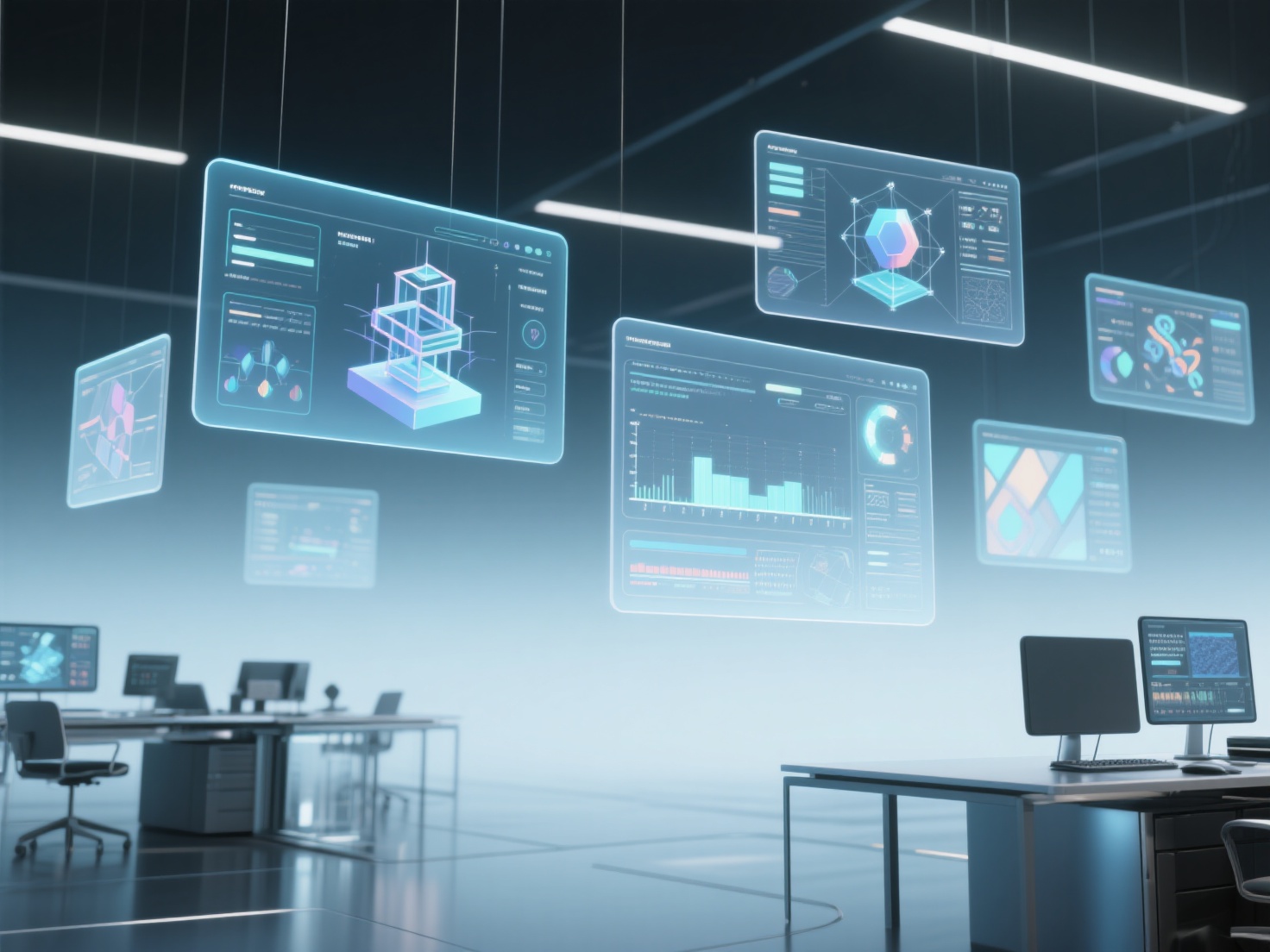
Professional VFX software refers to specialized digital applications used by artists and studios to create, manipulate, simulate, and composite computer-generated imagery (CGI) with live-action footage. These tools are engineered to handle massive datasets, complex node-based workflows, and render-heavy calculations, ensuring that digital assets look indistinguishable from reality on the silver screen.
The Top 10 VFX Software Tools in 2026
The following tools make up the backbone of modern VFX pipelines. While some are generalist 3D powerhouses, others are highly specialized for specific tasks like compositing, sculpting, or real-time rendering.
1. SideFX Houdini
Houdini reigns supreme as the industry standard for dynamic FX and complex simulations. Its entirely procedural, node-based architecture allows artists to build highly customizable and scalable effects.
- Key Strengths: Unrivaled particle systems, fluid dynamics, destruction physics, and procedural modeling.
- Typical Use Cases: Large-scale explosions, water simulations, massive crowd generation, and procedural city building.
- Learning Curve: Very steep. The procedural, math-heavy workflow requires a significant shift in mindset for traditional artists.
- Cost: Ranging from a free “Apprentice” version for students to $4,495/year for the full FX commercial license.
2. Foundry Nuke
If Houdini is the king of 3D simulation, Nuke is the undisputed king of 2D compositing. This node-based compositor is the final destination for almost every rendered pass in blockbuster cinema.
- Key Strengths: Extremely powerful node-based compositing, deep image compositing, 3D camera tracking, and robust color management.
- Typical Use Cases: Integrating CGI with live-action plates, green screen extraction (keying), rotoscoping, and final shot assembly.
- Learning Curve: Steep. It requires a deep understanding of color science, math, and node logic.
- Cost: Highly expensive; commercial licenses start around $3,500/quarter, though a non-commercial version is available.
3. Autodesk Maya
Maya has been the cornerstone of 3D animation and modeling for over two decades. Despite fierce competition, its robust toolset and deep pipeline integration keep it at the top of the food chain for character work.
- Key Strengths: Industry-leading rigging and animation tools, highly customizable via Python and MEL scripting.
- Typical Use Cases: Character modeling, facial rigging, keyframe animation, and general 3D layout.
- Learning Curve: Moderate to steep. The interface is dense, but the core principles of animation are universal.
- Cost: Around $1,875/year.
4. Blender
Blender has completely disrupted the VFX software market. As a free, open-source 3D creation suite, it has evolved from a hobbyist tool into a studio-ready powerhouse equipped with everything from modeling to compositing.
- Key Strengths: Incredibly versatile, built-in sculpting, powerful Geometry Nodes, and a hyper-active community creating cutting-edge add-ons.
- Typical Use Cases: Indie VFX, previs (pre-visualization), 3D modeling, and rapid concept art.
- Learning Curve: Moderate. The UI has improved drastically, making it accessible for beginners.
- Cost: 100% free and open source.
5. Adobe After Effects
While Nuke dominates high-end film compositing, After Effects is the undisputed champion of motion graphics and 2.5D visual effects for broadcast, commercial, and web content.
- Key Strengths: Layer-based workflow, unmatched motion graphics tools, seamless integration with Adobe Premiere Pro and Illustrator.
- Typical Use Cases: Title sequences, UI animations, 2D visual effects, and fast-turnaround commercial compositing.
- Learning Curve: Moderate. It is much easier to pick up than node-based compositors.
- Cost: Adobe Creative Cloud subscription (approx. $22.99/month).
6. Maxon Cinema 4D
Cinema 4D (C4D) is famous for its stability, intuitive interface, and unparalleled MoGraph toolset. It is the go-to 3D software for artists who need to bridge the gap between 3D and 2D design.
- Key Strengths: Industry-leading procedural motion graphics, highly intuitive UI, and tight integration with After Effects.
- Typical Use Cases: Broadcast design, 3D typography, abstract art, and commercial product rendering.
- Learning Curve: Easy to moderate. Widely considered one of the most user-friendly 3D packages.
- Cost: Around $719/year.
7. Maxon ZBrush
For digital sculpting, nothing touches ZBrush. It allows artists to manipulate millions of polygons as if they were molding digital clay, making it essential for high-fidelity character and creature design.
- Key Strengths: High-resolution digital sculpting, Dynamesh for topology-free conceptualizing, and intricate detailing.
- Typical Use Cases: Creature design, digital doubles, hard-surface detailing, and 3D printing prep.
- Learning Curve: Steep. The unique “2.5D” interface and navigation can frustrate first-time users.
- Cost: Around $359/year.
8. Adobe Substance 3D Painter
Substance Painter revolutionized how 3D assets are textured. By allowing artists to paint materials directly onto 3D models in real-time, it replaced tedious 2D UV mapping workflows across the industry.
- Key Strengths: Real-time Physically Based Rendering (PBR) viewport, smart materials, and non-destructive layer-based painting.
- Typical Use Cases: Texturing game assets, detailing film props, and generating weathering effects (rust, dirt, scratches).
- Learning Curve: Moderate. Anyone familiar with Photoshop will quickly grasp its layer system.
- Cost: Available via Adobe Substance 3D subscription (approx. $19.99/month).
9. Blackmagic DaVinci Resolve (Fusion)
Originally known purely for color grading, DaVinci Resolve now includes Fusion—a highly capable node-based compositor built right into the software. It has become a viable, cost-effective alternative to Nuke.
- Key Strengths: World-class color grading paired with powerful node-based compositing, fast GPU rendering.
- Typical Use Cases: End-to-end post-production, color correction, green screen keying, and multi-pass compositing.
- Learning Curve: Moderate to steep. Node-based compositing requires patience to learn.
- Cost: Free version available; Studio version is a one-time fee of $295.
10. Epic Games Unreal Engine
Originally a game engine, Unreal Engine has aggressively conquered the film industry. With the rise of Virtual Production (like The Mandalorian), Unreal allows filmmakers to shoot live-action footage against massive LED walls displaying real-time 3D environments.
- Key Strengths: Real-time rendering via Nanite and Lumen, incredibly powerful environment tools, and seamless virtual production integration.
- Typical Use Cases: In-camera VFX (ICVFX), previs, architectural visualization, and real-time animation.
- Learning Curve: Steep. Navigating a real-time engine differs significantly from traditional offline rendering software.
- Cost: Free for film and VFX use; royalties only apply to high-earning shipped games.
Actual Applications: Supercharging the Modern VFX Pipeline with AI
A modern VFX pipeline is a relay race. A model is created in Maya, detailed in ZBrush, textured in Substance Painter, blown up in Houdini, and seamlessly stitched into live-action footage in Nuke.
However, one of the biggest bottlenecks in this pipeline is the initial 3D asset generation. Manually modeling background props or secondary characters from concept art takes hours, if not days. This is where next-generation AI tools become a game-changer.
By utilizing Hitem3D, an AI-powered 3D model generator, studios and solo artists can instantly accelerate their workflows. Built on the highly precise Sparc3D and highly efficient Ultra3D models, Hitem3D transforms 2D images (single or multi-view) into production-ready 3D assets with clean, print-ready geometry and sharp edges.
For VFX artists, two features stand out:
- Invisible Parts Reconstruction: Unlike basic photogrammetry, Hitem3D intelligently reconstructs hidden and invisible structures beyond the visible surface, ensuring a complete geometric model.
- AI Texturing & De-Lighted Textures: Hitem3D generates 4K PBR-ready textures. More importantly, its De-Lighted processing intelligently removes baked-in lighting and shadows from the source image. This provides true relightable materials, ensuring the asset reacts perfectly to the dynamic lighting in Maya, Unreal Engine, or Blender.
Artists can easily export these highly detailed models (up to 2M polygons at 1536³ Pro resolution) in standard formats like GLB, OBJ, STL, FBX, and USDZ, effortlessly dropping them right into their preferred VFX software.
Best Practices for Choosing Your VFX Software
- Specialize First: Don’t try to learn all ten tools at once. If you love explosions, focus on Houdini. If you love compositing, learn Nuke. Once you land a job, you can expand your skillset.
- Master the Fundamentals: Software changes, but math, physics, color theory, and timing do not. A great animator in Blender will easily transition to Maya.
- Invest in Hardware: Professional VFX software demands powerful GPUs and ample RAM. Ensure your workstation can handle intensive tasks like real-time rendering and complex simulations.
- Adopt AI Wisely: Use tools like Hitem3D to handle the heavy lifting of repetitive asset generation so you can spend your time on high-level artistic detailing and storytelling. With a generous Free Retry system, you can iterate on asset generation without burning through your budget.
Conclusion & Next Steps
The landscape of professional VFX software 2026 is diverse and deeply integrated. From the procedural dominance of Houdini to the real-time revolution of Unreal Engine, the best VFX tools empower artists to create the impossible. By combining these traditional heavyweight programs with cutting-edge AI pipelines, creators can produce higher-quality work faster than ever before.
If you want to eliminate the bottleneck of 3D asset creation and focus purely on your art, animation, or compositing, it’s time to integrate AI into your workflow. Trusted by creators in over 50 countries, Hitem3D is your ultimate partner for high-fidelity 3D model generation.
Ready to supercharge your VFX pipeline with instant, relightable 3D assets?
Frequently Asked Questions (FAQ)
1. Houdini vs Nuke: Which one should I learn first?
Comparing Houdini vs Nuke is like comparing an engine builder to a painter. They serve entirely different purposes. Houdini is a 3D software used for creating complex procedural effects, simulations, and physics (fire, water, destruction). Nuke is a 2D compositing software used at the end of the pipeline to stitch rendered 3D elements and live-action footage together. If you love math and physics, learn Houdini. If you love photography, color, and piecing images together, learn Nuke.
2. What is the best VFX software for beginners?
Blender and After Effects are the best starting points. Blender is 100% free and teaches you all the core concepts of 3D modeling, lighting, and animation. After Effects is incredibly intuitive for 2D compositing and motion graphics, providing a gentler learning curve before tackling complex node-based software like Nuke.
3. Are AI tools replacing traditional VFX software?
No, AI is not replacing traditional VFX software; it is enhancing it. AI tools like Hitem3D act as powerful assistants, automating tedious tasks such as initial asset modeling, rotoscoping, or generating base textures. This allows artists to work faster within traditional software like Maya or Unreal Engine, focusing on creative direction rather than repetitive labor.