
Entering the world of 3D printing has never been more exciting. In the past, desktop 3D printing required extensive technical knowledge, endless tinkering, and a high tolerance for frustration. Today, the landscape has completely transformed. If you are searching for the best 3D printers for beginners, you will find machines that are practically plug-and-play straight out of the box.
Whether you want to print household tools, miniature figures, or custom prototypes, finding the best 3D printer 2026 has to offer is all about balancing ease of use, reliability, and budget. In this comprehensive buyer’s guide, we will break down the top beginner-friendly options, explain what features actually matter, and show you how to start creating your own models effortlessly using next-gen AI tools.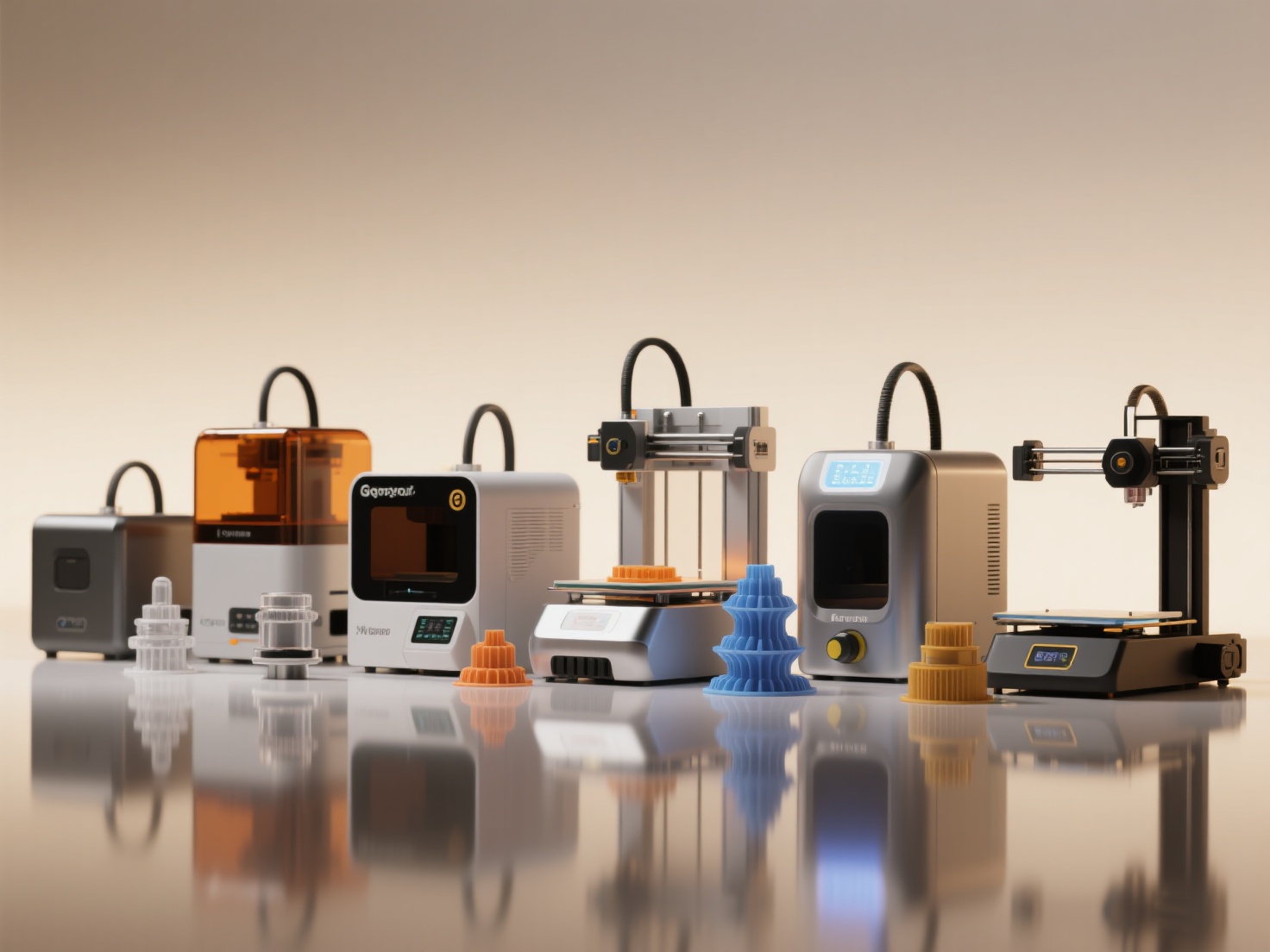
What is a Beginner 3D Printer?
A beginner 3D printer is a machine designed to prioritize user experience and reliability over complex manual tuning. It minimizes the learning curve by automating the most difficult parts of the printing process.
To earn the title of an excellent entry-level machine, it must feature automatic bed leveling, an intuitive touchscreen or app interface, easy filament or resin loading, and robust safety features. Furthermore, an affordable 3D printer for novices should come with strong community support and accessible customer service, ensuring you never feel stranded when starting your creative journey.
Quick Comparison: Top 10 Beginner 3D Printers
Before diving into the detailed reviews, here is a quick overview of our top picks for 2026 to help you find the right match for your needs and budget.
| Rank | 3D Printer Model | Type | Estimated Price | Best For |
|---|---|---|---|---|
| 1 | Bambu Lab A1 Mini | FDM | Under $300 | Overall best plug-and-play experience |
| 2 | Creality Ender-3 V3 | FDM | Under $300 | Best budget-friendly workhorse |
| 3 | Elegoo Neptune 4 Pro | FDM | Under $350 | Fast printing on a budget |
| 4 | Anycubic Kobra 2 Neo | FDM | Under $200 | Ultimate low-cost entry point |
| 5 | Prusa MINI+ | FDM | Under $450 | Long-term reliability and support |
| 6 | Flashforge Adventurer 5M | FDM | Under $400 | Best enclosed beginner FDM |
| 7 | Elegoo Mars 4 Ultra | Resin | Under $300 | Best beginner resin printer |
| 8 | Anycubic Photon Mono M5s | Resin | Under $400 | Auto-leveling resin printing |
| 9 | Phrozen Sonic Mini 8K S | Resin | Under $350 | Ultra-high detail miniatures |
| 10 | Bambu Lab P1S | FDM | Under $700 | Premium beginners wanting it all |
The 10 Best 3D Printers for Beginners in 2026
1. Bambu Lab A1 Mini
The Bambu Lab A1 Mini remains the undisputed king of beginner 3D printers. It removes almost all the hassle of traditional FDM printing with fully automated calibration, active vibration compensation, and flawless first layers.
- Key Specs: Build volume 180×180×180 mm, speeds up to 500 mm/s
- Pros: Effortless setup, flawless app integration, multi-color capable (with AMS Lite)
- Cons: Smaller build volume limits the size of single-piece prints
- Best For: Absolute beginners who want a machine that “just works”
2. Creality Ender-3 V3
Creality’s Ender series has long been the gateway to 3D printing. The V3 iteration polishes the rough edges of its predecessors, offering a CoreXZ motion system for incredible speed and auto-calibration straight out of the box.
- Key Specs: Build volume 220×220×250 mm, up to 600 mm/s
- Pros: Massive community support, easy to upgrade, highly affordable 3D printer
- Cons: Open-frame design can be noisy during high-speed movements
- Best For: Makers who want a modern, fast printer with unbeatable community knowledge
3. Elegoo Neptune 4 Pro
Elegoo brings premium features to the budget segment with the Neptune 4 Pro. It utilizes Klipper firmware natively, allowing beginners to experience high print speeds without complex setup.
- Key Specs: Build volume 225×225×265 mm, segmented heating bed
- Pros: Excellent value, high-speed Klipper firmware, strong print cooling
- Cons: Interface may feel overwhelming for total beginners
- Best For: Tech-savvy beginners maximizing speed and build volume
4. Anycubic Kobra 2 Neo
If you are on a strict budget but still want modern conveniences, the Kobra 2 Neo is a reliable entry point with easy assembly and automatic bed leveling.
- Key Specs: Build volume 220×220×250 mm, direct drive extruder
- Pros: Extremely affordable, easy to assemble, reliable extrusion
- Cons: No touchscreen, slower than high-end competitors
- Best For: Students and hobbyists entering 3D printing at the lowest cost
5. Prusa MINI+
Prusa is known for reliability, and the MINI+ delivers consistent print quality, excellent documentation, and industry-leading support.
- Key Specs: Build volume 180×180×180 mm, SuperPINDA bed leveling probe
- Pros: Bulletproof reliability, fantastic support, high resale value
- Cons: Older design, slower than newer Klipper-based printers
- Best For: Users prioritizing long-term reliability over raw speed
6. Flashforge Adventurer 5M
For beginners printing in cooler rooms or households with children, an enclosed printer like the Adventurer 5M is ideal.
- Key Specs: Build volume 220×220×220 mm, fully enclosed chassis
- Pros: Safe for homes with pets and kids, quiet operation, quick-swap nozzles
- Cons: Proprietary parts limit third-party repairs
- Best For: Families and educators needing a safe and tidy printer
7. Elegoo Mars 4 Ultra (Resin)
If your goal is printing highly detailed tabletop miniatures or jewelry, a resin printer is essential. The Mars 4 Ultra offers stunning 9K resolution with a beginner-friendly interface.
- Key Specs: 9K monochrome LCD, build volume 153×77×165 mm
- Pros: Exceptional detail, built-in Wi-Fi, solid metal construction
- Cons: Resin handling is messy and requires safety precautions
- Best For: Miniature painters and tabletop gamers
8. Anycubic Photon Mono M5s (Resin)
The Photon Mono M5s solves resin printing’s biggest pain point with true auto-leveling, making it far more accessible to beginners.
- Key Specs: 12K resolution, build volume 200×123×200 mm
- Pros: Auto-leveling, ultra-high resolution, print failure detection
- Cons: Resin and FEP consumables can become costly
- Best For: Beginners wanting resin detail without manual leveling
9. Phrozen Sonic Mini 8K S (Resin)
An affordable gateway into professional-grade resin printing, favored by sculptors and jewelry designers.
- Key Specs: 8K resolution, 22 µm XY accuracy
- Pros: Professional-level detail, uniform light engine
- Cons: Basic UI, manual leveling required
- Best For: Artists where every micron of detail matters
10. Bambu Lab P1S
For beginners willing to stretch their budget, the P1S is a fully enclosed, high-speed powerhouse that requires virtually zero tinkering.
- Key Specs: Build volume 256×256×256 mm, CoreXY, enclosed
- Pros: Exceptional print quality, advanced material support, polished ecosystem
- Cons: High upfront cost, can be loud during operation
- Best For: “Buy once, cry once” buyers
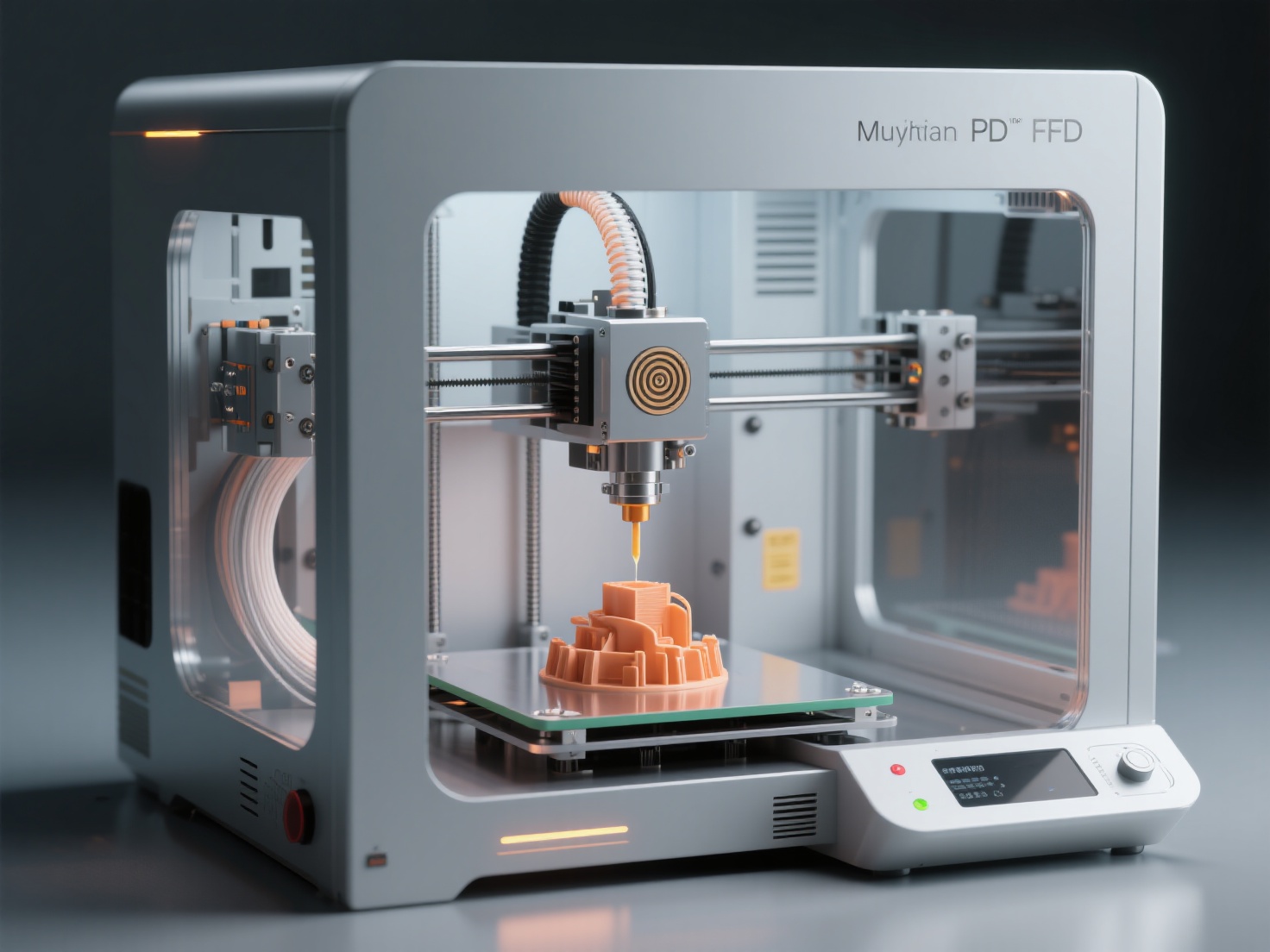
What Can You Create With Your First 3D Printer?
Owning a beginner 3D printer unlocks a wide range of creative possibilities:
- Household Solutions: Custom brackets, replacement parts, cable organizers
- Tabletop Miniatures & Terrain: Characters and scenery for D&D or Warhammer
- Cosplay & Props: Large, lightweight armor pieces and helmets
- Educational Models: Topographical maps, biological structures, mechanical gears
Best Practices: Tips for 3D Printing Beginners
To ensure a smooth start, keep these best practices in mind:
- Start with PLA Filament: Easy, cheap, and environmentally friendly
- Nail the First Layer: Clean the bed and ensure proper adhesion
- Safety First with Resin: Wear gloves and ensure good ventilation
- Don’t Let CAD Hold You Back: Use pre-made models or AI tools
Overcoming the CAD Barrier with AI
If you want to print custom designs without learning complex CAD software, Hitem3D is the ideal solution. Powered by the Sparc3D model, it converts 2D images or multi-view photos into production-ready 3D models.
Advanced features like Invisible Parts technology, Multi-Color Model Segmentation, and one-click export to Bambu Studio and OrcaSlicer allow beginners to go from idea to physical object in seconds. The Free Retry system lets you regenerate models until they are perfect.
Conclusion: Start Your 2026 3D Printing Journey
Choosing the best 3D printer 2026 has to offer comes down to understanding your goals. If you want hassle-free printing and multi-color options, the Bambu Lab A1 Mini is a stellar choice. If you need an affordable 3D printer for highly detailed miniatures, the Elegoo Mars 4 Ultra will not disappoint.
The hardware has never been easier to use, and thanks to modern AI tools, creating the digital models you want to print is no longer a barrier. You no longer need a degree in 3D design to bring your ideas to life. Pair your new best 3D printers for beginners with the right software, and you will be turning digital dreams into physical reality on day one.
Ready to print your own custom designs without learning CAD? Create For Free ->
https://www.hitem3d.ai/create
Frequently Asked Questions (FAQ)
1. Should a beginner choose an FDM or Resin 3D printer?
FDM (filament) printers are generally better for absolute beginners. They are cleaner, safer, and use inexpensive spools of plastic to print structural parts and medium-sized toys. Resin printers are messier and require chemical post-processing, but they are absolutely necessary if your goal is to print tiny, ultra-high detail miniatures.
2. Is 3D printing an expensive hobby?
Not anymore. You can buy an excellent entry-level 3D printer for under $250. Consumables like PLA filament cost around $15 to $20 per kilogram, which can yield dozens of moderately sized prints, making the ongoing costs quite low.
3. Do I need to learn complex 3D modeling software to use a 3D printer?
No. You can download millions of pre-made models from sites like Thingiverse or MakerWorld. If you want custom designs without learning CAD, you can use AI platforms like Hitem3D to convert standard 2D images directly into highly accurate, print-ready 3D models.