
You’ve decided to dive into the exciting world of digital manufacturing, but almost immediately, you face the biggest crossroad in the hobby: resin vs filament 3D printing. The market is flooded with incredible machines, making the initial choice feel overwhelming.
Whether your goal is to mass-produce highly detailed tabletop miniatures, prototype robust functional parts, or build full-scale cosplay armor, choosing the right underlying technology is crucial to your success. In this comprehensive guide, we will break down the exact differences between a resin printer vs filament printer, compare their pros and cons, and help you confidently decide which 3D printer to buy.
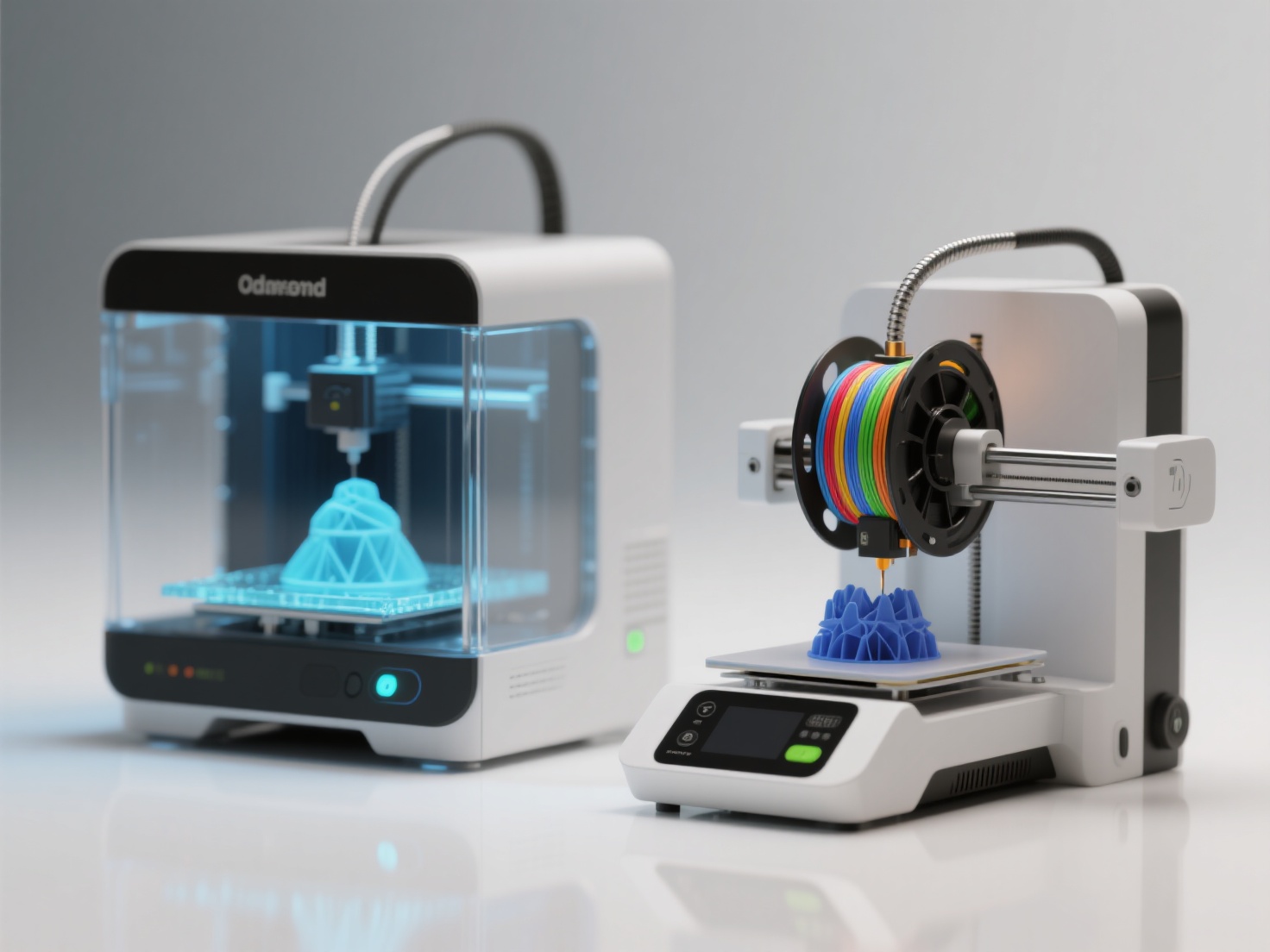
What is Resin and Filament 3D Printing?
To make the best choice, we first need to understand how these two dominant technologies turn digital files into physical objects.
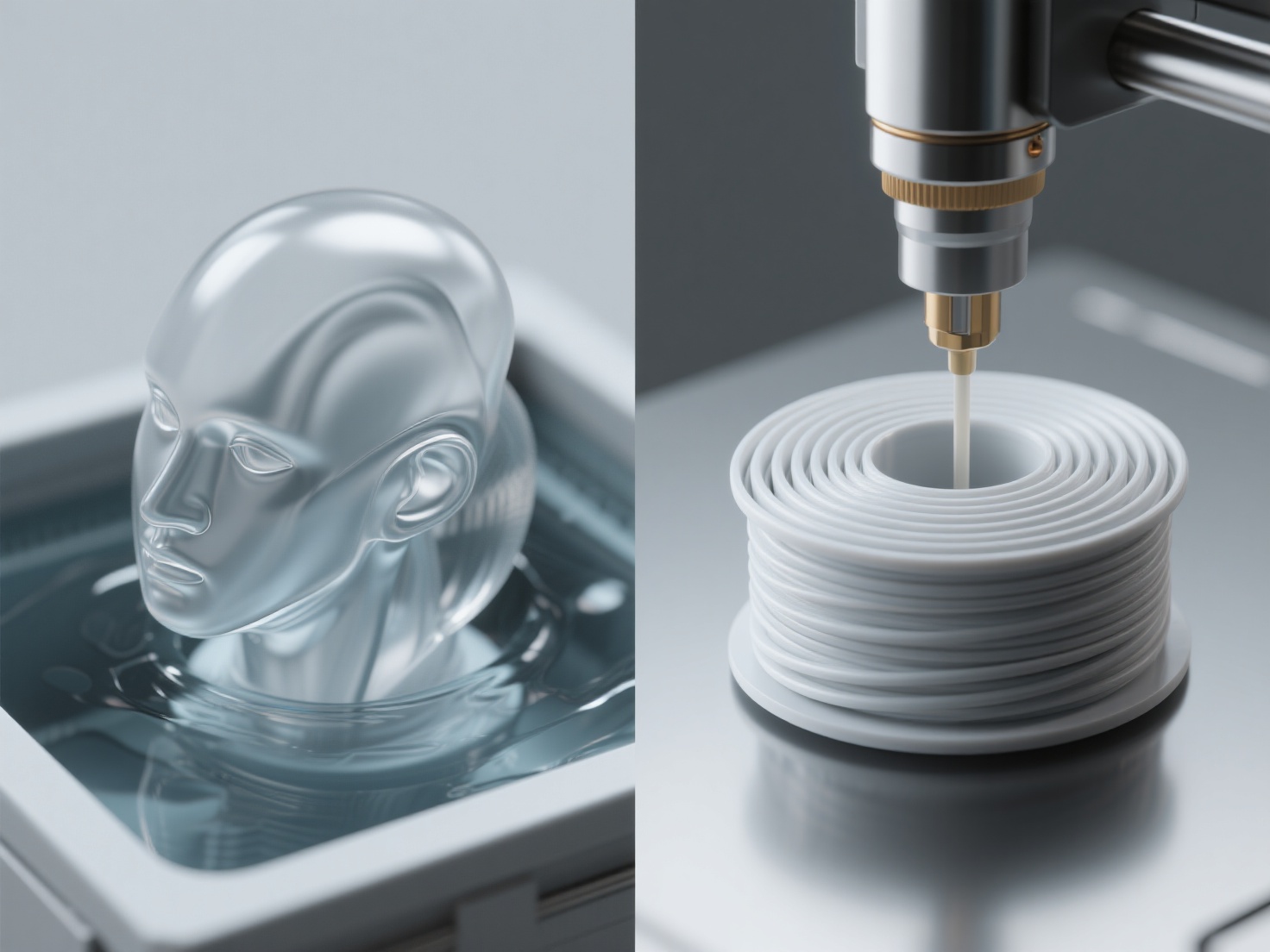
Filament 3D printing (FDM/FFF) is a process that creates objects by melting a continuous thread of solid plastic and extruding it layer by layer through a heated nozzle.
Resin 3D printing (SLA/MSLA/DLP) is a process that creates objects by using a precise UV light source to cure and harden liquid photopolymer resin layer by layer.
While both methods build parts one slice at a time, their approaches to material handling and curing create vastly different results, workflows, and safety requirements.
SLA vs FDM: A Complete Multi-Dimensional Comparison
To decide which ecosystem fits your workflow, let’s compare SLA vs FDM across the most important factors for beginners and professionals alike.
1. Print Quality and Detail
When it comes to fine detail, resin is the undisputed champion. Because resin printers use high-resolution LCD screens or lasers to cure the liquid, they can achieve microscopic layer heights (often down to 10–50 microns). This results in incredibly smooth surfaces where layer lines are virtually invisible to the naked eye.
Filament printers, constrained by the physical size of the brass nozzle (typically 0.4 mm), struggle with ultra-fine details. While modern FDM printers produce excellent results, you will almost always see visible layer lines, especially on curved surfaces.
2. Material Cost and Variety
Filament printing offers an incredible variety of materials at a low cost. Standard PLA is cheap, beginner-friendly, and biodegradable. You can easily upgrade to ABS or PETG for heat resistance, TPU for flexible parts, or even carbon-fiber-infused filaments for extreme strength.
Resin materials are generally more expensive per kilogram. While you can buy standard, “tough,” or “water-washable” resins, the material properties are often more brittle than their FDM counterparts. Furthermore, resin degrades under prolonged UV exposure (like sunlight) if not properly painted or sealed.
3. Printer Cost and Build Volume
If you are looking for massive build volumes to print helmets, large architectural models, or mechanical parts, FDM is the way to go. Large-format filament printers are relatively affordable because scaling up the frame and motors is cheap.
Entry-level resin printers are highly affordable today, often matching the price of beginner FDM machines. However, scaling up a resin printer requires a larger, highly expensive UV LCD screen. Therefore, large-format resin printers cost significantly more than FDM printers of the same size.
4. Ease of Use, Safety, and Post-Processing
This is where the user experience drastically diverges.
Filament (FDM) is largely plug-and-play. Once the print finishes, you wait for the bed to cool, pop the plastic part off, remove any support structures, and you are done. The plastic is safe to handle immediately.
Resin (SLA) requires a dedicated workspace and strict safety protocols. Uncured liquid resin is toxic. You must wear nitrile gloves, a respirator, and safety glasses. After printing, the sticky model must be washed in Isopropyl Alcohol (IPA) to remove excess resin, dried, and then placed in a UV curing station to finalize the hardening process.
5. Print Speed and Noise
Modern FDM printers have become incredibly fast, zipping around the build plate at high speeds. However, they must draw every single line of a model. FDM printers also generate noticeable noise from stepper motors and cooling fans.
Resin printers (specifically MSLA) cure an entire layer simultaneously. Printing one miniature takes the exact same amount of time as printing ten miniatures on the same build plate. Furthermore, resin printers are incredibly quiet, with the only noise coming from the Z-axis motor and a small cooling fan.
Decision Matrix Table
| Feature | Filament (FDM) | Resin (SLA/MSLA) |
|---|---|---|
| Best For | Functional parts, large props | Miniatures, jewelry, high detail |
| Print Quality | Good (visible layer lines) | Exceptional (smooth, ultra-detailed) |
| Material Cost | Low (15–25 per kg) | Moderate to High (25–50+ per kg) |
| Build Volume | Large and scalable | Generally smaller |
| Post-Processing | Minimal (remove supports) | Messy (IPA wash, UV cure required) |
| Safety/Toxicity | Safe (ventilation recommended) | Toxic fumes/liquid (PPE required) |
Applications: Choose Resin vs Filament 3D Printing
Still unsure which 3D printer to buy? Your decision should ultimately be dictated by what you want to make.
Choose a Resin Printer If:
- You want to print tabletop gaming miniatures (D&D, Warhammer).
- You are creating highly detailed artistic sculpts or busts.
- You need to print castable wax models for custom jewelry making.
- You are producing precise dental models or small engineering prototypes requiring tight tolerances.
Choose a Filament Printer If:
- You are printing full-scale cosplay props, helmets, or armor.
- You need to create functional household fixes, brackets, or tools.
- You want an educational, kid-friendly machine for STEM projects.
- You want to utilize multi-color 3D printing systems.
Best Practices for Your 3D Printing Journey
Regardless of whether you choose resin vs filament 3D printing, success requires good habits. Always ensure proper ventilation in your printing room. Calibrate your machine regularly, focusing heavily on a perfectly leveled build plate, which is the foundation of any successful print.
Most importantly, a 3D printer is only as good as the 3D models you feed it. Sourcing high-quality, print-ready geometry is often the biggest bottleneck for creators. Modeling complex geometry from scratch takes years to master, and finding the perfect free model online is often a frustrating experience.
This is where integrating Artificial Intelligence into your workflow changes the game completely.
Conclusion: Which 3D Printer to Buy?
The debate of resin vs filament 3D printing has no single winner. If you prioritize safety, large build volumes, and functional materials, FDM is your perfect match. If you demand microscopic detail and don’t mind the messy post-processing, resin is the clear choice.
However, hardware is only half the battle. Once your new printer arrives, you need incredible 3D models to print.
Hitem3D is the ultimate AI-powered 3D model generator designed specifically to fuel both resin and FDM workflows.
Powered by in-house Sparc3D (high precision) and Ultra3D (high efficiency) models, Hitem3D allows you to simply upload a 2D image and generate production-ready 3D models in minutes.
For Resin Users: Utilize the 3D Relief feature to generate beautifully layered depth transitions for physical art, or rely on Invisible Parts technology that reconstructs hidden structures beyond the visible surface—ensuring your miniatures have fully realized, printable geometry with razor-sharp edges.
For FDM Users: Use Multi-Color Model Segmentation to instantly create clean color regions for multi-color FDM printing, with one-click direct send to Bambu Studio and OrcaSlicer.
Trusted by creators in 50+ countries, Hitem3D exports directly to GLB, OBJ, STL, FBX, and USDZ formats, supporting up to 1536³ Pro resolution (2M polygons). With the Free Retry system, you can regenerate results without wasting credits until your model is perfect.
Frequently Asked Questions (FAQ)
1. Can I use the same 3D models for both resin and filament printers?
Yes. Both technologies generally accept standard STL or OBJ files. However, you will need to slice the model differently, as resin and filament printers require very different support structures. Tools like Hitem3D generate universally compatible, print-ready geometry that works for both.
2. Are resin fumes really dangerous?
Yes. Liquid photopolymer resins emit Volatile Organic Compounds (VOCs) that can be harmful if inhaled over time, and the liquid itself is a skin irritant. Always use a resin printer in a well-ventilated room, wear a VOC-rated respirator mask, and use nitrile gloves when handling uncured prints.
3. Which is cheaper to run long-term, SLA or FDM?
FDM is significantly cheaper to run long-term. Beyond the lower cost of PLA filament compared to liquid resin, SLA printing has hidden recurring costs such as IPA, paper towels, nitrile gloves, and replacement FEP films. FDM typically only requires occasional nozzle replacements.
4. Can FDM printers do multi-color printing?
Yes. Modern FDM systems (such as multi-spool systems) allow seamless multi-color printing by automatically switching filaments during a print. Resin printers are currently limited to single-color vats per print.