
As we look toward the future of interactive entertainment in 2026, the tools and technologies available to game design students and indie developers are more advanced than ever. However, beneath the stunning visuals and immersive worlds, the true heartbeat of any successful title remains its game mechanics. Whether you are building a cozy farming simulator or a fast-paced action roguelike, understanding the foundational game design mechanics is what separates a forgettable prototype from a highly engaging masterpiece.
Many indie developers struggle with player retention, often because they focus too heavily on aesthetics before solidifying the core gameplay loop. By mastering the different types of game mechanics and studying real-world game mechanics examples, you can create experiences that captivate players for hours. In this comprehensive guide, we will break down everything you need to know about designing, balancing, and prototyping game mechanics effectively.
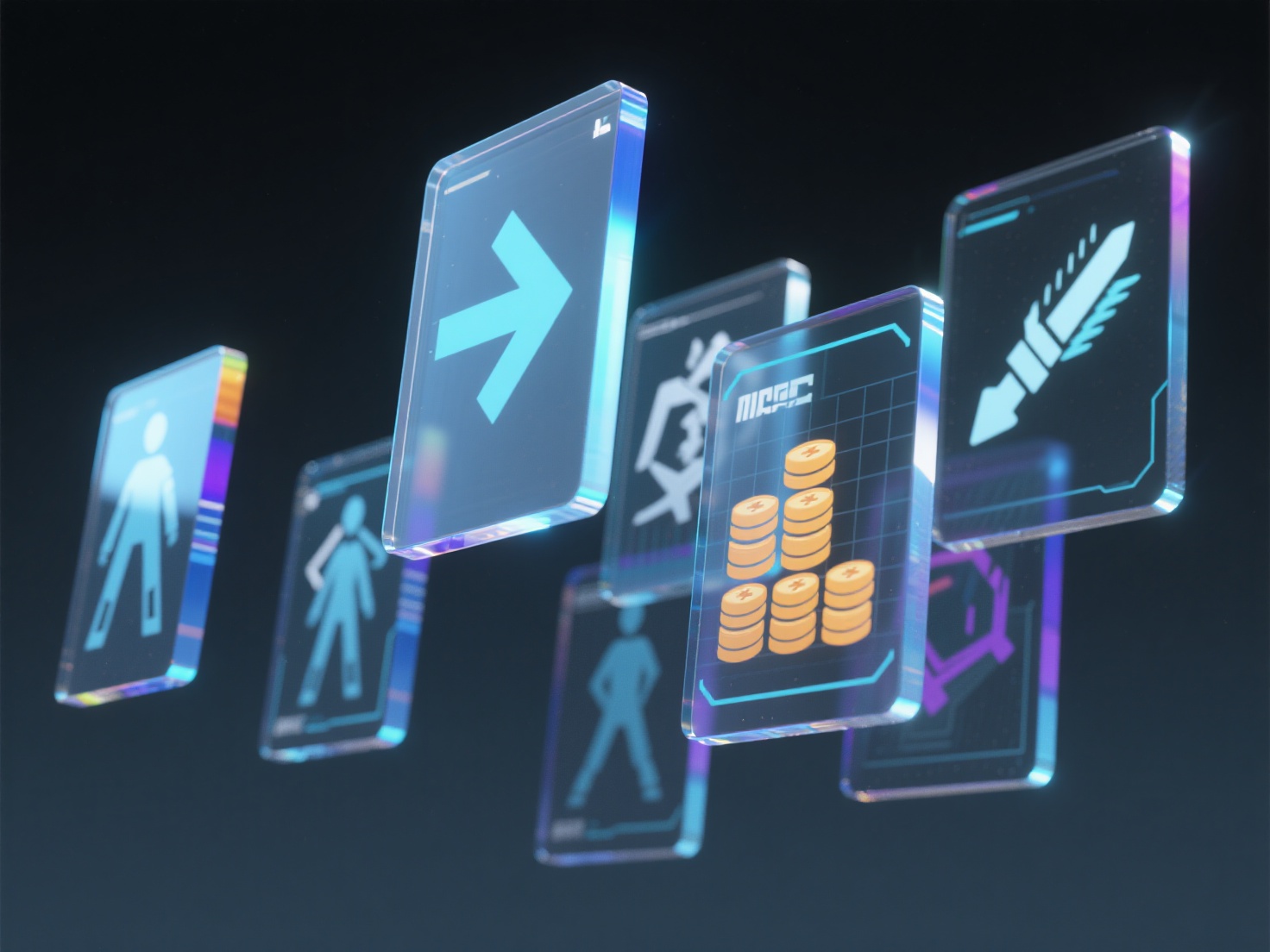
What Are Game Mechanics?
Game mechanics are the foundational rules, systems, and interactive elements that govern how a player interacts with a game world and how that game responds to their actions.
To truly understand game design, it is crucial to distinguish mechanics from two closely related concepts: Rules and Dynamics.
- Rules are the strict boundaries and constraints of the game (e.g., “The player has three lives,” or “The timer is set to 60 seconds”).
- Mechanics are the verbs—the actions the player can take within those rules (e.g., jumping, shooting, crafting, trading).
- Dynamics are the emergent behaviors that arise when players use mechanics within the rules (e.g., a player using the jumping and shooting mechanics simultaneously to discover a “rocket jump” strategy).
By designing strong mechanics, you pave the way for exciting and unpredictable player dynamics.
Main Types of Game Mechanics
To build a compelling game, developers usually combine several different types of game mechanics to create a unified experience. We can categorize these into four main pillars.
1. Core Mechanics
These are the moment-to-moment actions that players engage with constantly. They form the primary “gameplay loop.”
- Movement & Traversal: How the character navigates the world (e.g., running, dashing, climbing, flying). Fluid movement is often the most critical factor in how “good” a game feels.
- Combat & Action: Systems dictating how players fight enemies, including hitboxes, damage calculations, dodging, and parrying.
- Resource Management: The allocation of limited commodities like health, stamina, ammunition, or in-game currency. This forces players to make strategic decisions.
2. Progression Mechanics
These mechanics give players a sense of growth, purpose, and long-term motivation.
- Leveling Systems: Gaining Experience Points (XP) to increase base stats or unlock new abilities.
- Skill Trees: Branching paths that allow players to customize their playstyle by unlocking specific talents.
- Unlocks & Upgrades: Earning new gear, better weapons, or access to previously locked areas of the map (often seen in Metroidvanias).
3. Social Mechanics
For multiplayer or community-driven games, these mechanics dictate how players interact with one another.
- Co-op and PvP: Systems that allow players to team up to defeat AI enemies or compete against each other.
- Trading Systems: Player economies where items and resources can be bartered or sold in an auction house.
- Guilds & Alliances: Mechanics that encourage long-term team formation, shared goals, and community building.
4. Meta-Mechanics
Meta-mechanics operate outside the immediate gameplay loop but drastically affect the overall experience.
- Save & Checkpoint Systems: How and when a player’s progress is recorded. A punishing save system can create high tension, while generous auto-saves encourage experimentation.
- The Metagame (Meta): Out-of-game strategies, tier lists, and optimal builds created by the community.
- New Game+: Mechanics that allow players to restart the game with their acquired progression, usually against harder challenges.
Iconic Game Mechanics Examples in Action
To better visualize how these concepts come together, let’s look at some standout game mechanics examples from successful titles:
- Movement in Celeste: This critically acclaimed indie game relies on a brilliant core movement mechanic—the mid-air dash. The dash resets only when the player touches the ground or specific objects. This simple mechanic, combined with incredible level design, creates a challenging yet deeply satisfying traversal dynamic.
- Progression in Hades: Supergiant Games masterfully blended roguelike combat with persistent progression mechanics. Even when players die, they collect resources (like Darkness or Gems) that unlock permanent upgrades in the hub world. This turns the frustration of death into a rewarding step forward.
- Resource Management in Stardew Valley: Players must carefully manage two main resources: Time (the day/night cycle) and Energy. Every action, from watering crops to mining, depletes energy, forcing the player to plan their days strategically.
- Social Mechanics in World of Warcraft: The Auction House acts as a massive, player-driven trading mechanic, dictating server economies and encouraging players to gather resources specifically for profit.
Best Practices for Designing Game Mechanics in 2026
Designing mechanics on paper is easy; making them feel good in the hands of a player is the real challenge. Here are the best practices for modern indie developers:
Focus on the “Core Loop” First
Before adding complex skill trees or intricate social systems, ensure your core mechanics are fun. If moving and jumping feel clunky, no amount of leveling up will save the game. Identify your primary verb (e.g., shooting, sneaking, jumping) and polish it until it feels perfectly responsive.
Prototype Early and Often
Never wait until your game looks beautiful to start testing its mechanics. Use placeholder assets to quickly build a playable prototype. This allows you to test the “fun factor” without sinking hundreds of hours into 3D modeling.
Pro-Tip for 2026: Generating high-quality placeholder assets is no longer a bottleneck. Developers are increasingly turning to AI tools to instantly generate 3D models from concept art, allowing them to visualize mechanics in a fully realized 3D space much earlier in development.
Balance Through Iterative Playtesting
You cannot balance your game in a vacuum. What feels easy to the developer might be impossible for a new player. Conduct blind playtests. Watch how players interact with your game design mechanics without guiding them. Adjust damage values, jump heights, and cooldowns iteratively based on this feedback.
Keep it Simple, Then Expand
Follow the philosophy of “easy to learn, hard to master.” Introduce mechanics one at a time. Once the player understands a basic mechanic, add a layer of complexity or combine it with a new rule to test their mastery.
Conclusion: Bringing Your Game Design Mechanics to Life
Mastering game mechanics is an ongoing journey of psychology, mathematics, and creative design. By understanding the core types of game mechanics—from moment-to-moment action to long-term progression—and studying successful game mechanics examples, you can lay the foundation for a truly unforgettable game. Remember, your goal is to create systems that invite players to experiment, learn, and eventually master the world you have built.
Of course, testing these mechanics requires assets. In the past, indie developers had to rely on simple grey-box shapes to prototype their ideas, making it hard to judge things like hitboxes, character scale, and visual feedback. Today, the workflow is revolutionized by AI.
If you are looking to rapidly prototype your game mechanics with high-quality 3D assets, Hitem3D is the ultimate solution. As a next-generation AI-powered 3D model generator, Hitem3D allows developers to upload a simple 2D sketch or concept image and instantly generate production-ready 3D models.
Powered by the in-house Sparc3D (high precision) and Ultra3D (high efficiency) AI models, Hitem3D offers massive advantages for game development workflows:
- Invisible Parts Reconstruction: It intelligently reconstructs hidden geometries, giving you a complete, fully enclosed model ready for the game engine.
- De-Lighted Textures: Hitem3D generates 4K PBR-ready textures while automatically removing baked-in lighting. This means your assets will react perfectly to dynamic lighting in Unity or Unreal Engine.
- Engine-Ready Formats: One-click exports to FBX, OBJ, and GLB make importing assets into your project seamless.
- Free Retry System: Iterate on your designs without burning through additional credits.
Don’t let asset creation slow down your gameplay testing. Prototype faster, iterate smarter, and bring your game design mechanics to life today.
Create For Free -> https://www.hitem3d.ai/create
Frequently Asked Questions (FAQ)
1. What is the difference between game mechanics and game design?
Game design is the overarching discipline of creating a game, encompassing story, level design, audio, art, and user experience. Game mechanics are a specific subset of game design; they are the interactive rules and systems that make the game playable.
2. How many mechanics should a game have?
There is no set number, but fewer is often better. Games like Tetris rely on just a few tightly designed mechanics. It is better to have three perfectly polished mechanics than twenty clunky ones. Focus on a strong core loop before adding meta-mechanics.
3. How can I test my game mechanics without 3D modeling skills?
You can start by using primitive shapes (cubes and capsules) in engines like Unity or Godot. For a better feel of scale and hitboxes, you can use AI tools like Hitem3D to quickly convert 2D concept art into fully textured, engine-ready 3D models (FBX/OBJ), allowing you to test mechanics with real visual context in minutes.