
The traditional classroom is undergoing a massive transformation. Gone are the days when learning was strictly confined to 2D textbooks and passive lectures. Today, educators are embracing active, hands-on learning, and 3D printing education is becoming an increasingly important tool in education. By turning abstract concepts into physical objects, 3D printing bridges the gap between digital imagination and real-world engineering.
However, for many school administrators and educators, introducing this technology can feel daunting. How do you integrate it into the curriculum? Do students need complex engineering skills to participate? In this comprehensive guide, we will explore the profound impact of 3D printing in classroom environments, showcase practical use cases across various subjects, and reveal how next-generation AI tools are removing the technical barriers for both teachers and students.
What is 3D Printing in Education?
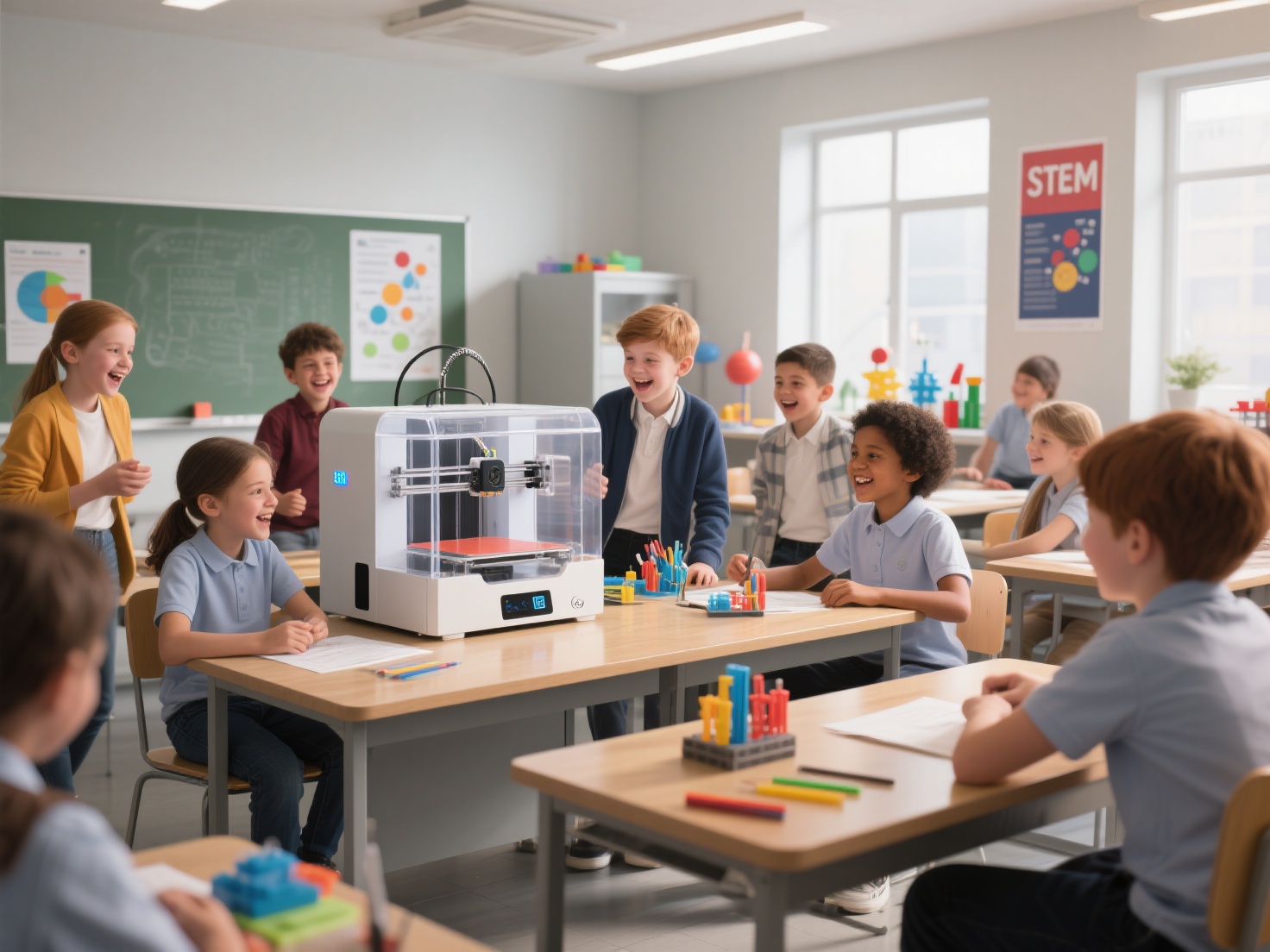
In an educational context, 3D printing is a hands-on learning tool that transforms digital designs into physical, tangible objects layer by layer. It empowers students to become inventors and problem-solvers, allowing them to rapidly prototype ideas, visualize complex spatial concepts, and engage in project-based learning across STEM (Science, Technology, Engineering, and Mathematics) and the humanities.
Why Bring 3D Printing into the Classroom?
Integrating 3D printers into schools is about much more than just teaching students how to use a new piece of hardware. The core benefits revolve around cognitive development and modern skill-building.
Fosters Hands-On STEM Learning: STEM 3D printing allows students to see the immediate physical results of their mathematical equations and physics theories.
Improves Spatial Reasoning: Translating a 2D drawing into a 3D model forces the brain to understand volume, geometry, and spatial relationships—crucial skills for future engineers and architects.
Encourages Iterative Problem-Solving: Students learn that failure is just a step in the design process. If a printed part doesn’t fit, they analyze the issue, tweak the design, and print again.
Boosts Engagement: Students are naturally captivated by the magic of a machine building an object from scratch. This excitement translates into higher attention spans and deeper interest in the subject matter.
Transformative Applications Across Subjects
While it is easy to assume that 3D printers belong strictly in the robotics lab, 3D printing for teachers is highly versatile. Educators across all disciplines are finding creative ways to bring their subjects to life.
| Subject Area | Application Example | Learning Outcome |
|---|---|---|
| Science & Biology | Printing DNA helices, human organs, or molecular structures | Helps students visualize complex, microscopic, or internal biological systems |
| Geography | Creating 3D topographic maps of mountain ranges or ocean floors | Provides a tactile understanding of elevation, terrain, and geographical features |
| History | Replicating ancient artifacts, fossils, or architectural ruins (e.g., the Colosseum) | Allows students to hold and examine fragile historical items without leaving the classroom |
| Mathematics | Printing complex geometric shapes, fractions, or parabolas | Turns abstract mathematical concepts into physical manipulatives for easier comprehension |
| Art & Design | Sculpting bas-relief artwork, custom jewelry, or mixed-media projects | Blends technology with traditional creativity, expanding the limits of artistic expression |
Engaging Student Project Ideas for STEM 3D Printing
If you are looking for practical ways to kickstart your 3D printing education program, here are a few proven student projects tailored for K-12 and higher education:
1. The Bridge Building Challenge
Assign students into teams to design a bridge that spans a specific gap. They must calculate the load-bearing requirements, print their designs, and test them by adding weights until the bridge breaks. This is a classic, thrilling physics and engineering lesson.
2. Custom Board Game Design
Have students invent their own educational board game. They must write the rules, design the board, and 3D print their own custom player tokens and dice. This integrates creative writing, logic, and design thinking.
3. Assistive Devices for the Community
High school students can partner with local communities to design simple assistive devices, such as custom pen grips for individuals with arthritis or braille blocks for visually impaired learners. This teaches empathy alongside engineering.
Best Practices for Integrating 3D Printing Education
Bringing hardware into a school requires careful planning. Follow these best practices to ensure a smooth, productive, and safe experience for everyone.
Choose the Right Hardware for Schools
When selecting a 3D printer for a classroom, prioritize safety and reliability over extreme build volumes. Look for enclosed printers with HEPA filters to protect students from hot moving parts and filament fumes. Printers that offer auto-bed leveling and reliable extrusion will save teachers countless hours of troubleshooting.
Tie Projects to Core Curriculum Standards
Do not treat the 3D printer as a toy for free time. Ensure every print project is directly tied to your state or national learning standards. Whether it is demonstrating the water cycle or understanding fractions, the printer should serve as a tool to achieve existing educational goals.
Overcoming the CAD Software Barrier (The AI Solution)
Historically, the biggest bottleneck in 3D printing for teachers has been the software. Traditional CAD (Computer-Aided Design) programs take dozens of hours to learn, frustrating students who just want to bring their ideas to life. This is where artificial intelligence is changing the game.
Instead of spending weeks teaching complex software, educators can leverage next-generation tools to accelerate the creation process. For instance, Hitem3D is an AI-powered 3D model generator that completely removes the steep learning curve of traditional 3D modeling.
With Hitem3D, a middle school student can simply draw a monster, a historical artifact, or a geometric shape on a piece of paper, take a photo, and upload it to the platform. Hitem3D’s Image to 3D technology instantly transforms that 2D image into a production-ready 3D model.
- Perfect for Classrooms: Powered by the in-house Sparc3D (high precision) and Ultra3D (high efficiency) models, it reconstructs hidden structures seamlessly.
- Print-Ready Geometry: Outputs clean models with sharp edges in standard formats like STL and OBJ.
- Seamless Workflow: One-click direct send to Bambu Studio and OrcaSlicer eliminates tedious file conversion steps.
- Multi-Color Segmentation: Automatically separates models into clean color regions for multi-color printing.
Empower Your Students with Next-Gen 3D Tools
The integration of 3D printing in classroom settings is no longer a futuristic concept—it is a present-day reality shaping the inventors of tomorrow. By providing hands-on learning experiences, educators can demystify complex subjects, foster creativity, and build critical problem-solving skills.
While the hardware has become more accessible, the software has historically lagged behind for young learners. By incorporating AI-driven platforms into your curriculum, you can bypass the frustration of complex CAD training and focus entirely on creativity and learning. Hitem3D empowers your students to turn a simple sketch or a single photo into a high-fidelity, print-ready 3D model in minutes. Its robust features, including 3D Relief generation and a Free Retry system, ensure students can experiment without fear of running out of credits or facing technical walls.
![Detailed 3D printed anatomical heart model illustrating hands-on STEM education.png]/images/pasted-323.png)
Frequently Asked Questions (FAQ)
1. Is 3D printing safe for elementary school students?
Yes, provided the right precautions are taken. For elementary classrooms, it is highly recommended to use enclosed 3D printers to prevent little hands from touching the hot nozzle or heated bed. Additionally, use non-toxic PLA (Polylactic Acid) filament, which is made from plant-based materials like cornstarch, rather than ABS, which can emit harmful fumes.
2. Do teachers need to know CAD to teach 3D printing?
Not anymore. While basic knowledge of CAD is helpful, it is no longer a strict requirement. With AI platforms like Hitem3D, teachers and students can generate 3D models directly from 2D images, photos, or text prompts, completely bypassing complex 3D modeling software.
3. What are the best materials for classroom 3D printing?
PLA is the gold standard for 3D printing education. It is cheap, easy to print, does not require a heated enclosure, and is environmentally friendly. PETG is another good option if students are printing parts that require more durability or flexibility, such as robotic components.
4. How can a teacher manage printing time for a class of 30 students?
Time management is the biggest challenge in classroom 3D printing. Teachers should group students into teams so fewer parts need to be printed. Additionally, keep student designs small (under 2 inches) to ensure fast print times. Efficient slicer settings—like lower infill density and thicker layer heights—can also drastically reduce print times.